
I've always hyperlinked words rather than just paste URL's in emails. Now with #MicrosoftSway you can get a visual link which is a pretty looking preview with a link to the Sway. Simply copy the link and paste in an... Continue Reading →

Found a great blog by #Microsoft this week on the web parts in SharePoint Online, which I've taken and added images as examples. This really helps if you're new to #SharePoint Online and you're not quite sure what web part... Continue Reading →
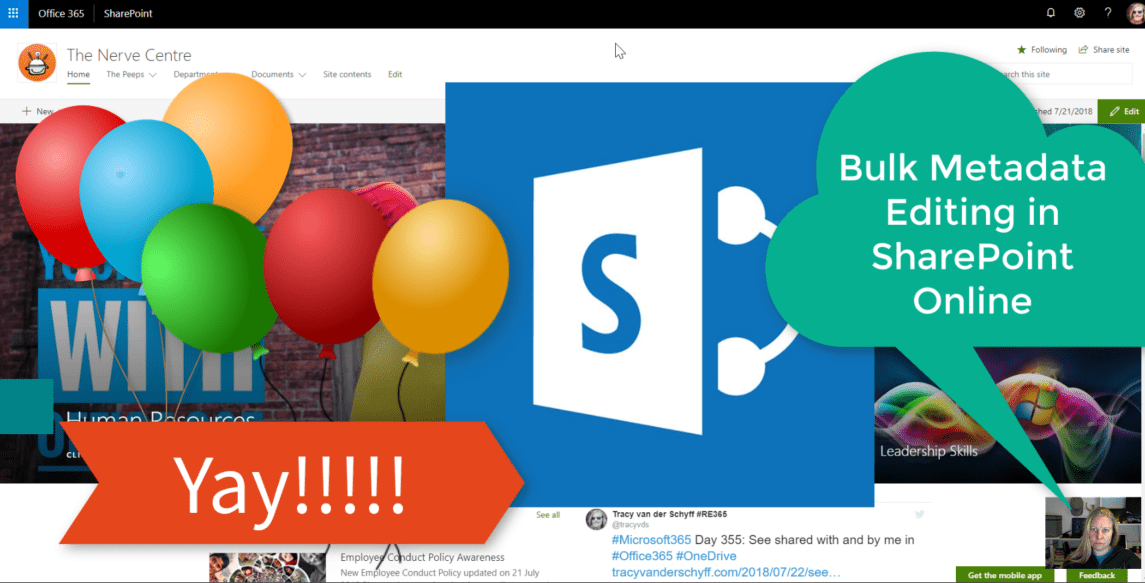
Holy MOLY this is exciting. Game changer for sure. Update multiple documents' properties by selecting them and then editing the data in the Info Panel. Sorted!!! Well done #Microsoft, been waiting for this for years! https://youtu.be/-wReS3oBIOE Purpose of this blog... Continue Reading →

This already came through in April 2018, but guess who didn't know. Me. Well let's test it then. We now have the ability to add Plans right there from the #SharePoint Team Site home page. Once added you can also... Continue Reading →

And update was made recently to add extra web parts by default to your #SharePoint Team Site. Previously it only had News and Activity, now you'll also see Quick Links and the Documents Web Part. Keep in mind that you... Continue Reading →

#Microsoft365 #Office365 I've always loved OneDrive, but it is rather difficult to keep up with the files you've shared, as well as the files shared with you (looking through all the emails and links is frustrating). In #MicrosoftOffice it's been... Continue Reading →
 Tracy van der Schyff