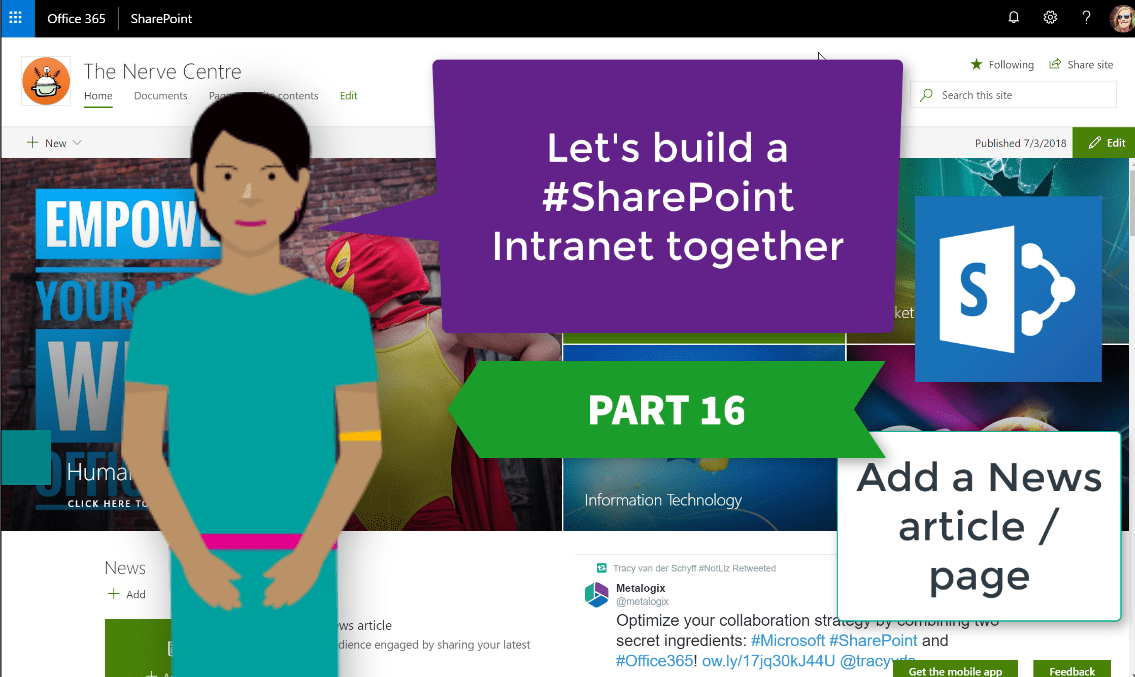
The News on the #Modern Sites on #SharePoint is a pretty nifty way to gradually replace those announcement emails with attachments. These also publish nicely to the Mobile SharePoint app. Not only can you add text and images, but any... Continue Reading →

Today we'll make more changes to the home page of our #Intranet. Let's add the documents and FAQ's, content owners, Yammer, Twitter, Stream and Forms. The Newsfeed, Events and Quick Links web parts we'll keep. With Forms we'll display both... Continue Reading →

I absolutely love the Hero Web Part. It really makes my pages look great and I can point to so many different areas and use great images to bring my site together with a new look and feel. I'll be... Continue Reading →

The exciting stuff is about to start happening. Today we'll take a look at changing your look and feel with the various 'composed looks' available. We'll also change the site logo. Keep in mind this is also used as the... Continue Reading →
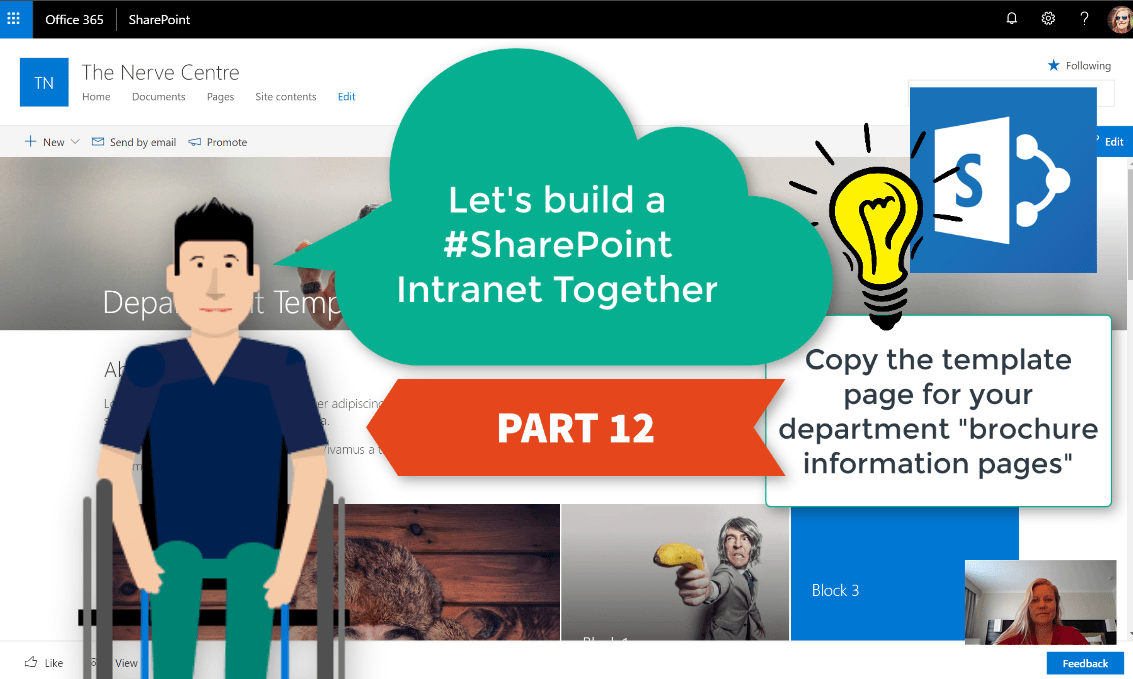
Just over half way there, and we've already got a good looking #Intranet. In this session we'll use the template page for our departments to copy a page for Human Resources. I'll also show you how to edit the page... Continue Reading →
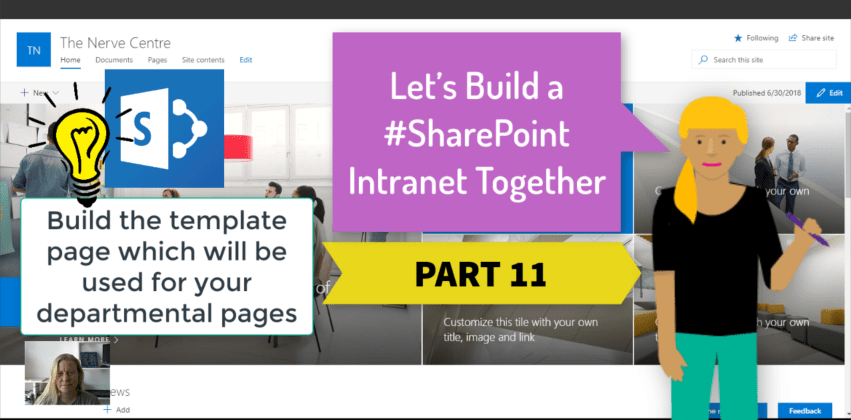
We've achieved so much already, and today we'll start by building the template page we'll use for our departmental pages. These pages will be like corporate brochures which shares information about your department as well as the content that is... Continue Reading →
 Tracy van der Schyff