#Office365Challenge - Lets face it, no one likes completing surveys. Even more so when you have to complete questions which are not relevant to you. In this post we'll be talking about branching logic on questions and how to set... Continue Reading →
#Office365Challenge - Yesterday we created a survey in SharePoint. I said that planning should take up most of your time - what type of questions, order etc., but just as important as the actual questions - are the settings you'll... Continue Reading →
#Office365Challenge - Need to get feedback quickly? Want to save time on gathering the information and reporting? Well then SharePoint has just the thing for you. It's called surveys - and they're super easy to build. In this post we'll... Continue Reading →
#Office365Challenge - For any SharePoint lover (who like me, cannot code from scratch to save their life), the loss of the Designer View in SharePoint (Designer) 2013 was devastating, to say the least. A bit like the Matrix without the... Continue Reading →
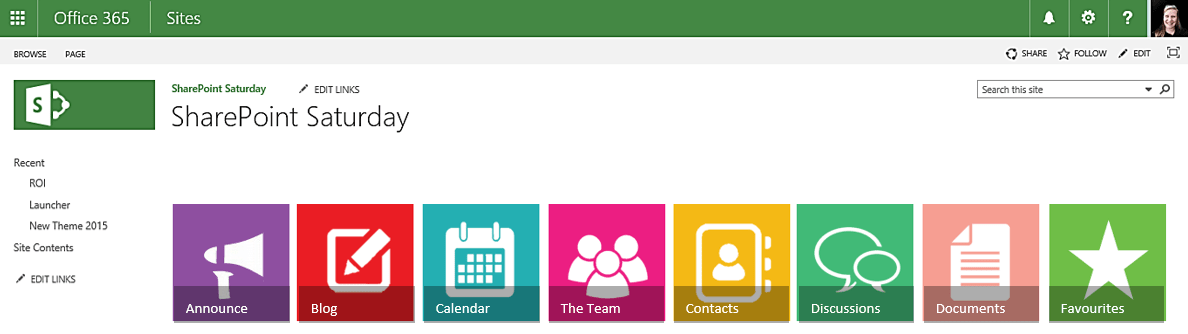
#Office365Challenge - This is the third post with some tips and tricks around creating your own images for Promoted Links in SharePoint, using PowerPoint. In the previous post, I showed you how to change the look of your images by... Continue Reading →
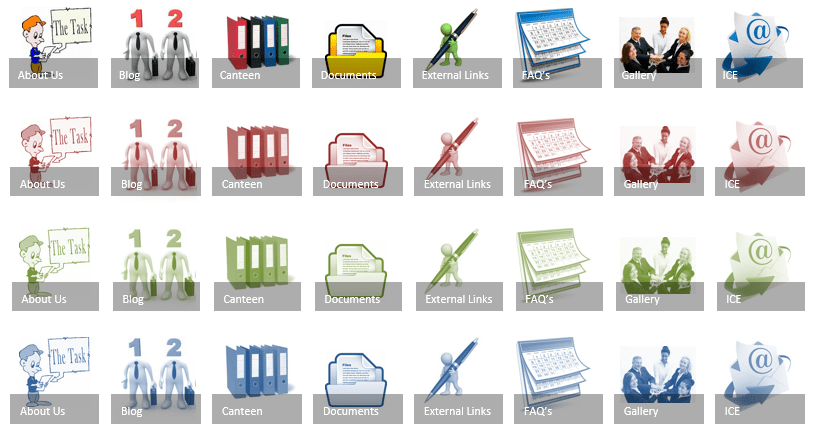
#Office365Challenge - This is the second post with some tips and tricks around creating your own images for Promoted Links in SharePoint, using PowerPoint. In the previous post, I showed you how to create a solid image which is then... Continue Reading →
 Tracy van der Schyff