
#Office365Challenge It feels like I've been waiting for this FOR EVER!! That update just wouldn't come through. Anyway, now I have it and I can tell you about the new Zoom Feature in PowerPoint. This allows you to Zoom in... Continue Reading →
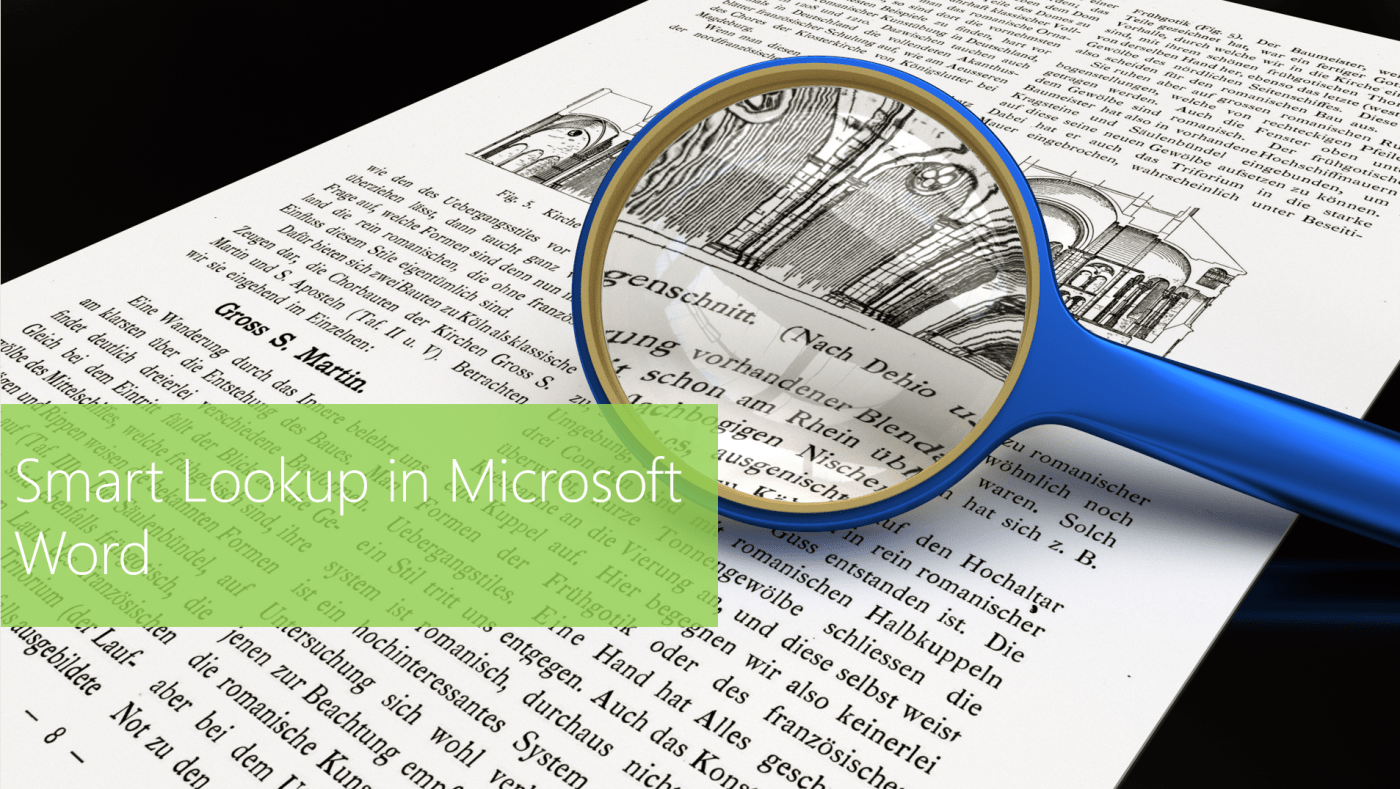
#Office365Challenge Smart Lookup was launched in September 2015. This tool helps you to gather insight into your content as well as see other top related searches and articles as well as definitions. Day: 318 of 365, 47 left Tools: Office 365, Word Description: ... Continue Reading →

#Office365Challenge The all new Researcher was added to Word in the June 2016 updates. It's a great research tool for those who write articles, blogs, publish papers. Day: 317 of 365, 48 left Tools: Office 365, Word Description: Using the new Researcher in... Continue Reading →

#Office365Challenge Setting up email signatures might be second nature to some, but I see a lot of mails without them. This blog will not only show you how to setup your email signature - but also give you some tips... Continue Reading →

#Office365Challenge Nothing destroys a good vacation of quality time spent with family and well deserved rest - as an aggressively overflowing Inbox. I feel your pain. Day: 315 of 365, 50 left Tools: Office 365, Outlook Description: How to Train your Inbox Dragon Audience: All... Continue Reading →

#Office365Challenge Do you get super annoyed when people send emails with non-descriptive subjects? I do, and I've been modifying my email subjects for years. Day: 314 of 365, 51 left Tools: Office 365, Outlook Description: Edit Email Subjects and Add Notes Audience: All... Continue Reading →
 Tracy van der Schyff