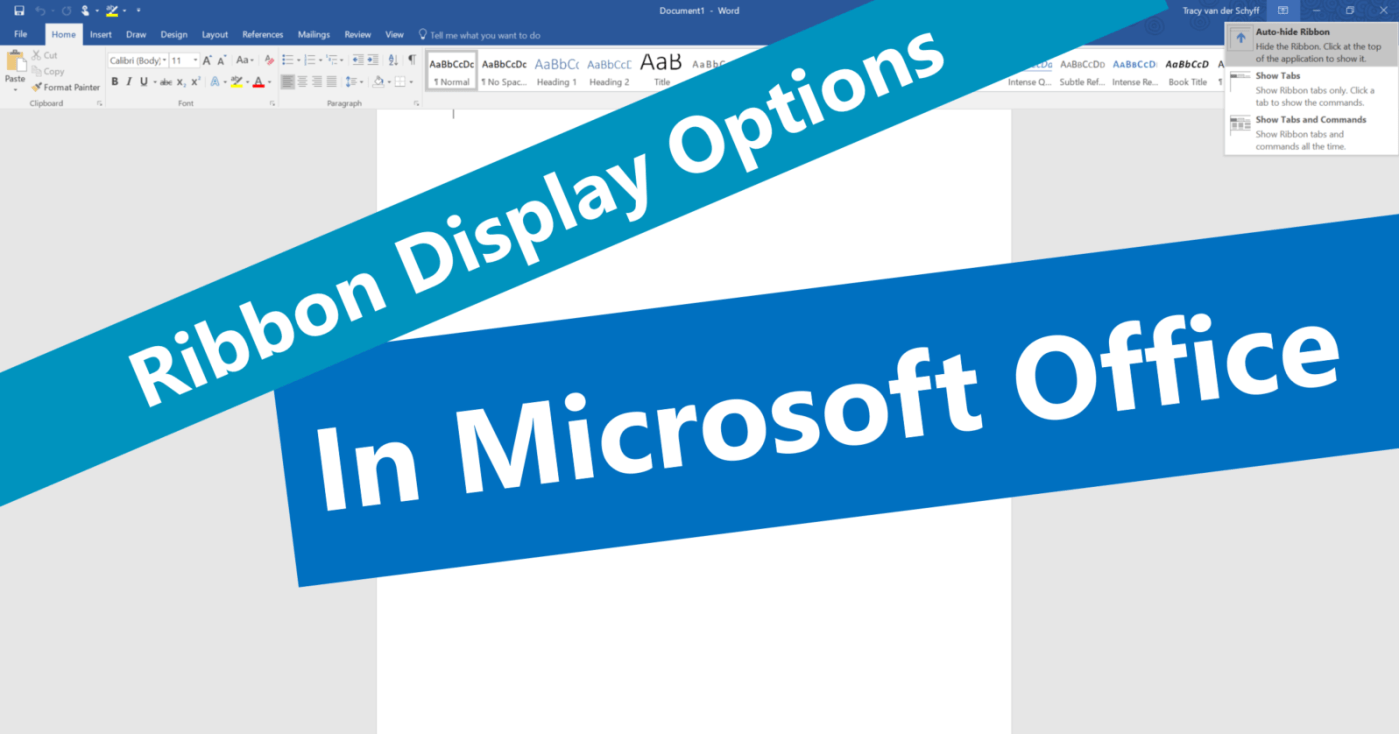
#Microsoft365 - Here's another thing I only noticed today. The ribbon display options in #Microsoft #Office. I'm all about saving time and when I see features that does that and helps me create 'more space' in my work environment, I'm... Continue Reading →

#Microsoft365 - Microsoft Office sure has come a long way when it comes to the creative side of things. Recently released updates brought us the Draw Tab, Highlighters, Pencil textures and more colours plus metallic effects. For previous posts in... Continue Reading →

#Microsoft365 - At least 2 hours a day is spent looking for information. Try not to suck at it by using these great filters in the Bing search engine. For previous posts in my #Microsoft365Challenge go to the index page. DISCLAIMER: ... Continue Reading →

#Microsoft365 - So I have no idea when this was added or what it's called, but I LOVE it!! Take note of the following feature in your #Office365 Excel, Word & PowerPoint: For previous posts in my #Microsoft365Challenge go to the... Continue Reading →
#Microsoft365 - Recently I wrote about making screen recordings with PowerPoint, but did you know you can take screenshots in the other Office programs? For previous posts in my #Microsoft365Challenge go to the index page. Creating a screenshot: In the past,... Continue Reading →

#Microsoft365 - The #Office365 Training Center is a great place to get all the help you need. From videos, quick reference guides, tips & tricks to Infographics. For previous posts in my #Microsoft365Challenge go to the index page. Office 365 Training... Continue Reading →
 Tracy van der Schyff