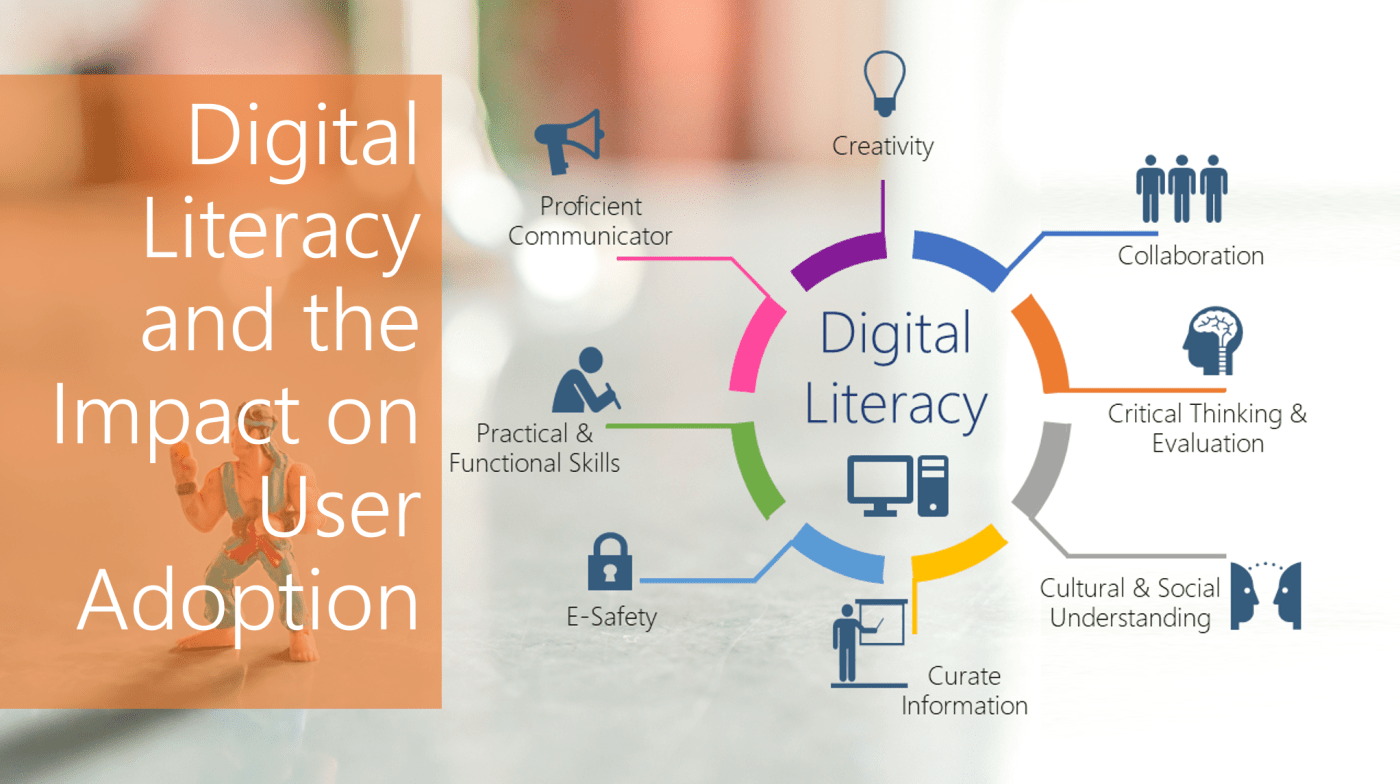
#Microsoft365 #MSIgnite – I recently delivered a session at Microsoft Ignite on Digital Literacy. This is something I'm super passionate about and I'd love to give you some background and explain my thought process. WARNING: This will NOT be a 5... Continue Reading →

#Microsoft365 – I've been spending a lot of time on whitepapers, blogs and researching Digital Literacy. Think everybody you work with is PC Literate? Well you're WRONG. Teaching people the basic skills (you might have forgotten already) will save you a... Continue Reading →

#Microsoft365 – Irritated by #Windows that always open in a small window, and not expanded (maximized)? Same goes for #MSOffice applications that open up. Whether you want to open it expanded or not, this is how you set the default. For... Continue Reading →

#Microsoft365 – The templates in #MSOffice are pretty awesome, but if you create a lot of new documents, and only use the blank template - it's painful to first go through picking the blank template you'd like to use. Let me... Continue Reading →

#Microsoft365 – Creating hyperlinks might be easy – but how many people actually use it? For those of you who know me – you’ll know I have a big thing about “presentation”. Whatever we write or present or send into the... Continue Reading →

#Microsoft365 – Even though the #MSOffice #Office365 Ribbon is pretty awesome if you ask me - it could 'get in the way' sometimes as it takes up a lot of space. See below how to hide the ribbon when necessary. For... Continue Reading →
 Tracy van der Schyff