
I’m pressing pause on the current theme for my Copilot blog series, not because Copilot isn’t useful, but because I want to prove just how useful it really is beyond boardrooms, project plans, and IT diagrams. Today’s interruption is about wine. And learning. And curiosity. And how Copilot fits beautifully into all of that. I’ve decided to become a more intentional wine drinker, not overnight, not pretentiously, and definitely not by memorising tasting notes I don’t understand. Instead, I’m using Copilot as my guide while I explore six Odd Bins (more info on Vivino) wines over the next week or two. Copilot is helping me decide where to start, what to pay attention to, how to capture my thoughts, and ultimately how to understand what I actually enjoy. This is the point I don’t want missed: Copilot is not just for information workers or IT people. It’s for everyday humans who are curious. Humans who love learning. Humans who enjoy wine and want to understand it better without feeling intimidated or overwhelmed. Copilot doesn’t replace the experience; it supports the journey.
Project managers don’t get the luxury of “more time.” We get more work. More updates. More stakeholders. More risk. More chaos. And yet, the expectation is always clarity, structure, momentum, and leadership. This is exactly where Channel Agents in Microsoft Teams become your secret weapon.

Project management has never been short on tools, but it has often been short on time. With Microsoft 365 and Copilot, project managers are finally seeing meaningful relief from admin‑heavy work: usable meeting summaries, status updates that don’t start from scratch, and insights surfaced faster than ever before. Copilot doesn’t replace the project manager. It removes the friction.

Project management isn’t what it used to be, and that’s a good thing. For years, PMs have juggled scattered tools, manual updates, duplicated reports, and meeting notes that never quite captured what really happened. Today, with Microsoft 365, Copilot, and AI Agents, we finally have a connected ecosystem that works with us, not against us.
Project managers don’t need “more tools”, we need less admin. If you’re using Microsoft 365 Copilot, the biggest win is getting the busywork done (summaries, action lists, status updates, risk signals) so you can focus on decisions, people, and delivery. Here are 10 high impact prompts you can copy/paste today, each one is designed to produce something usable in seconds, not “AI fluff”.
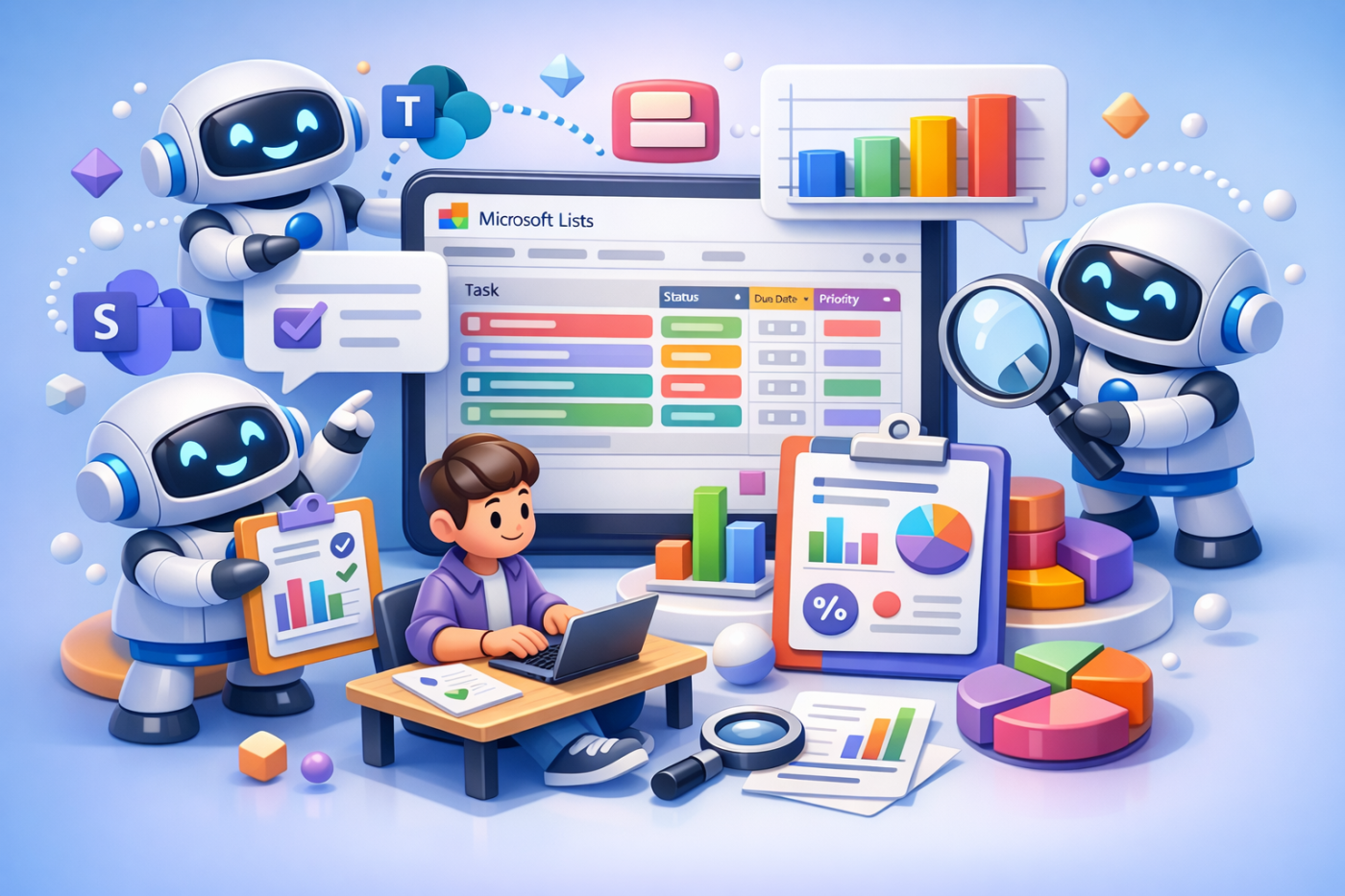
response: “This sounds great, but it doesn’t quite work like that where I am.” And that reaction is completely valid. Microsoft Copilot can help you analyse risks and issues (my example - but relevant to Microsoft Lists in general) — but how it does that depends very much on: Where Copilot is being used; What data it’s allowed to access; And how it’s licensed and configured This blog is about closing the expectation gap, so teams understand what Copilot can realistically do with Microsoft Lists (Risk and Issue Registers), why it sometimes falls short, and how to choose the right approach without frustration.
 Tracy van der Schyff