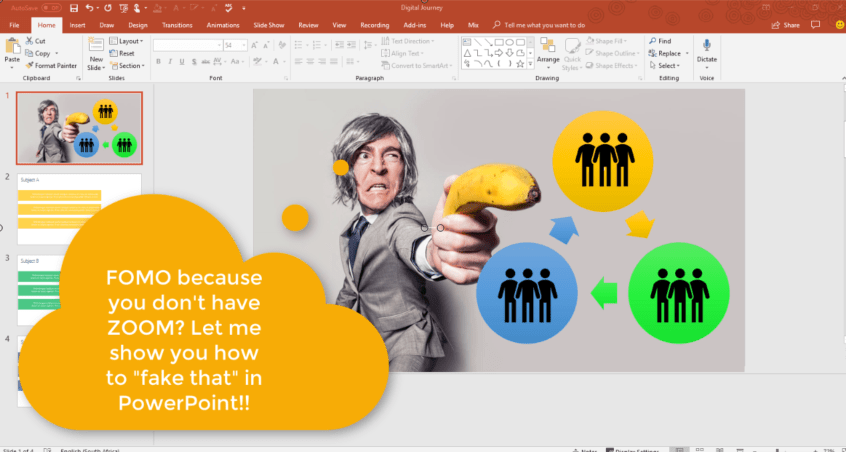
Most of my blogs are about Office 365 / SharePoint Online. Maybe you've seen the new Zoom function in PowerPoint and you're suffering from serious FOMO cause you don't have the latest version of Office. Here's how you can achieve... Continue Reading →
With the QuickStarter Template in #PowerPoint you can very quickly get your outline started by adding a subject. A presentation will be built based on this topic together with some research and notes to talk about. Simply right-click on a... Continue Reading →

Data Validation in Excel: As much as I love #SharePoint or #MicrosoftForms, some things still need to happen in Excel. Should you require users to complete certain fields – then Data Validation is for you. This allows you to validate... Continue Reading →

There's always a first time for everything.... I've written over 700 blogs about Microsoft and guess what I've never written about - Yup! Pivot Tables. Simply can't believe it. Anyhooo - Pivot tables are a GREAT way to summarize and... Continue Reading →

With the help of Insights in Excel, you can get fast, automated, insightful analysis about your data. Simply click a cell in a data range, and then click the Insights button on the Insert tab. Insights in Excel will analyze... Continue Reading →
The formatting possibilities in Excel are endless, and I have to admit, I most probably spend too much time trying to format cells. There are specific styles I use, so the fact that we can setup custom formatting to always... Continue Reading →
 Tracy van der Schyff