
#Microsoft365 #Office365 #MicrosoftFlow #MSFlow I don't know a single person who likes doing their tax. That twice a year running around finding information is a pain to say the least. I use Microsoft Flow to help me gather my information... Continue Reading →

#Microsoft365 #Office365 Recently I published a blog on "Capture leads and contacts with Forms, Flow and SharePoint". I knew I would want to update it and I got an overwhelming response on social media with some really cool suggestions, questions AND help.... Continue Reading →

#Microsoft365 - Formatting text normally takes me longer than writing the actual content. Today's post will show you how to use Format Painter to apply the same formatting to other text / cells. For previous posts in my #Microsoft365Challenge go to... Continue Reading →
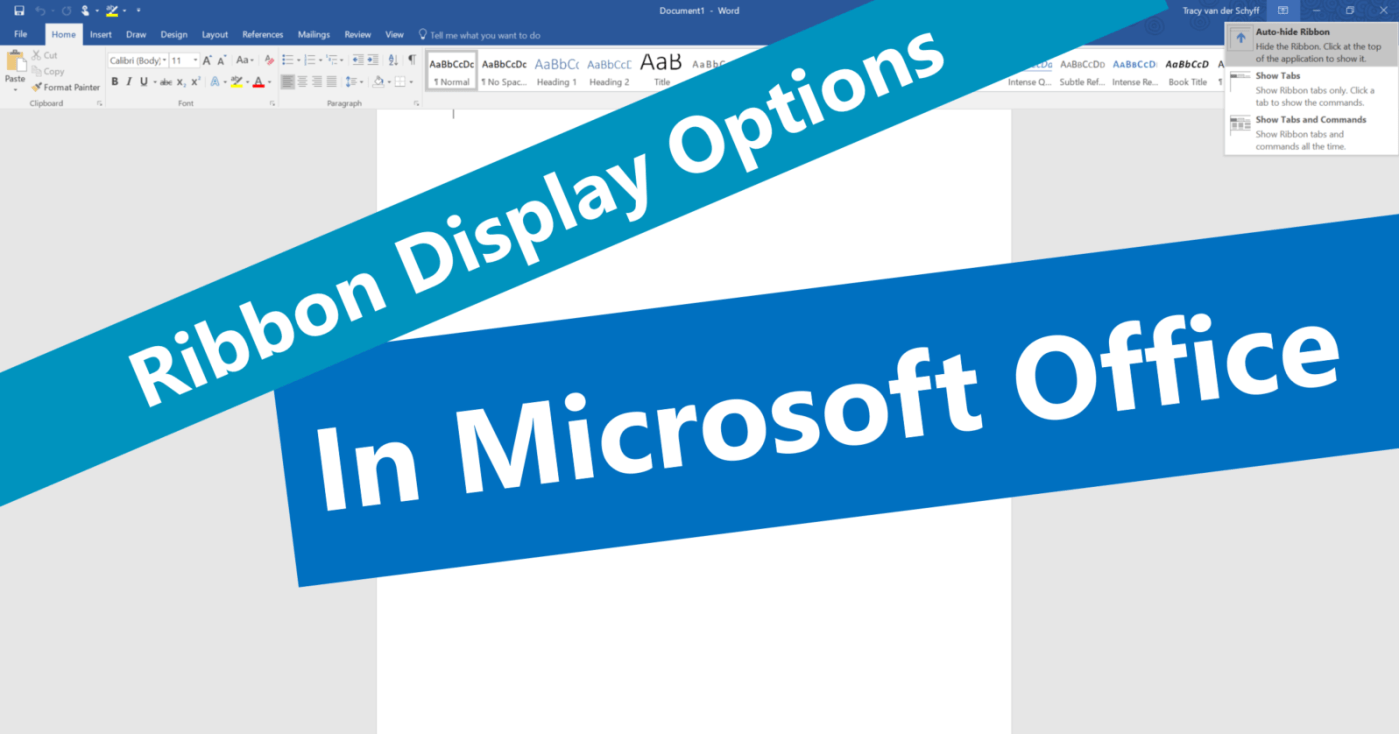
#Microsoft365 - Here's another thing I only noticed today. The ribbon display options in #Microsoft #Office. I'm all about saving time and when I see features that does that and helps me create 'more space' in my work environment, I'm... Continue Reading →

#Microsoft365 - Recently I wrote about making screen recordings with PowerPoint, but did you know you can take screenshots in the other Office programs? For previous posts in my #Microsoft365Challenge go to the index page. Creating a screenshot: In the past,... Continue Reading →

#Microsoft365 - The #Office365 Training Center is a great place to get all the help you need. From videos, quick reference guides, tips & tricks to Infographics. For previous posts in my #Microsoft365Challenge go to the index page. Office 365 Training... Continue Reading →
 Tracy van der Schyff