
#Office365Challenge Ok, that is cute - but I didn't mean it that way. You'll still have to buy those chocolates or flowers. On a more serious note, I used to highlight someone's name or change the colour of the font... Continue Reading →

#Office365Challenge Setting up email signatures might be second nature to some, but I see a lot of mails without them. This blog will not only show you how to setup your email signature - but also give you some tips... Continue Reading →

#Office365Challenge Nothing destroys a good vacation of quality time spent with family and well deserved rest - as an aggressively overflowing Inbox. I feel your pain. Day: 315 of 365, 50 left Tools: Office 365, Outlook Description: How to Train your Inbox Dragon Audience: All... Continue Reading →

#Office365Challenge Do you get super annoyed when people send emails with non-descriptive subjects? I do, and I've been modifying my email subjects for years. Day: 314 of 365, 51 left Tools: Office 365, Outlook Description: Edit Email Subjects and Add Notes Audience: All... Continue Reading →
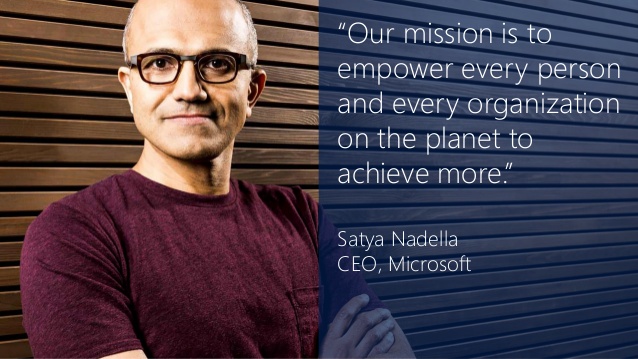
#Office365Challenge This blog is dedicated to everyone out there who wants to do better and do it faster - see what Microsoft has to offer you, to achieve more. Day: 306 of 365, 59 left Tools: Office 365 Description: Skype for business... Continue Reading →
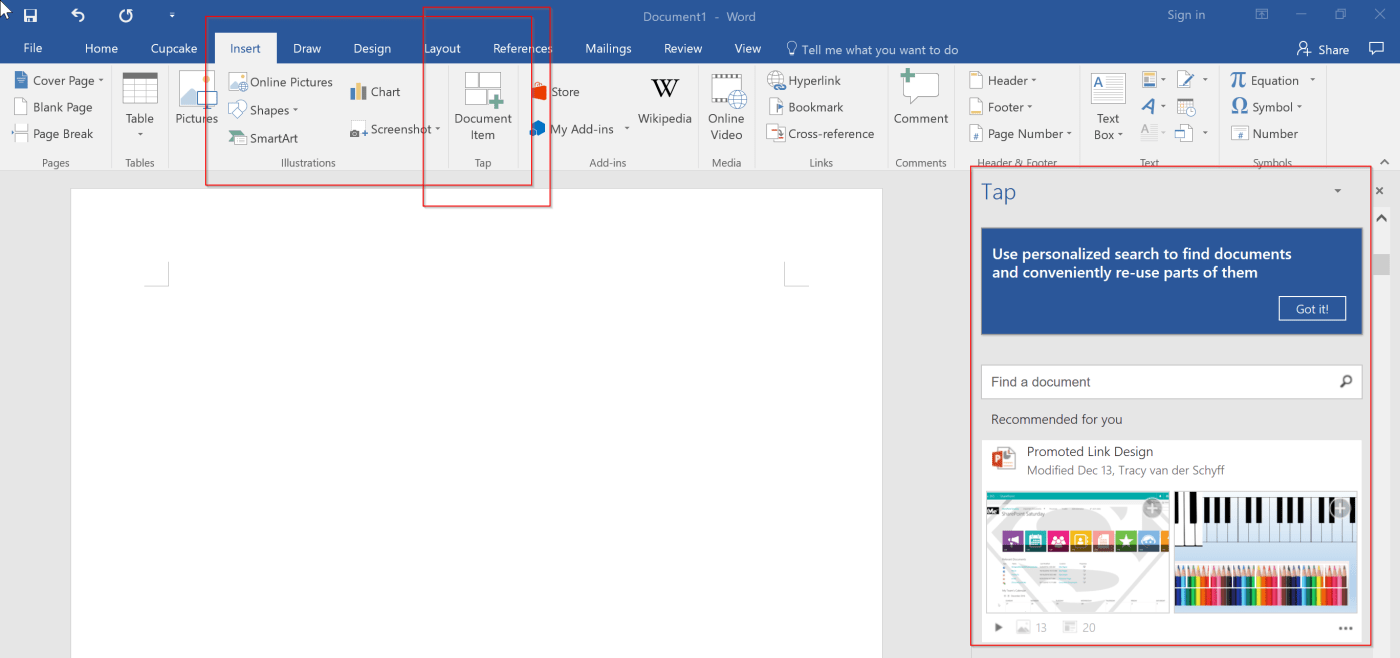
#Office365Challenge Information at your fingertips? Well here you go. Word and Outlook now includes Tap - Insert Document Items which allows you to grab graphics / tables / charts from other office documents, you or colleagues have worked on. Day:... Continue Reading →
 Tracy van der Schyff