
Yes, I'm that person saying not everyone should be creating #MicrosoftTeams. And I have good reasoning behind it. If you don't understand what happens in the background when a Team is built, you shouldn't just be building them. This blog... Continue Reading →

The first question that gets asked when I introduce people to #MicrosoftTeams, is: 'Will the other members be able to delete my stuff'. That's a YES. People don't trust people. This causes many complicated environments to be built - unnecessarily.... Continue Reading →

No one goes to some library to read a 40 page IT or Business Governance Document. Let's make it easier for our users by adding the #Governance and Tools they need to a Tab when we create the #MicrosoftTeam. I'll... Continue Reading →
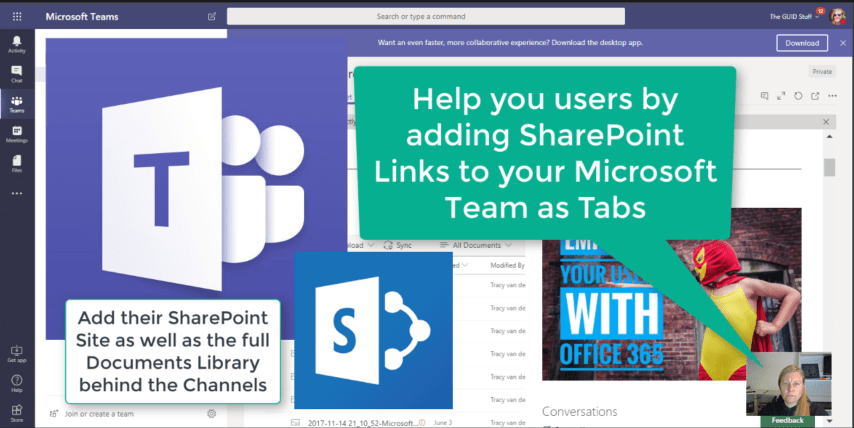
We've figured out by clicking on "Open in SharePoint" under Files in your Teams, opens the #SharePoint site (library) behind the #MicrosoftTeam. But this could be confusing for your users as each channel only shows the documents in that folder.... Continue Reading →
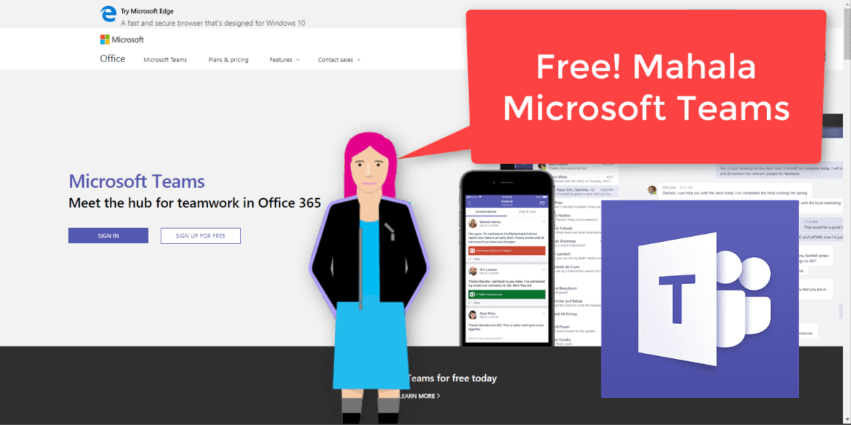
"That’s right, free. As in $0. Work together with features like chat, file sharing, and video calling." It surely is a great day to be alive when #MicrosoftTeams is made available to everyone. That means people without an Office 365... Continue Reading →

At the moment I'm taking a stroll through the Admin Centers in #Office365. We forget that not all our users have access here, and not understanding what the possibilities and configurations are can be frustrating for them. Please take the... Continue Reading →
 Tracy van der Schyff