
As you might know by now, your Microsoft Team also has a SharePoint site that sits behind it. To navigate to this is easy. Click on File then on Open in SharePoint. That does confuse some people though as it... Continue Reading →

#Microsoft365 #Office365 As part of a mini series for #CitizenDevelopers I'll be sharing tips and tricks around Business Analysis, Project and Change Management etc. Today we'll take a look at being more creative and the tools we can use to... Continue Reading →
There's a couple of really great sites that I keep my eye on to stay up to date and learn. Microsoft UserVoice, Tech Community, What's New in Office 365, Office 365 Training Center, Office 365 Roadmap etc. It does however... Continue Reading →
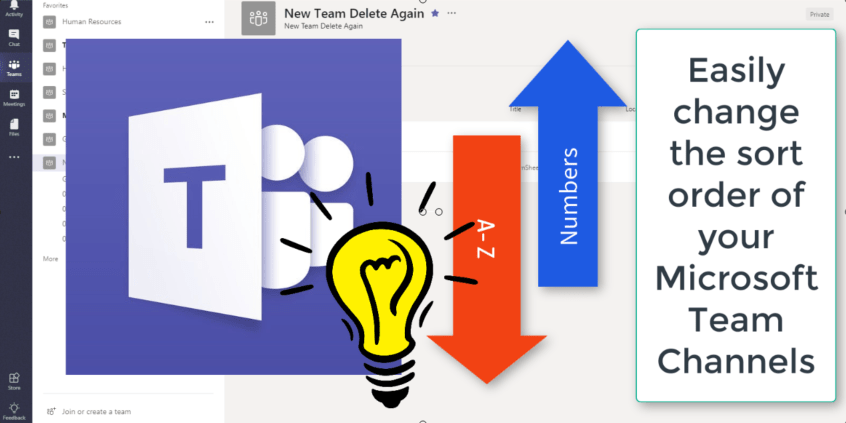
The Channels in #MicrosoftTeams will sort alphabetically, by default. Here's a quick and easy way to change that sort order by using numbers. This is a great tip if you want to use phases of a project or channels that... Continue Reading →

Microsoft Teams ABSOLUTELY ROCK. But,..... remember.... you think you know everything. You don't. Always ask feedback. This is also a great way to allow users to request new team members or channels etc. You could always add a #Flow behind... Continue Reading →
I have way too many Notebooks with even more sections and pages in. To try and remember where I tagged something for follow up, or something that I should come back to at a later stage, is near impossible. With... Continue Reading →
 Tracy van der Schyff