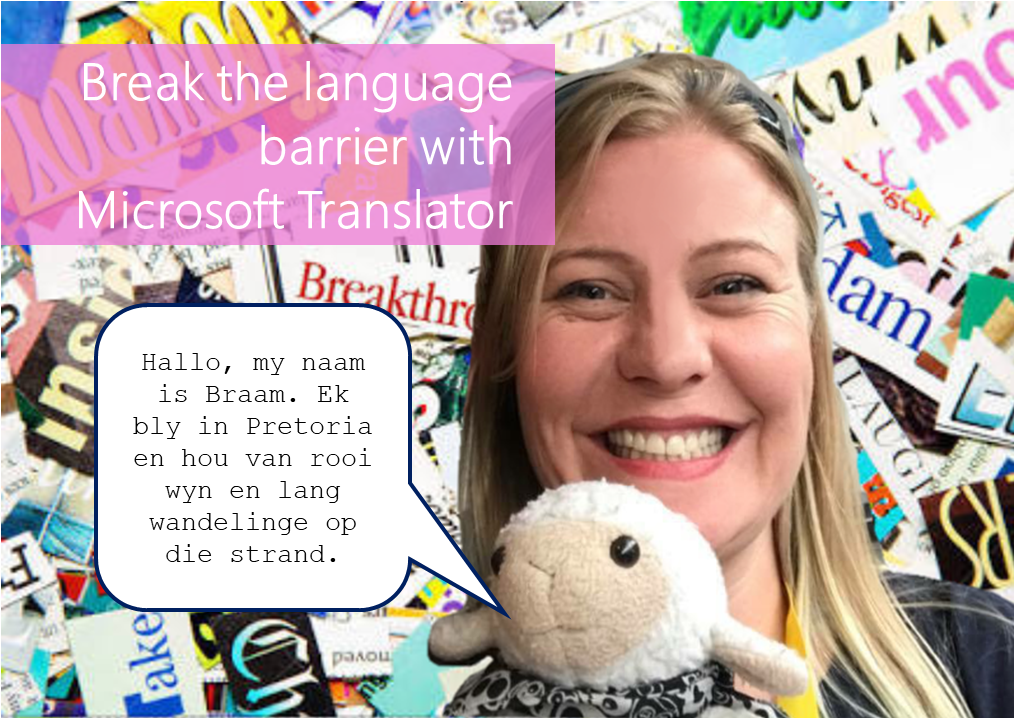
#Microsoft365 - I just had so much fun testing the Microsoft Translator with Braam. Microsoft Translator is a tool that helps us overcome the language barrier. It allows for speech and text translations. For previous posts in my #Microsoft365Challenge go to... Continue Reading →

#Microsoft365 - At least 2 hours a day is spent looking for information. Try not to suck at it by using these great filters in the Bing search engine. For previous posts in my #Microsoft365Challenge go to the index page. DISCLAIMER: ... Continue Reading →

#Microsoft365 - So I have no idea when this was added or what it's called, but I LOVE it!! Take note of the following feature in your #Office365 Excel, Word & PowerPoint: For previous posts in my #Microsoft365Challenge go to the... Continue Reading →

#Microsoft365 - Ever closed a tab in your browser by accident and then have to search again / log in again? Here's a tip to help you reopen those tabs. For previous posts in my #Microsoft365Challenge go to the index page.... Continue Reading →

#Microsoft365 - I love shortcuts and the Windows Button has definitely saved me a lot of time. Here's another good one to help you zoom in and out on pages. For previous posts in my #Microsoft365Challenge go to the index page.... Continue Reading →

#Microsoft365 - Gone are the days where users would navigate to the Intranet to see the latest news (or did that ever happen?). See the options for promoting news and announcements from your Intranet and learn about what's coming. For... Continue Reading →

