
The last couple of weeks I've been training a company on #Office365 for Education subscriptions. I noticed something pretty cool in #MicrosoftTeams that I'd like to share with you. I'm really hoping we'll get this in the Enterprise and Small... Continue Reading →

#Microsoft365 #Office365 As part of a mini series for #CitizenDevelopers I'll be sharing tips and tricks around Business Analysis, Project and Change Management etc. This is the last blog in the series and I want to talk about #ChangeManagement. This... Continue Reading →
#Microsoft365 Day 344: Communication and Training Tips for #Microsoft365 Citizen Developers (part 6)
#Microsoft365 #Office365 As part of a mini series for #CitizenDevelopers I'll be sharing tips and tricks around Business Analysis, Project and Change Management etc. Today we'll take a look at Communication and Training. These form a crucial part of Change... Continue Reading →

#Microsoft365 #Office365 As part of a mini series for #CitizenDevelopers I'll be sharing tips and tricks around Business Analysis, Project and Change Management etc. Today we'll take a look at being more creative and the tools we can use to... Continue Reading →
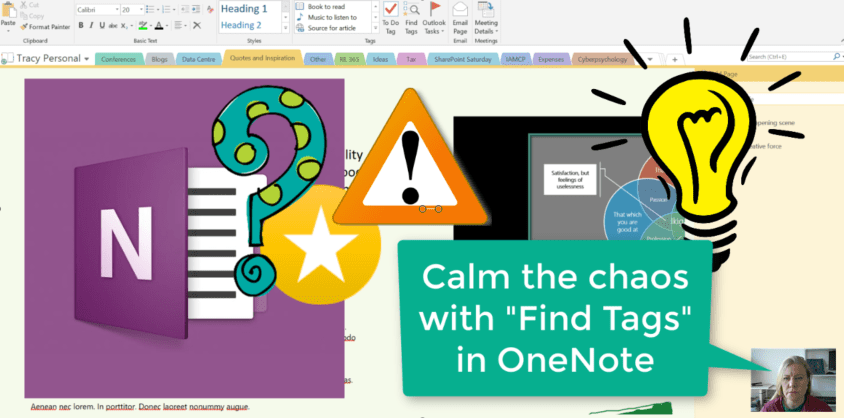
I have way too many Notebooks with even more sections and pages in. To try and remember where I tagged something for follow up, or something that I should come back to at a later stage, is near impossible. With... Continue Reading →

#Microsoft365 #Office365 As part of a mini series for #CitizenDevelopers I'll be sharing tips and tricks around Business Analysis, Project and Change Management. Today we'll take a look at the Event Driven Process Chain. #EPC. Relax, it's just a bunch... Continue Reading →
 Tracy van der Schyff