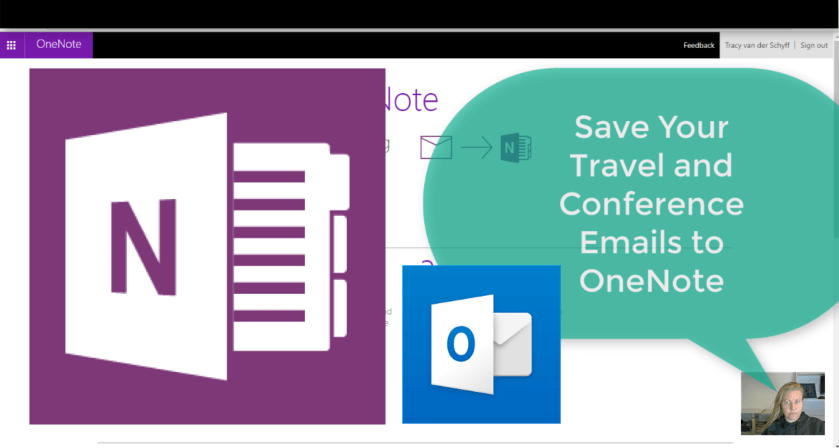
This is a winner for sure!!! At the moment it only seems to send to your personal OneNote, but I'm going to try and figure that out. I immediately thought of saving time and being much more productive by sending... Continue Reading →

It seems I still have a lot of amazing things to share when it comes to using #OneNote. Today I'll help you save LOTS of time by going to Recent Edits under the History Tab. Here you can quickly find... Continue Reading →
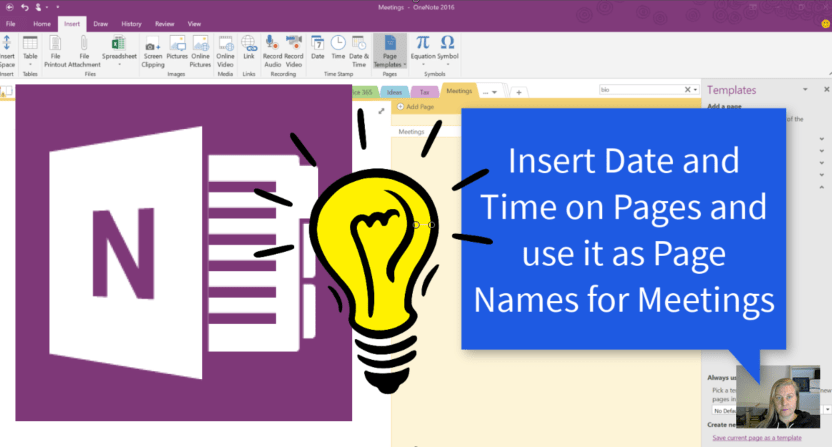
I'm not very structured in my life, but when it comes to meetings with clients I try my best. By using a Meetings main page and indenting the pages I can collapse all the meeting notes. Now I save even... Continue Reading →

I'm definitely winning at life through saving time with Microsoft. #OneNote is one of those time savers and it truly helps me be more productive as well. Let's take a look at using page templates for meetings and projects etc.... Continue Reading →

I'm loving #OneNote. It always helps to do some research and learn new things.Today we'll take a look at adding links (hyperlinks) to content that resides on other pages. This is great for reference and building relationships (navigation) between your... Continue Reading →
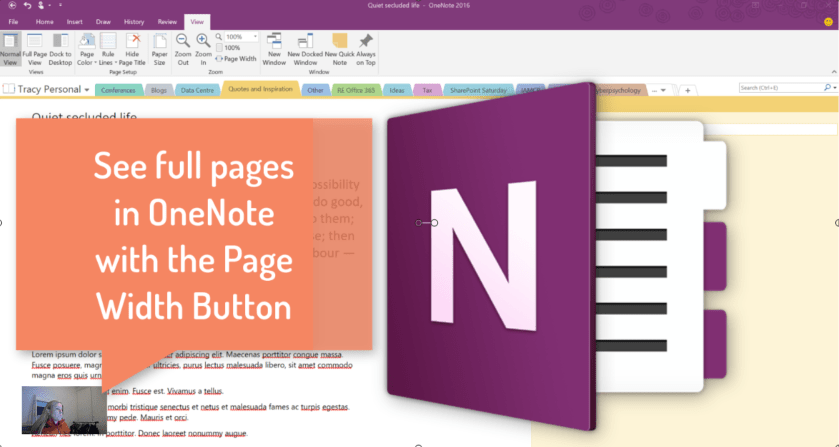
As you might know, #OneNote doesn't work on normal A4 size pages. Which means we end up drawing and making notes everywhere on our blank canvas. This is sometimes frustrating as you have to scroll through your information. With the... Continue Reading →
 Tracy van der Schyff