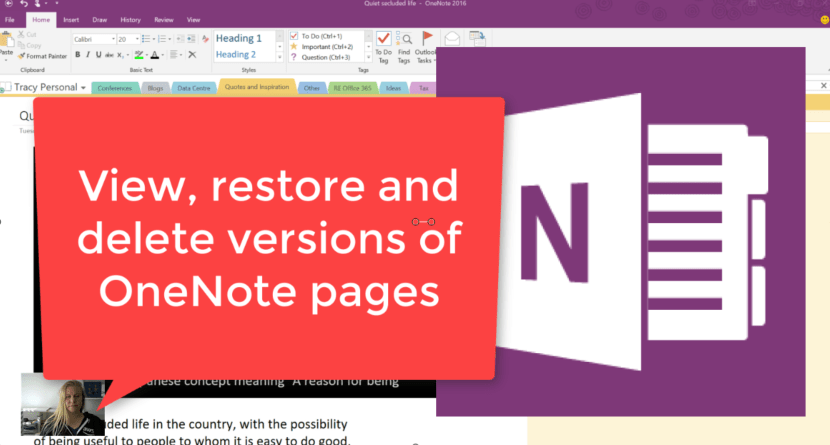
I love that I learn new things every day. How cool is it that you can view the previous versions of your OneNote pages? This is also where you'll restore a previous version or delete it if necessary. #OneNote ROCKS!!!... Continue Reading →
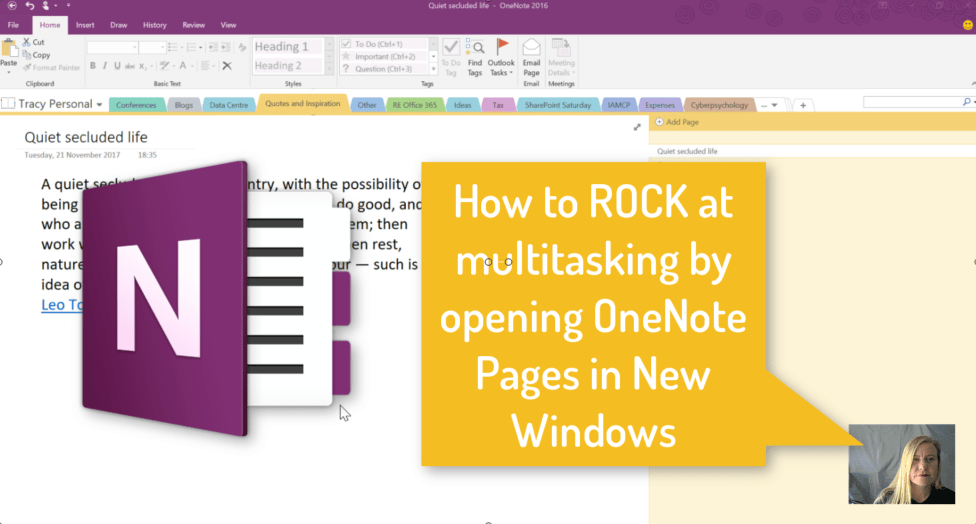
We all multitask (or we're trying to). The ability to open your #OneNote pages in multiple windows really helps when working on more than one page at the same time or having to reference other pages. And don't forget the... Continue Reading →

In previous blogs I've spoken about selecting the existing #OneNote or #Planner (created automatically) for your #MicrosoftTeam. l've found an easier way to speed up that integration between the Apps so that you can very quickly select the OneNote and... Continue Reading →
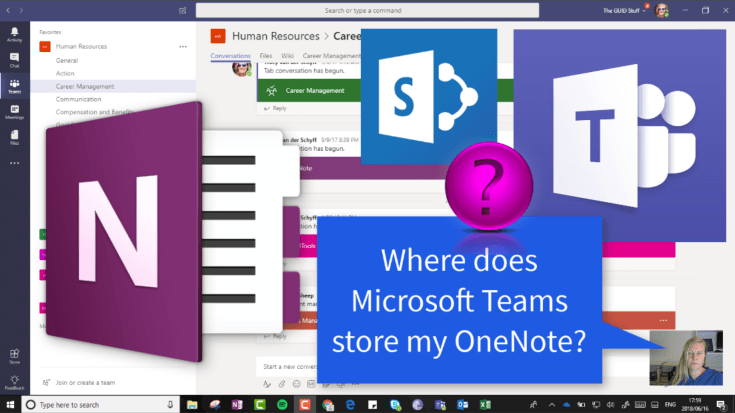
We know that your Microsoft Team (#Office365Group) creates a OneNote for you to use. If you're not sure where that is stored, let me show you. It's called Notebook and it's created right there on your #SharePoint site behind your... Continue Reading →
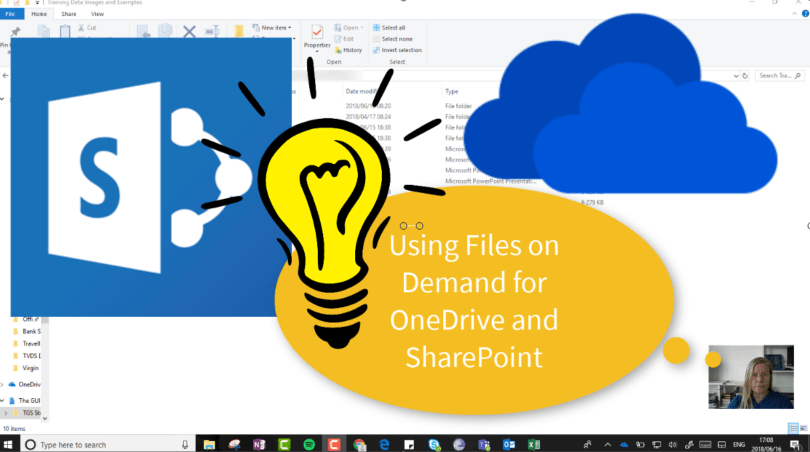
Files on Demand is a great feature that allows us to decide which files / folders should be synced to our devices. With a 1TB storage, you definitely don't want to sync all your files. You'll still see all the... Continue Reading →

#Microsoft365 #Office365 As part of a mini series for #CitizenDevelopers I'll be sharing tips and tricks around Business Analysis, Project and Change Management. Today we'll take a look at the Project Management Process. There are so many methodologies out there,... Continue Reading →
 Tracy van der Schyff