
#Microsoft365 - In a recent post I showed you how to group you sections in OneNote. Today we'll take a look at creating subpages which will further assist with creating some space and order in your OneNote Notebooks. For previous... Continue Reading →

#Microsoft365 - Tools that help us manage our lives are great, but sometimes they get so 'busy' that we stop using it. Let me show you how to categorize and manage your sections in OneNote even more. For previous posts... Continue Reading →
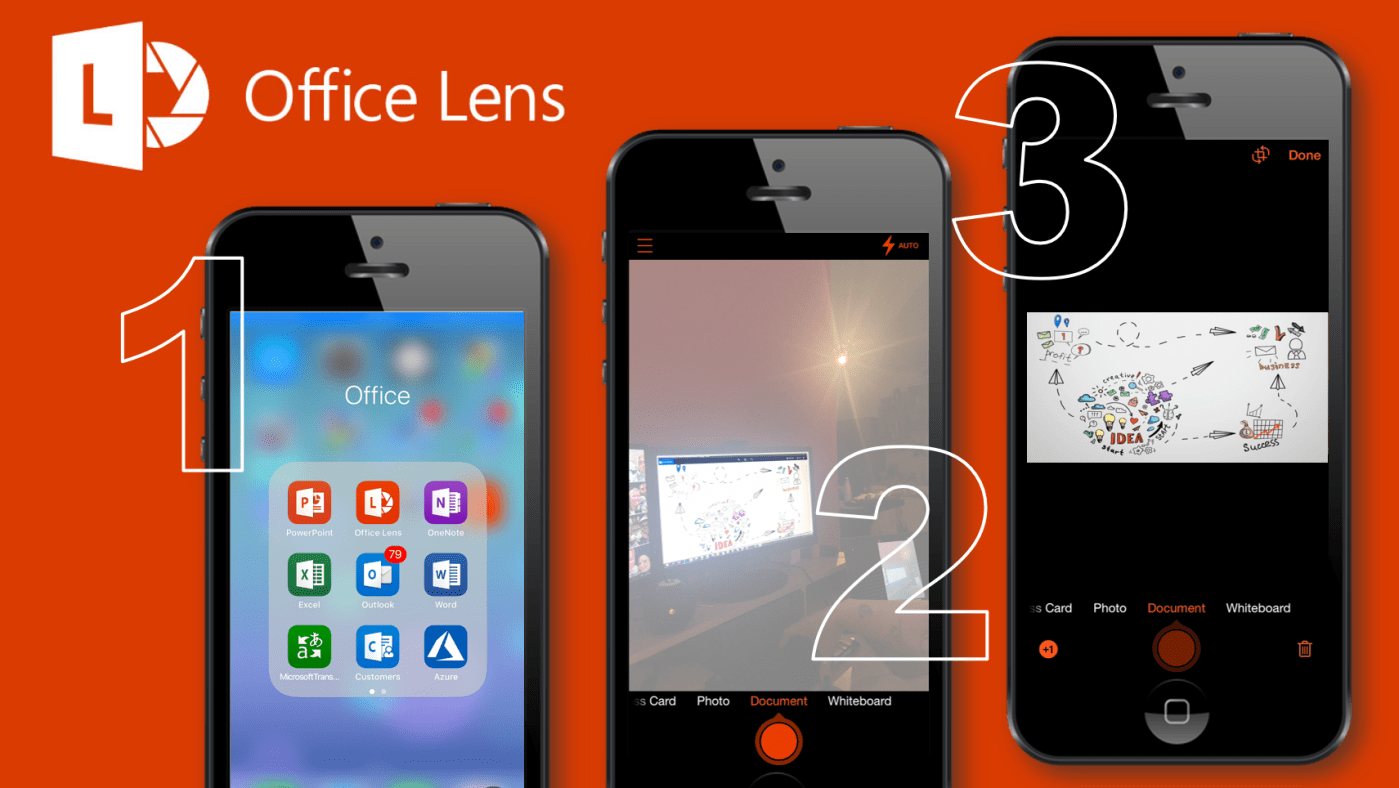
#Microsoft365 - I attend a lot of meetings and conferences (sure we all do) and I don't always get the best seat right in the middle up front. So when I take photos of presentation slides they always end up... Continue Reading →

#Microsoft365 - #MSIgnite supported my feeling - I still consider "Microsoft Teams" the gateway drug to consumption of the greater Office 365 apps and services. Of course I mean this in a good way - the best way, as Microsoft... Continue Reading →
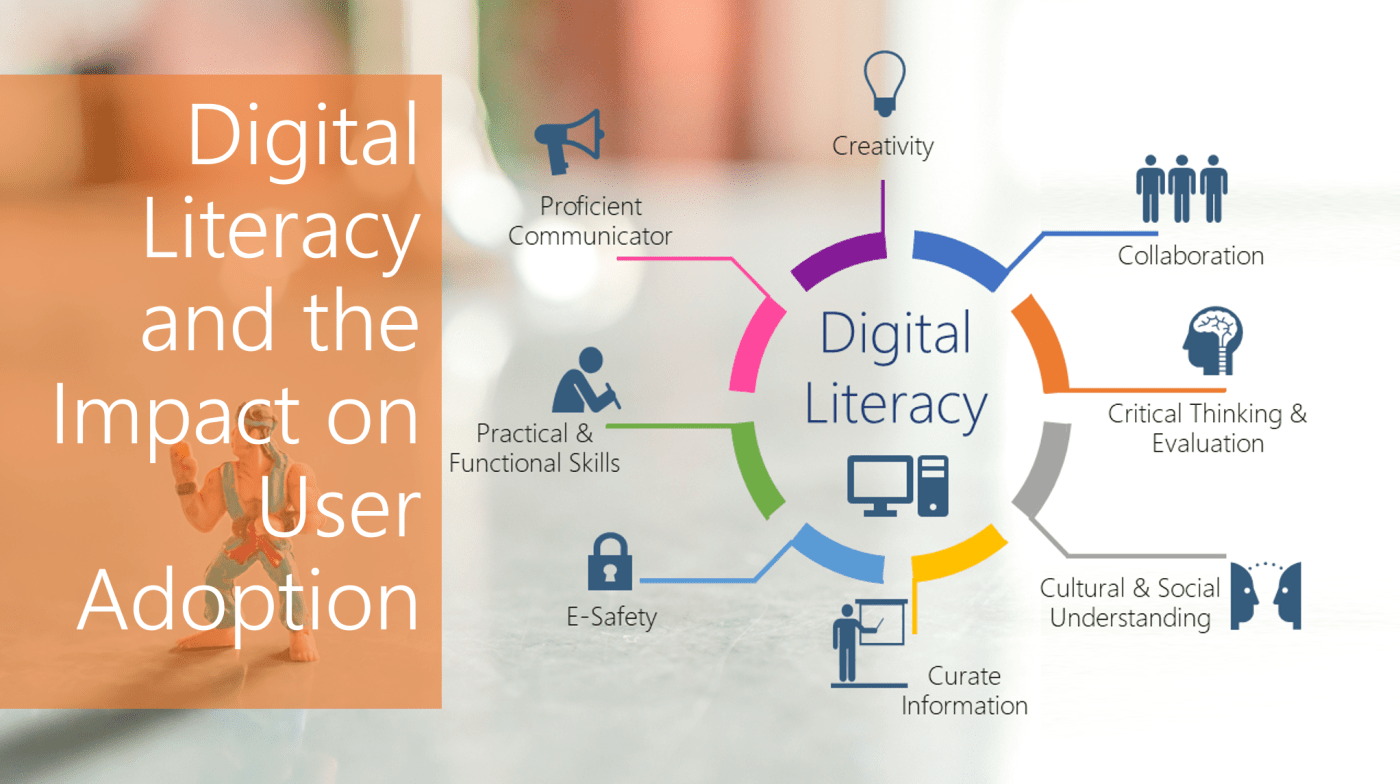
#Microsoft365 #MSIgnite – I recently delivered a session at Microsoft Ignite on Digital Literacy. This is something I'm super passionate about and I'd love to give you some background and explain my thought process. WARNING: This will NOT be a 5... Continue Reading →

#Microsoft365 – I've been spending a lot of time on whitepapers, blogs and researching Digital Literacy. Think everybody you work with is PC Literate? Well you're WRONG. Teaching people the basic skills (you might have forgotten already) will save you a... Continue Reading →
 Tracy van der Schyff