#Office365Challenge - Office Mix. OMW!!!! Where has this been all my life?!! Thanks to Craig Tarr for sharing this gem with me. So.... what's Office Mix you may ask? Office Mix is a free add-in for PowerPoint (2013 / Office... Continue Reading →
#Office365Challenge - Changing the colours and general look and feel of your SharePoint site could not have been made any easier. No graphic designer skills necessary and with some small changes - you can have big impacts. Always check with... Continue Reading →
#Office365Challenge - So you've created a survey. Now how do you bring this under the attention of your users? People don't navigate around sites looking for surveys to complete - so it's definitely not a "Pull" of content, it will... Continue Reading →
#Office365Challenge - For any SharePoint lover (who like me, cannot code from scratch to save their life), the loss of the Designer View in SharePoint (Designer) 2013 was devastating, to say the least. A bit like the Matrix without the... Continue Reading →
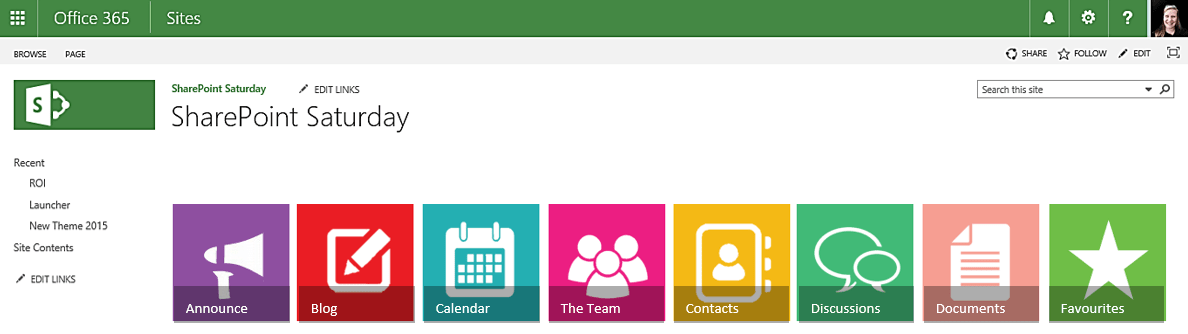
#Office365Challenge - This is the third post with some tips and tricks around creating your own images for Promoted Links in SharePoint, using PowerPoint. In the previous post, I showed you how to change the look of your images by... Continue Reading →
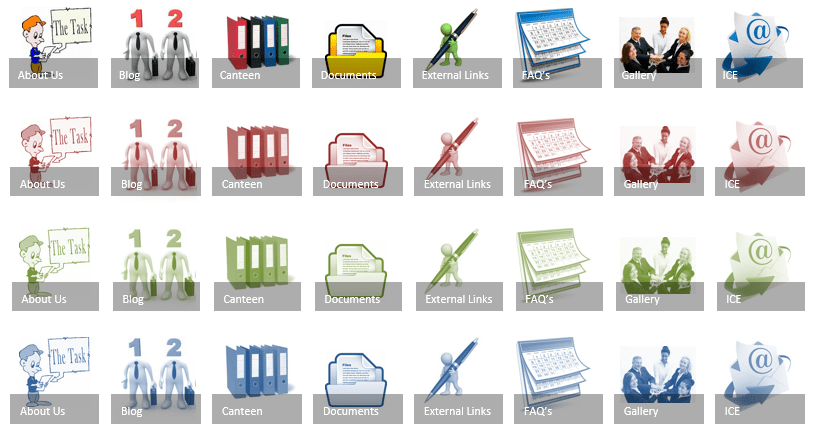
#Office365Challenge - This is the second post with some tips and tricks around creating your own images for Promoted Links in SharePoint, using PowerPoint. In the previous post, I showed you how to create a solid image which is then... Continue Reading →
 Tracy van der Schyff