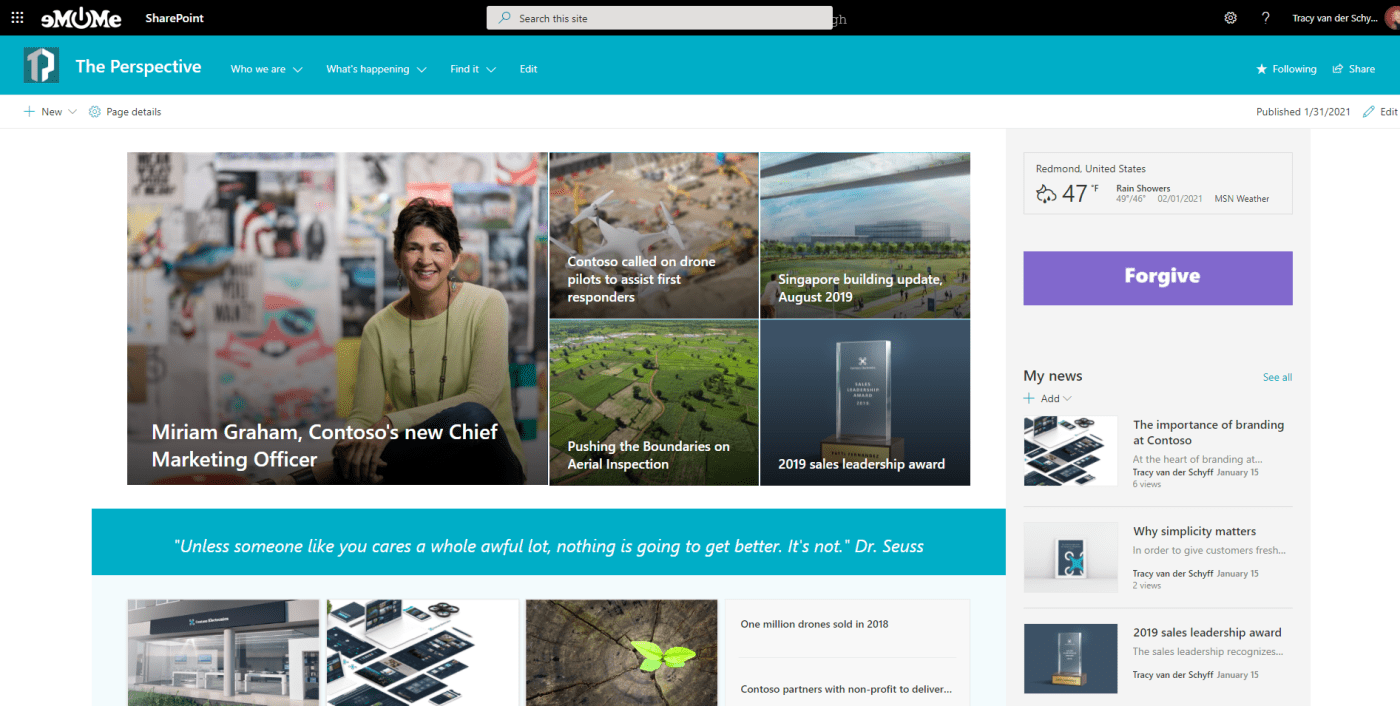
In this short video I'll show you how to create a GIF using #PowerPoint (with different sizes) and then how to use this on #SharePoint online as a messaging tool. #Office365 #Microsoft365 https://youtu.be/e7oftkYLIls Disclaimer: I create content about Office /... Continue Reading →

Inspired by a client this week, I tried my hand at creating my own GIF banners for #Microsoft365 #SharePoint online pages. I've created GIF's before, but never for banners. Such a great tool to use for company values & important... Continue Reading →

By now you should know how amazing #MicrosoftTeams is. But have you figured out how to change your custom background into your own chosen image? Let me show you how easy that can be! First use the functionality You have... Continue Reading →
#MicrosoftTeams Live Events are AMAZING!! I've delivered my second webinar and honestly, it couldn't be easier. Even when running it on your own as Organizer/Producer and Presenter. Let me show you what I've figured out. #Office365 #Microsoft365 #Webinars For a... Continue Reading →
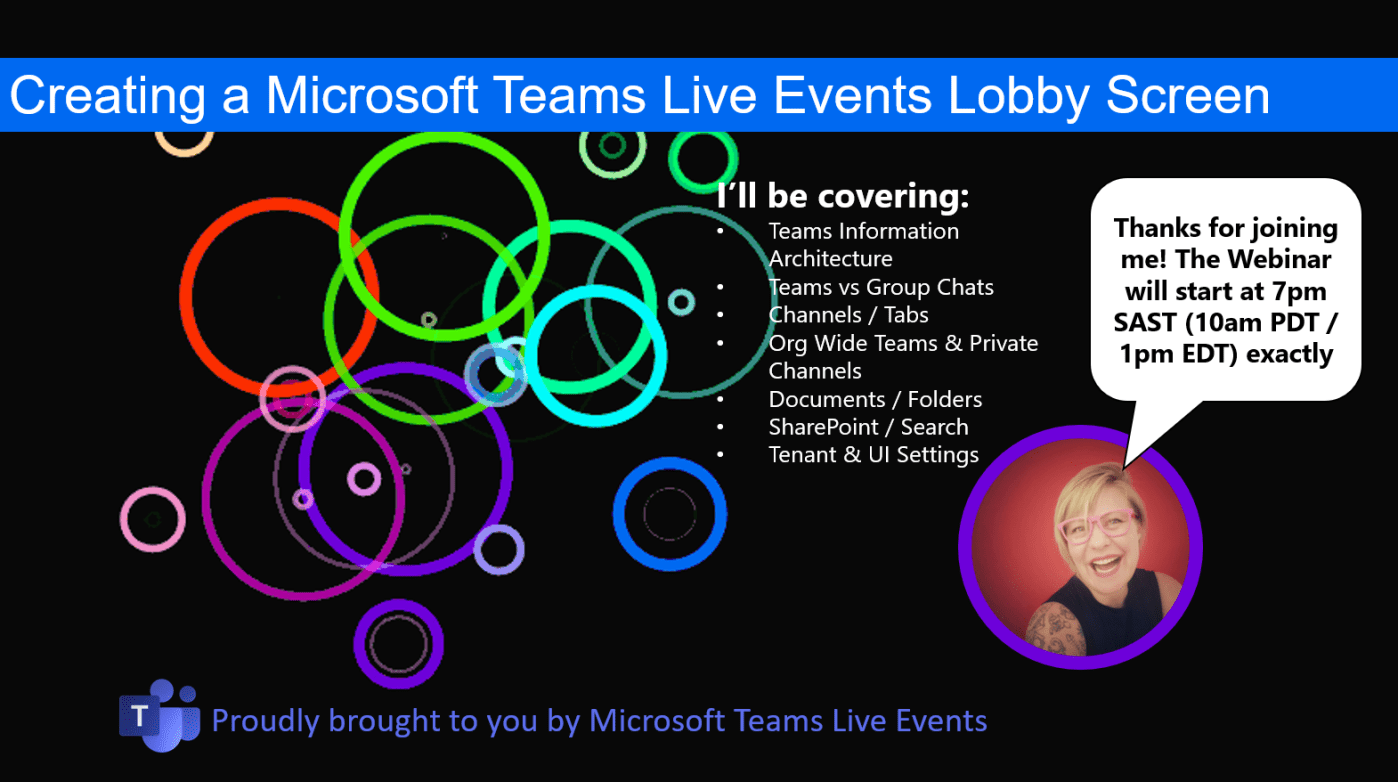
Here's a quick tip on creating a "lobby waiting screen" for your #MicrosoftTeams Live Event (webinar). https://youtu.be/yVEzXqiW7_k Voila! Hope you're enjoying using Teams Live Events as much as I do 🙂 Moving to the Cloud or stuck somewhere without... Continue Reading →
So now that I've got your attention: It's not 'new' cloud technologies, or #Microsoft, #Office365 or the #Cloud 's fault, because the software is not 'intuitive' enough, or because your users are just difficult... it's YOU and by that I... Continue Reading →
 Tracy van der Schyff