With all the options we have these days, it might be confusing to remember where you saved what. Finding your #OneDrive and #SharePoint files is easier than ever before as #Microsoft has been investing heavily into a consistent sharing experience... Continue Reading →

Ink to Text in #PowerPoint will convert your handwriting to text. It actually works really great. I tried it by writing with my finger on the screen and with my pen. Think this will be great on my Surface Pro... Continue Reading →
And we've made it!!! In 21 Steps we've built a #SharePoint #Intranet together. In the final video I'll show you how to use #PowerPoint to record an Intro video, then we'll publish this to #Stream and surface it on a... Continue Reading →
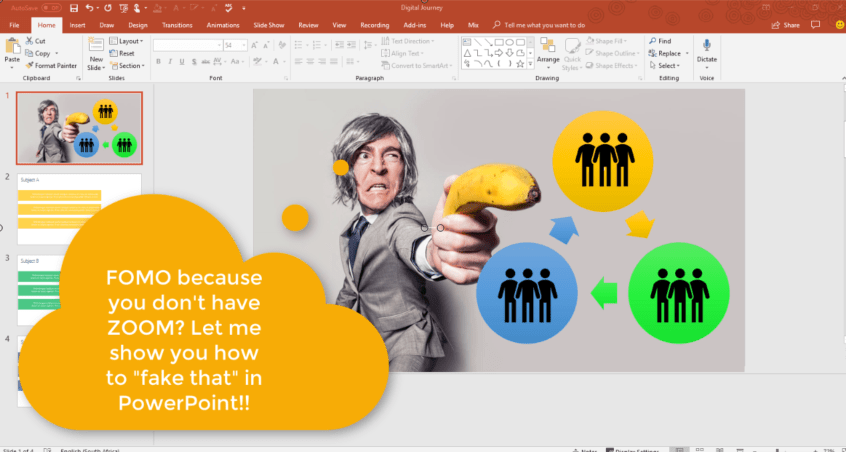
Most of my blogs are about Office 365 / SharePoint Online. Maybe you've seen the new Zoom function in PowerPoint and you're suffering from serious FOMO cause you don't have the latest version of Office. Here's how you can achieve... Continue Reading →
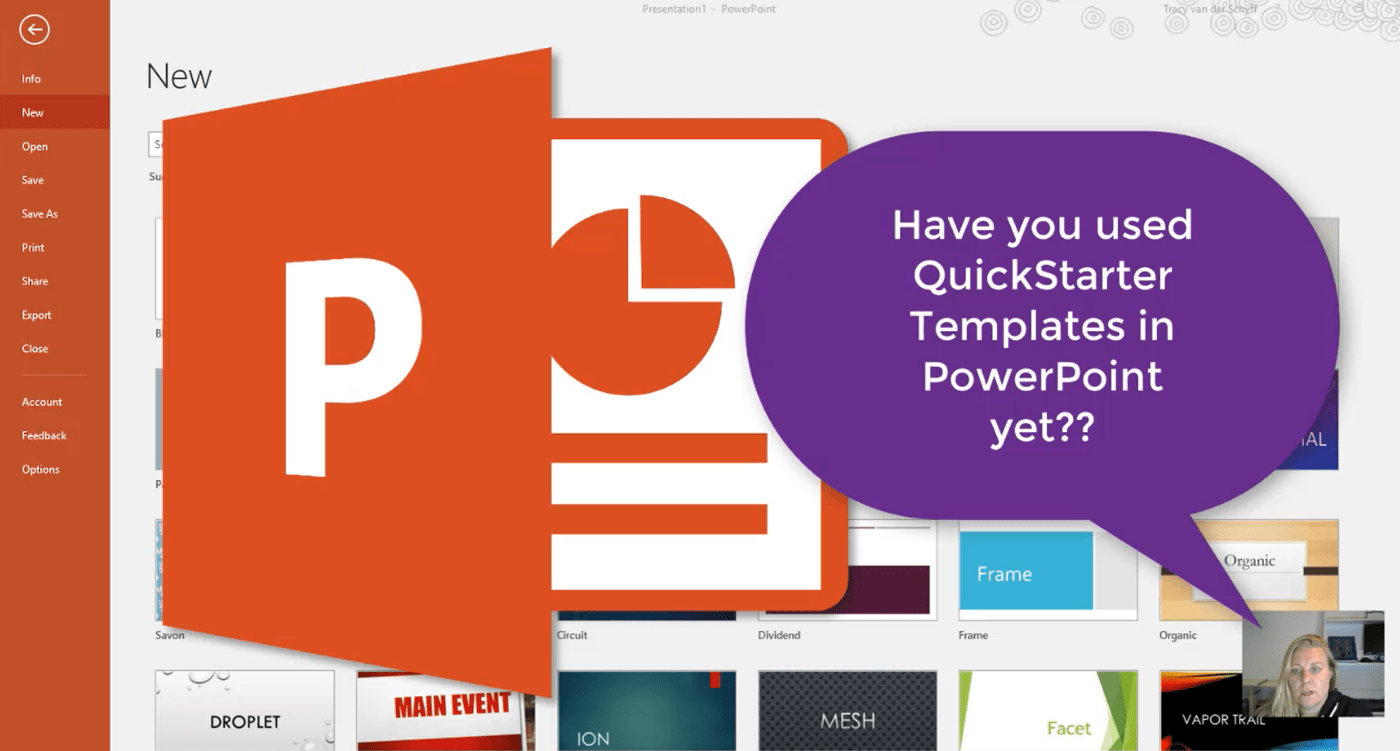
With the QuickStarter Template in #PowerPoint you can very quickly get your outline started by adding a subject. A presentation will be built based on this topic together with some research and notes to talk about. Simply right-click on a... Continue Reading →

#Microsoft365 #Office365 Over the last couple of months I've seen major improvements when it comes to supplying in place training and support. For example in Teams you'll see Help, FAQ and Videos in the T-Bot. No idea when it was added,... Continue Reading →
 Tracy van der Schyff