#Microsoft365 #Office365 #PowerPoint Everyone knows I LOVE PowerPoint, I even had a Powerpuff girl tattooed on my arm and called her PowerPoint Zoom. I've (incorrectly) used PowerPoint for years to design some crazy graphics that I used on my sites... Continue Reading →

#Microsoft365 - Formatting text normally takes me longer than writing the actual content. Today's post will show you how to use Format Painter to apply the same formatting to other text / cells. For previous posts in my #Microsoft365Challenge go to... Continue Reading →
#Microsoft365 - Everyone needs to create a presentation at some point. Using PowerPoint is super easy, and it helps if you know some quick wins. Your content might be on the mark, but if the presentation itself is not visually appealing,... Continue Reading →

#Microsoft365 - We're living in the era of Failure to Filter. Too much information, whether through search or discovery, comes our way every minute. Microsoft has done so much to help us filter out and find information faster. The "Shared... Continue Reading →
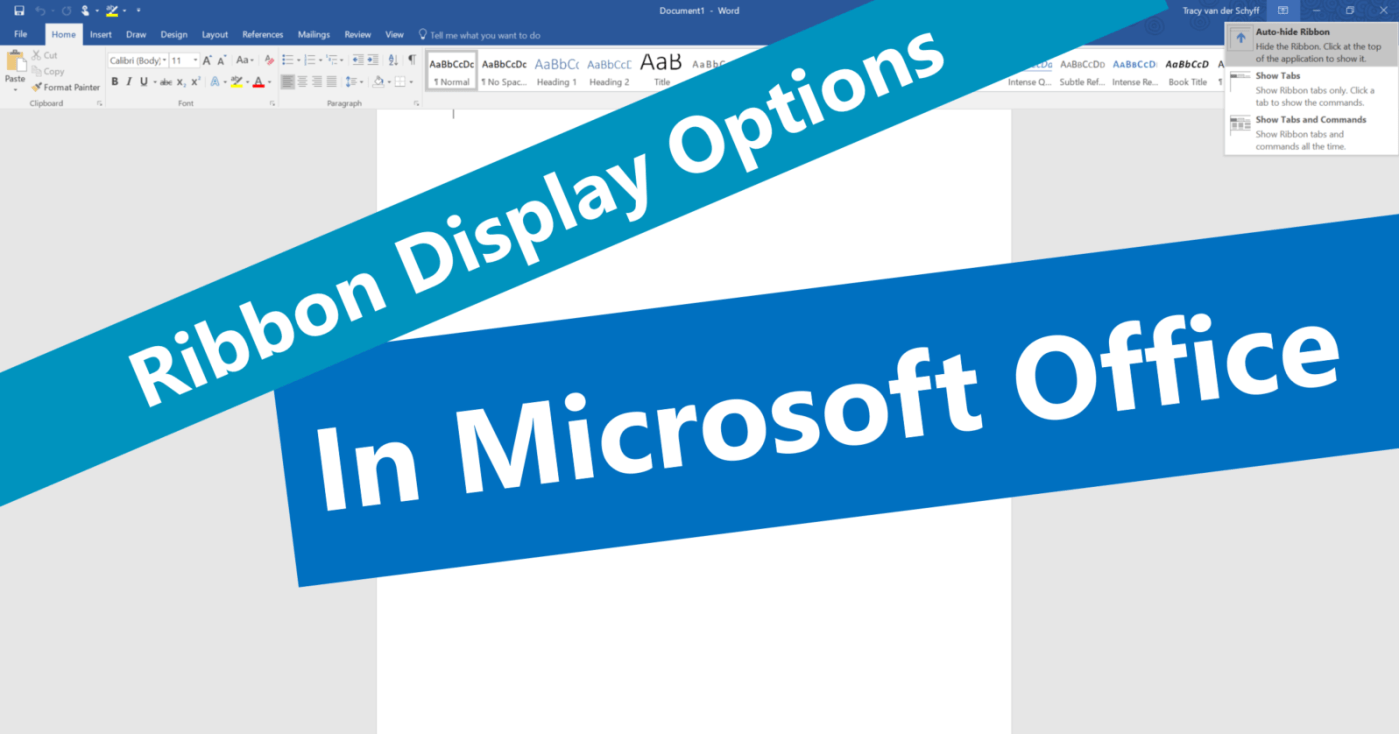
#Microsoft365 - Here's another thing I only noticed today. The ribbon display options in #Microsoft #Office. I'm all about saving time and when I see features that does that and helps me create 'more space' in my work environment, I'm... Continue Reading →

#Microsoft365 - Microsoft Office sure has come a long way when it comes to the creative side of things. Recently released updates brought us the Draw Tab, Highlighters, Pencil textures and more colours plus metallic effects. For previous posts in... Continue Reading →
 Tracy van der Schyff