
#Microsoft365 - At least 2 hours a day is spent looking for information. Try not to suck at it by using these great filters in the Bing search engine. For previous posts in my #Microsoft365Challenge go to the index page. DISCLAIMER: ... Continue Reading →

#Microsoft365 - So I have no idea when this was added or what it's called, but I LOVE it!! Take note of the following feature in your #Office365 Excel, Word & PowerPoint: For previous posts in my #Microsoft365Challenge go to the... Continue Reading →
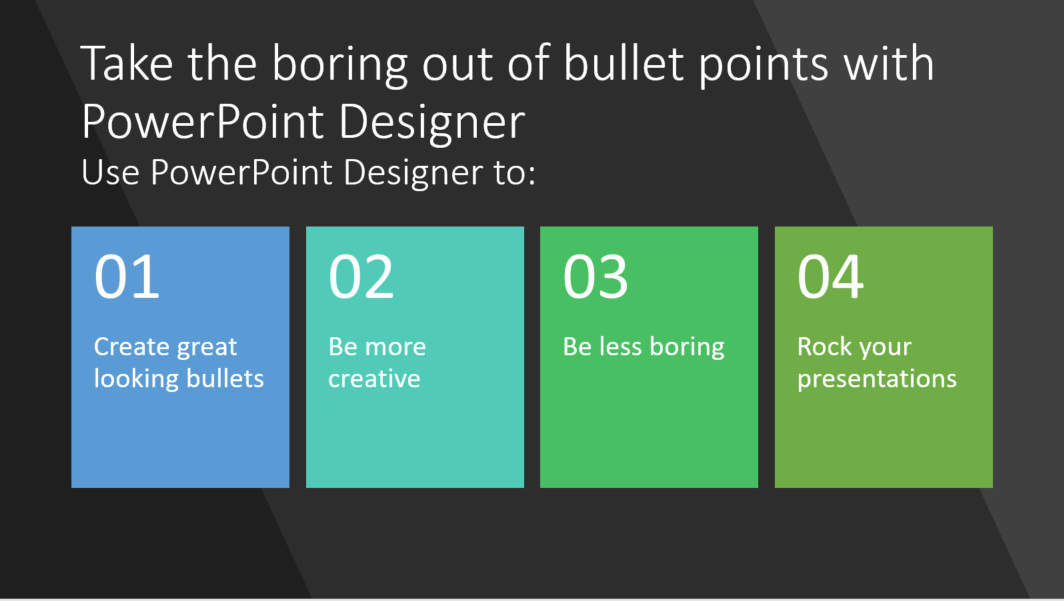
#Microsoft365 - The content you have for your presentations is real important - but if it's boring - it will have a negative impact on your outcome. Let's take a look at using #PowerPoint Designer to change the way your... Continue Reading →

#Microsoft365 - So you think you're not creative? Think again. Microsoft has added many features to the Office stack which helps us be more creative.Today we'll take a look at the #PowerPoint Designer feature. For previous posts in my #Microsoft365Challenge go... Continue Reading →

#Microsoft365 - The #Office365 Training Center is a great place to get all the help you need. From videos, quick reference guides, tips & tricks to Infographics. For previous posts in my #Microsoft365Challenge go to the index page. Office 365 Training... Continue Reading →

#Microsoft365 - It was recently announced that the Office Mix (preview) service will be retired on the 1st of May, 2018. I'm surprised how many people didn't even know of this cool add-in for PowerPoint. I used it regularly and... Continue Reading →
 Tracy van der Schyff