
As you might know by now, your Microsoft Team also has a SharePoint site that sits behind it. To navigate to this is easy. Click on File then on Open in SharePoint. That does confuse some people though as it... Continue Reading →

#Microsoft365 #Office365 As part of a mini series for #CitizenDevelopers I'll be sharing tips and tricks around Business Analysis, Project and Change Management etc. Today we'll take a look at being more creative and the tools we can use to... Continue Reading →
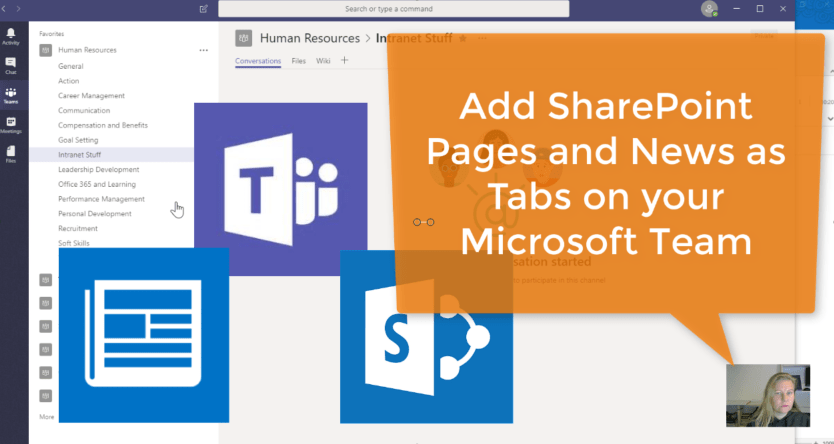
Already added in April 2018, this gives us the ability to add the Home and News pages from our SharePoint Pages. The previous SharePoint Tab only added document libraries. Keep in mind that it only adds from the SharePoint site... Continue Reading →

#Microsoft365 #Office365 As part of a mini series for #CitizenDevelopers I'll be sharing tips and tricks around Business Analysis, Project and Change Management. Today we'll take a look at the Event Driven Process Chain. #EPC. Relax, it's just a bunch... Continue Reading →

In previous blogs I've spoken about selecting the existing #OneNote or #Planner (created automatically) for your #MicrosoftTeam. l've found an easier way to speed up that integration between the Apps so that you can very quickly select the OneNote and... Continue Reading →

Like I said, if you're not using it yet, WHY? It really is a great app which means you have access to your Communication (Intranet) and Team Sites, your files, organizational contacts and the Newsfeed (company and team communications). Let... Continue Reading →
 Tracy van der Schyff