
One of my favorite formulas for data cleanup in Excel - and I didn't know I could use it in SharePoint. Winner winner chicken dinner if you ask me - this would fix a lot of that nasty Single line... Continue Reading →
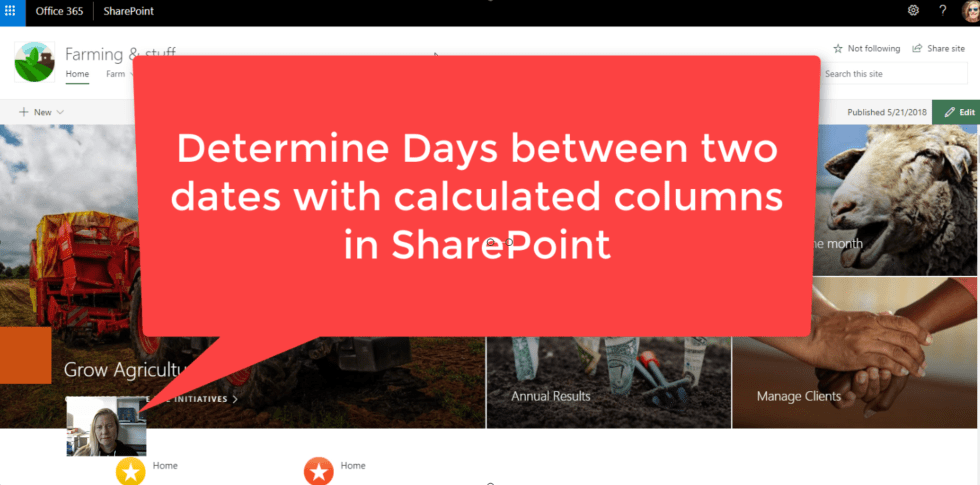
Yup, still on those calculated columns in #SharePoint. So easy to use and they solve a lot o problems and save time. Today I'll show you how to calculate days between dates - the difficult and the easy way. https://youtu.be/d-J_RrZBqoo... Continue Reading →
Wanna do some cool calculations on your data (lists) in SharePoint. Here's a great example of using Calculated Columns to work out the profit and profit percentage for you. Of course you can then write filtered views that shows profit... Continue Reading →

Here's a real nifty way to do your revision dates in controlled document libraries - automatically. Documents might have different revision cycles, so adding days as a cycle would then calculate the date it needs to be reviewed. Yup!! OTB... Continue Reading →
In this example, I would like to validate the length of the ID number as well as that it only contains numbers. Of course if it must be numbers, just use a number column, but if it's meant for ID,... Continue Reading →

Using a single line of text for email addresses are tricky, as there's no checks. If you use column validation it can at least do a couple of checks for you. See how we can validate whether an address includes... Continue Reading →
 Tracy van der Schyff