#Office365Challenge - Need to get feedback quickly? Want to save time on gathering the information and reporting? Well then SharePoint has just the thing for you. It's called surveys - and they're super easy to build. In this post we'll... Continue Reading →
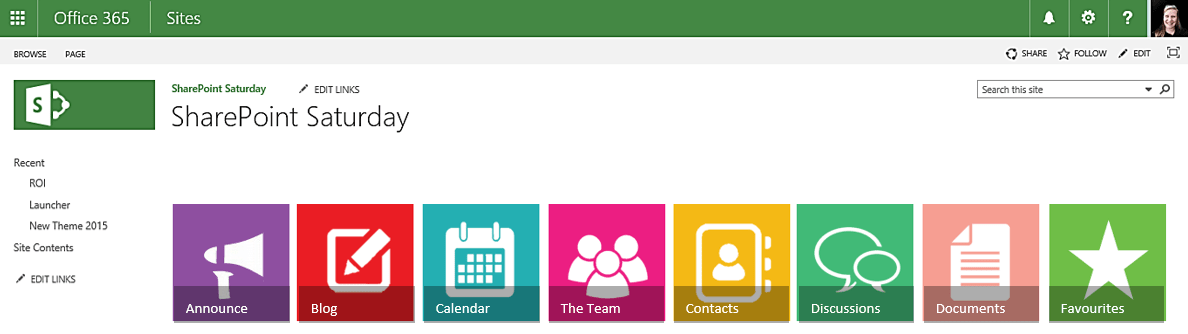
#Office365Challenge - This is the third post with some tips and tricks around creating your own images for Promoted Links in SharePoint, using PowerPoint. In the previous post, I showed you how to change the look of your images by... Continue Reading →
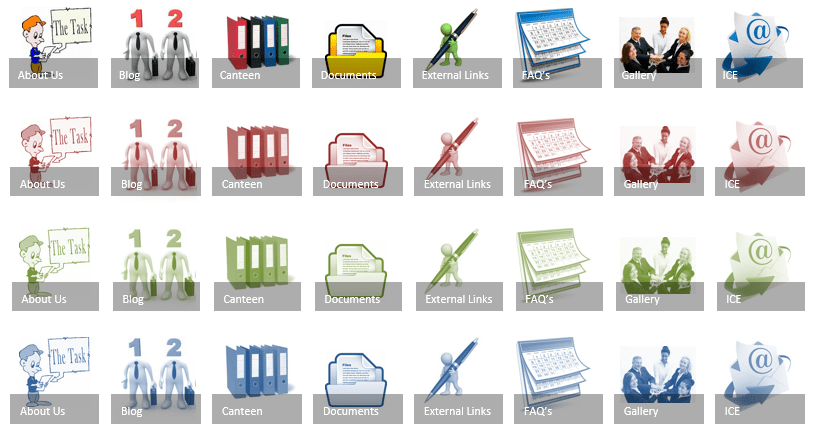
#Office365Challenge - This is the second post with some tips and tricks around creating your own images for Promoted Links in SharePoint, using PowerPoint. In the previous post, I showed you how to create a solid image which is then... Continue Reading →

#Office365Challenge - You might be building great solutions in SharePoint, but if users cannot easily navigate to it - you've failed. Let's face it - not everyone has evolved into "Search Mode" yet - so we have no choice than... Continue Reading →
#Office365Challenge - Adding Apps in SharePoint couldn't be easier. It allows for End Users / Super Users in SharePoint to become Superhero "Developers" without having to write code. That's why at the GT Academy, we put focus on ensuring that... Continue Reading →
#Office365Challenge - Yesterday I spoke about Quick Edit in Lists and Libraries. Even though this is a pretty cool feature, it could also be quite dangerous. In some cases you might want to disable this function. Here's the how. Day:... Continue Reading →
 Tracy van der Schyff