So much focus on moving to the cloud and using OneDrive etc. But many users still don't take note of file sizes - or that they're still working on 97-2003 documents. Let me show you what a difference it makes... Continue Reading →
Since Office 2010 we've been able to save files as PDF (without installing an add-in). I still come across many users who are not aware of this. Saving your files as PDF are great when the receiver does not need... Continue Reading →
#SmartArt is a great way to visually present your information. With many different templates to choose from and the ability to format the design of the SmartArt. These graphics can be created in Excel, Outlook, PowerPoint, and Word https://youtu.be/QOxS-oWTgDg Purpose... Continue Reading →
Ever wish you could afford a personal assistant - to take notes, someone you could dictate letters to? Or you want to lie on the couch, sip wine and tell your story which will become your biography (and it gets... Continue Reading →
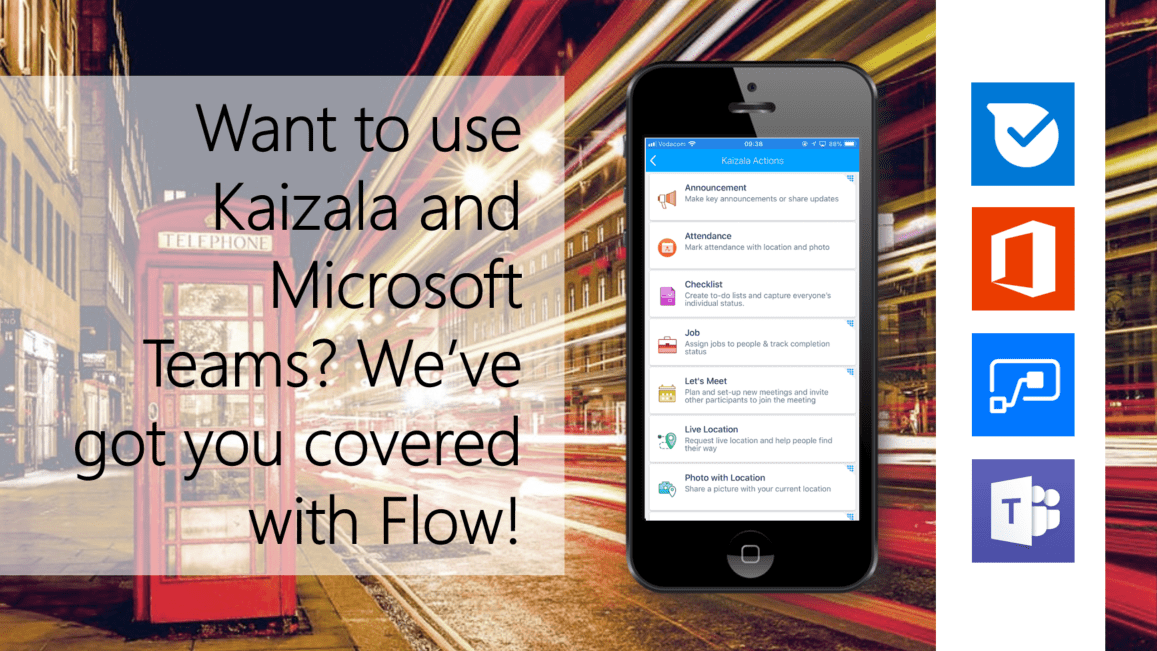
#Microsoft365 #Office365 #Kaizala #MicrosoftTeams #MicrosoftFlow I've been the biggest fan of Microsoft Teams (6 months after) it got launched. I do still feel there's a place for quick messages within a Team and also for larger groups of people who... Continue Reading →
#Microsoft365 #Office365 Our excuse has always been, I don't know, or I don't know where to find it. Well not anymore. Microsoft has worked very hard at bringing the resources together - right where you need it. Today we'll take... Continue Reading →

