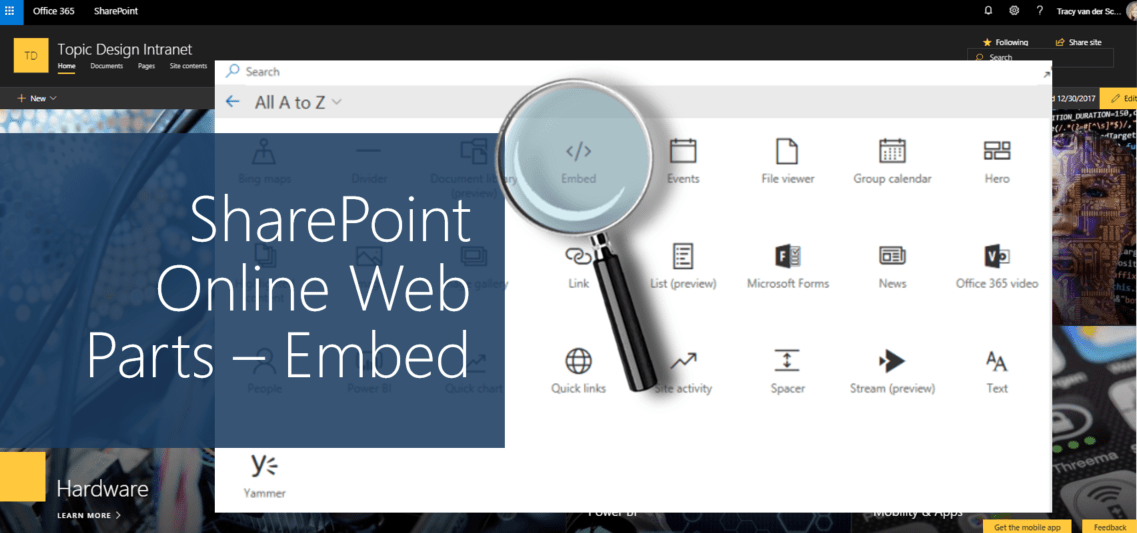
#Microsoft365 #Office365 #SharePoint - Display content from other websites and even YouTube using the Embed Web Part. Add by either using the site URL or the embedded code provided. For previous posts in my #Microsoft365Challenge go to the index page. DISCLAIMER: I... Continue Reading →
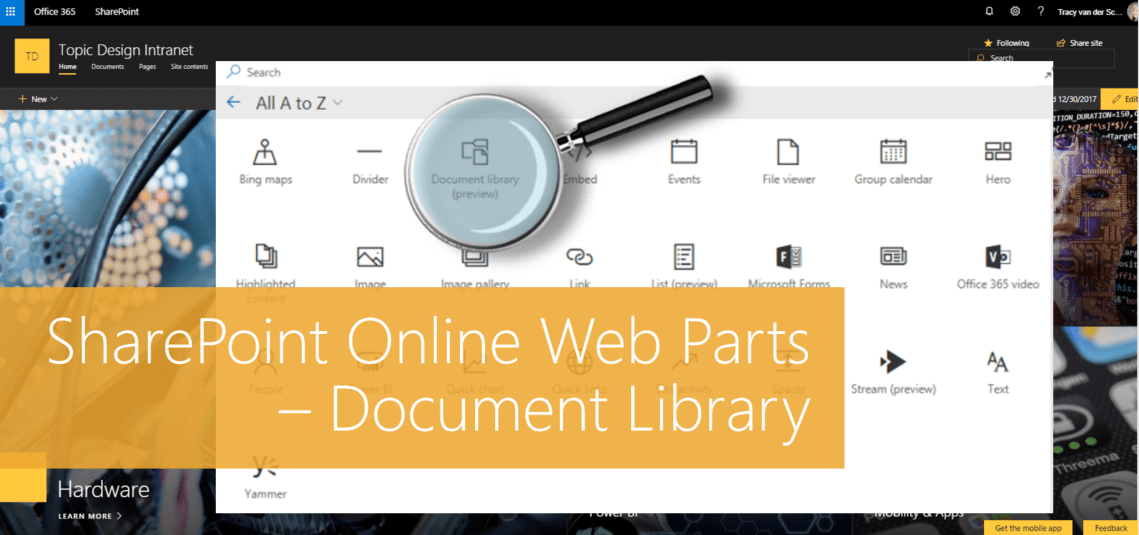
#Microsoft365 #Office365 #SharePoint - I'll be doing a write-up of the different web parts available for modern pages in SharePoint Online. Here's the Document Library Web Part. For previous posts in my #Microsoft365Challenge go to the index page. DISCLAIMER: I WRITE ARTICLES ABOUT... Continue Reading →

#Microsoft365 #Office365 #SharePoint - No one enjoys technology not working like it should. What's more painful is seeing people complain and then do nothing about it. And I'm not just talking about complaints, you should be adding value and changing... Continue Reading →
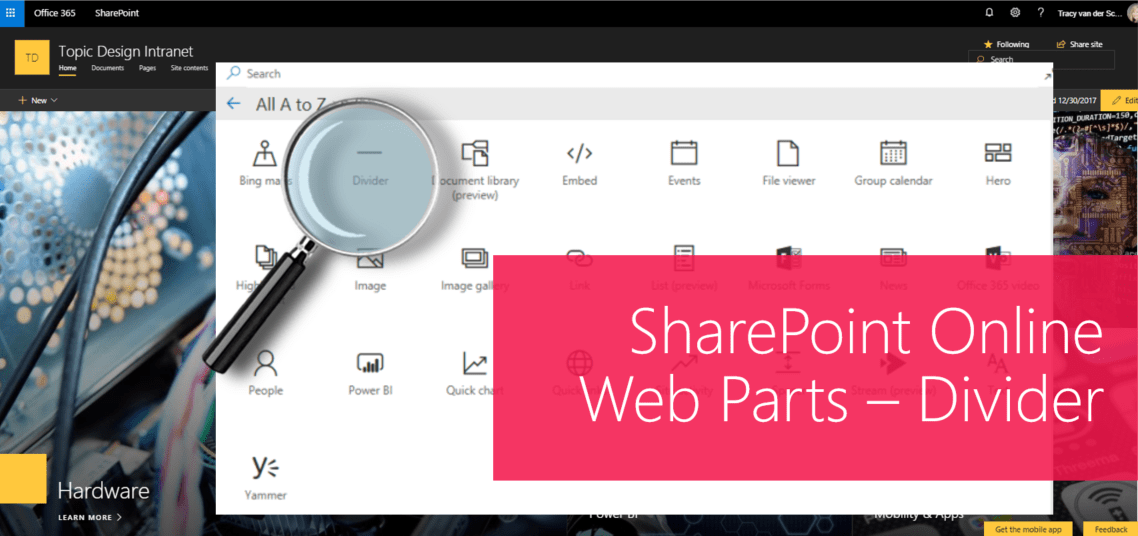
#Microsoft365 #Office365 #SharePoint - I'll be doing a write-up of the different web parts available for modern pages in SharePoint Online. Let's take a look at the Divider Web Part. For previous posts in my #Microsoft365Challenge go to the index page. DISCLAIMER: I... Continue Reading →
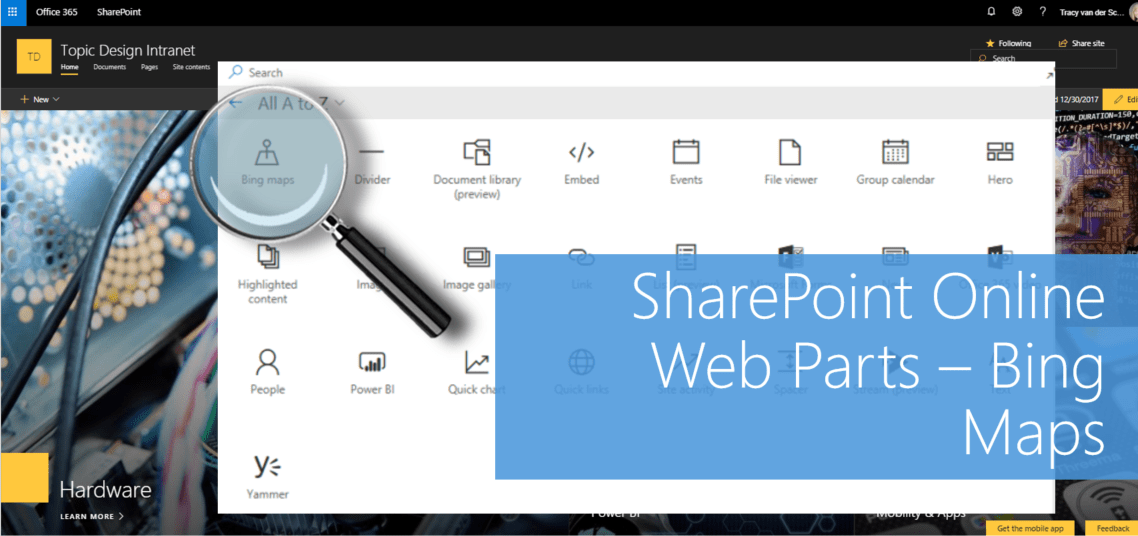
#Microsoft365 #Office365 #SharePoint - I'll be doing a write-up of the different web parts available for modern pages in SharePoint Online. Today we'll take a look at adding and configuring Bing Maps. For previous posts in my #Microsoft365Challenge go to the index page.... Continue Reading →

#Microsoft365 #Office365 - The new #SharePoint Communication site templates are beautiful and responsive, but it requires a bit of planning / design to get your layout just perfect. Adding all the web parts below each other is boring to say... Continue Reading →

