
#Microsoft365 #Office365 #SharePoint It really doesn't have to be that difficult. Today I'll show you how to drag multiple documents into groups to update metadata. You will need an existing grouped view to achieve this, so keep this in mind when... Continue Reading →

#Microsoft365 #Office365 #SharePoint – So we've been looking at the new Communication Sites in SharePoint Online. We've covered the Topic and Showcase Design Template. Let's look at the Blank design today, and the different web parts that can be added. For... Continue Reading →

#Microsoft365 #SharePoint - Attention Views [First release] was launched October 2017. Files that need attention is a new feature (view) which allows us to focus on the important stuff first. For previous posts in my #Microsoft365Challenge go to the index page. DISCLAIMER: I WRITE... Continue Reading →

#Microsoft365 #SharePoint - Today we'll take a look at using the Showcase design template for building Communication sites in SharePoint online. SharePoint Communication Sites: The Communication sites got launched for First Release Customers towards end of June 2017. A reminder, if... Continue Reading →
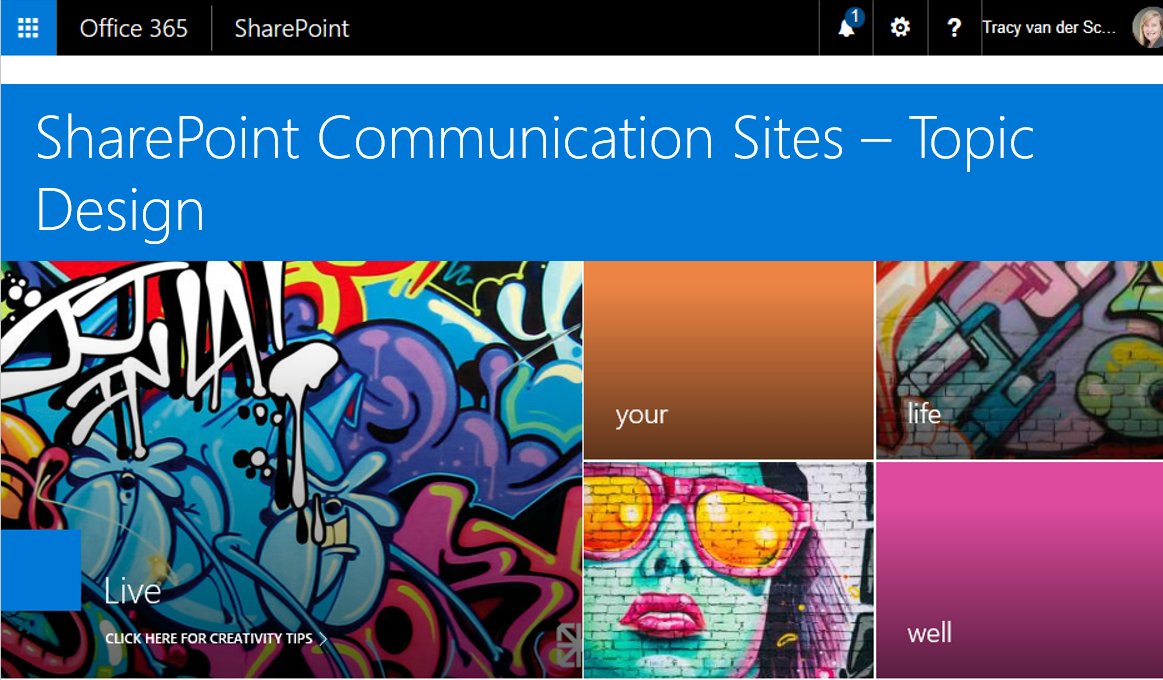
#Microsoft365 #SharePoint – SharePoint Communication Sites are AWESOME!! Today we'll take a look at one of the 3 templates - Topic Design. What are Communication Sites? "A new generation of the mobile and intelligent intranet, allowing you to communicate to... Continue Reading →

#Microsoft365 - Ever need to change data in Excel displayed as columns to rows? No retyping necessary. This is very easy to accomplish with Paste Special - Transpose. For previous posts in my #Microsoft365Challenge go to the index page. DISCLAIMER: I... Continue Reading →

