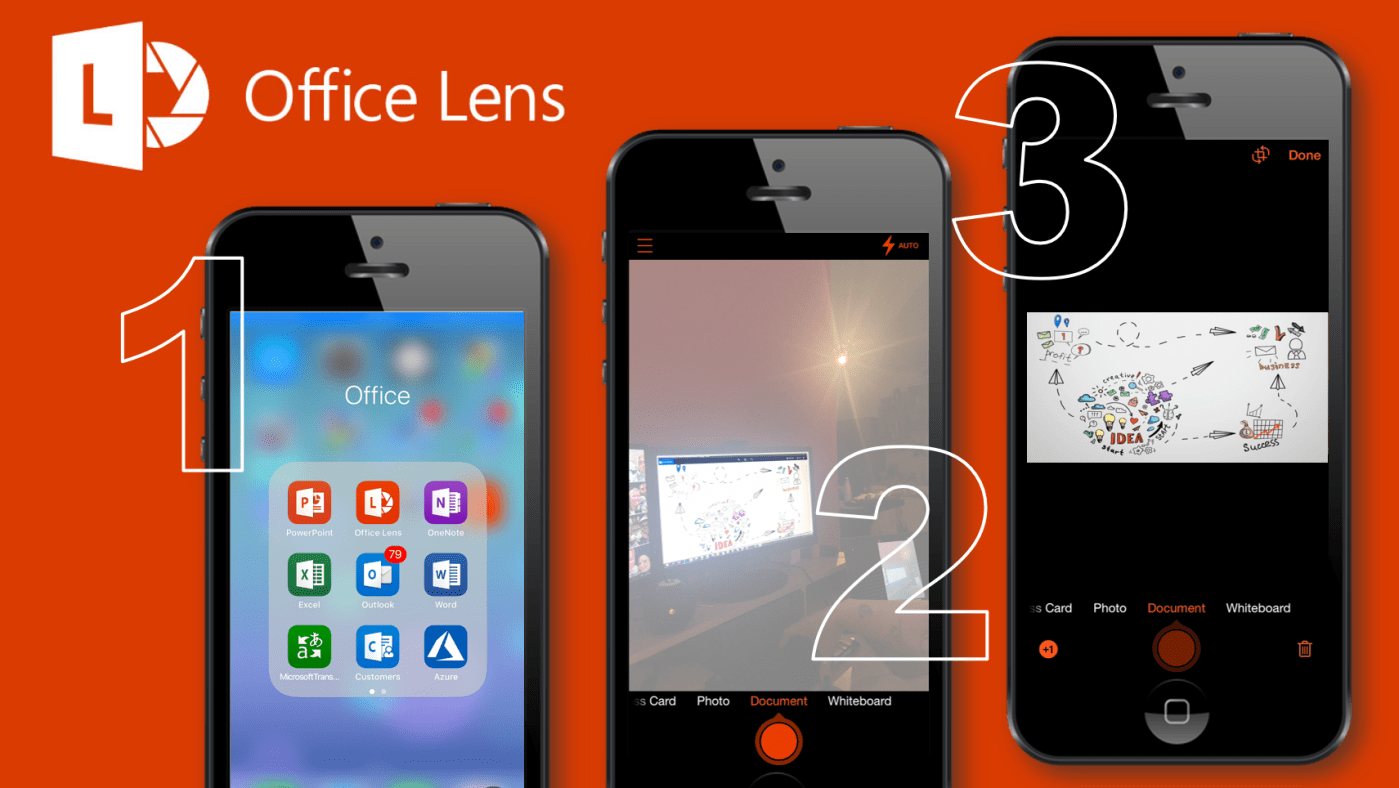
#Microsoft365 - I attend a lot of meetings and conferences (sure we all do) and I don't always get the best seat right in the middle up front. So when I take photos of presentation slides they always end up... Continue Reading →
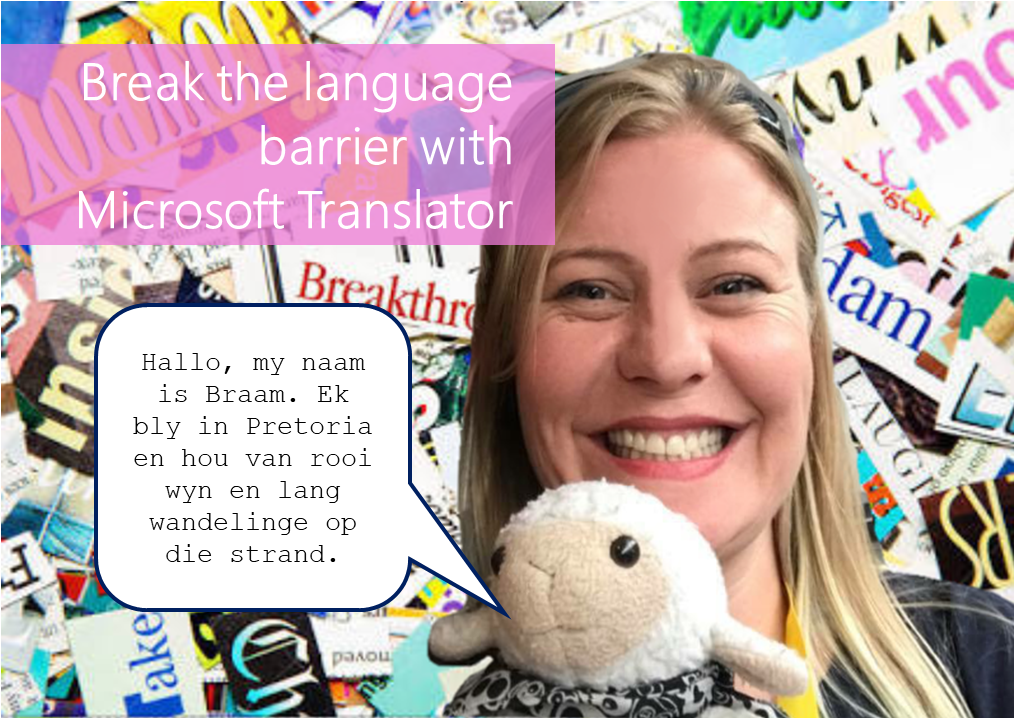
#Microsoft365 - I just had so much fun testing the Microsoft Translator with Braam. Microsoft Translator is a tool that helps us overcome the language barrier. It allows for speech and text translations. For previous posts in my #Microsoft365Challenge go to... Continue Reading →

#Microsoft365 - At least 2 hours a day is spent looking for information. Try not to suck at it by using these great filters in the Bing search engine. For previous posts in my #Microsoft365Challenge go to the index page. DISCLAIMER: ... Continue Reading →

#Microsoft365 - So I have no idea when this was added or what it's called, but I LOVE it!! Take note of the following feature in your #Office365 Excel, Word & PowerPoint: For previous posts in my #Microsoft365Challenge go to the... Continue Reading →
#Microsoft365 - Ever closed a tab in your browser by accident and then have to search again / log in again? Here's a tip to help you reopen those tabs. For previous posts in my #Microsoft365Challenge go to the index page.... Continue Reading →

#Microsoft365 - I love shortcuts and the Windows Button has definitely saved me a lot of time. Here's another good one to help you zoom in and out on pages. For previous posts in my #Microsoft365Challenge go to the index page.... Continue Reading →
 Tracy van der Schyff