
#Microsoft365 - "As per IDC, one in three IT positions are expected to be cloud-related by 2020. Here is your opportunity to get future-ready with Microsoft Cloud Society Program. Microsoft has introduced the Microsoft Cloud Society Program to identify and... Continue Reading →

#Microsoft365 - Microsoft Office sure has come a long way when it comes to the creative side of things. Recently released updates brought us the Draw Tab, Highlighters, Pencil textures and more colours plus metallic effects. For previous posts in... Continue Reading →
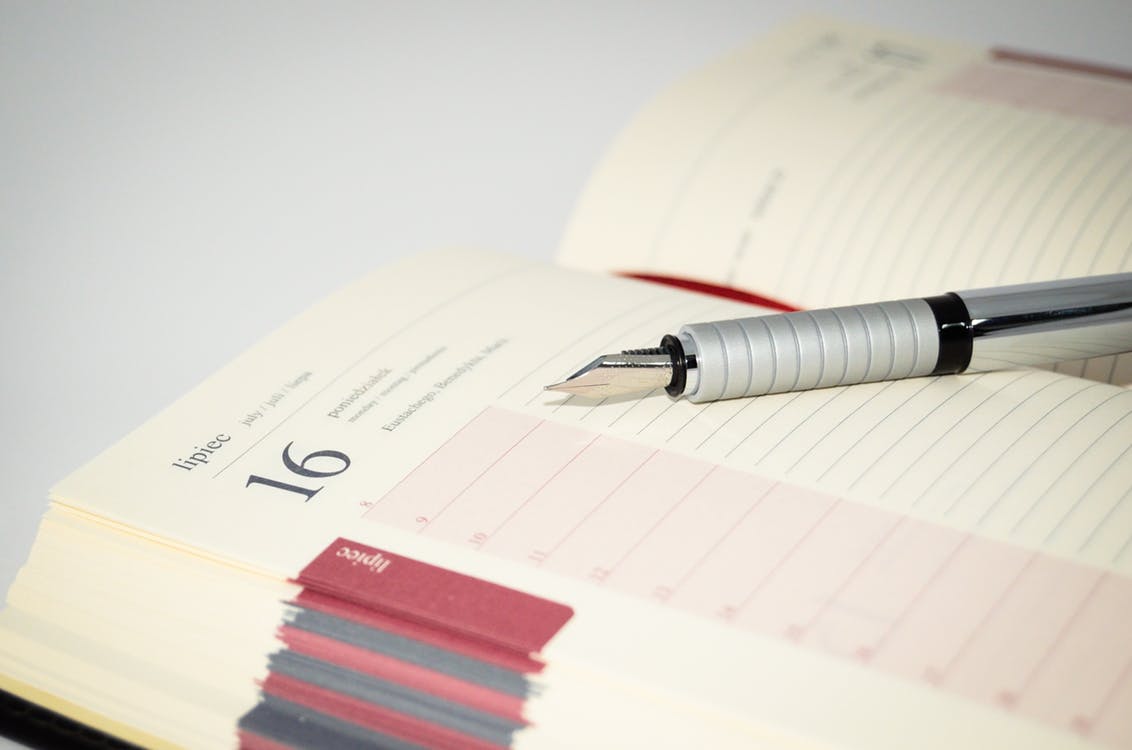
#Microsoft365 - In a recent post I showed you how to group you sections in OneNote. Today we'll take a look at creating subpages which will further assist with creating some space and order in your OneNote Notebooks. For previous... Continue Reading →

#Microsoft365 - Tools that help us manage our lives are great, but sometimes they get so 'busy' that we stop using it. Let me show you how to categorize and manage your sections in OneNote even more. For previous posts... Continue Reading →
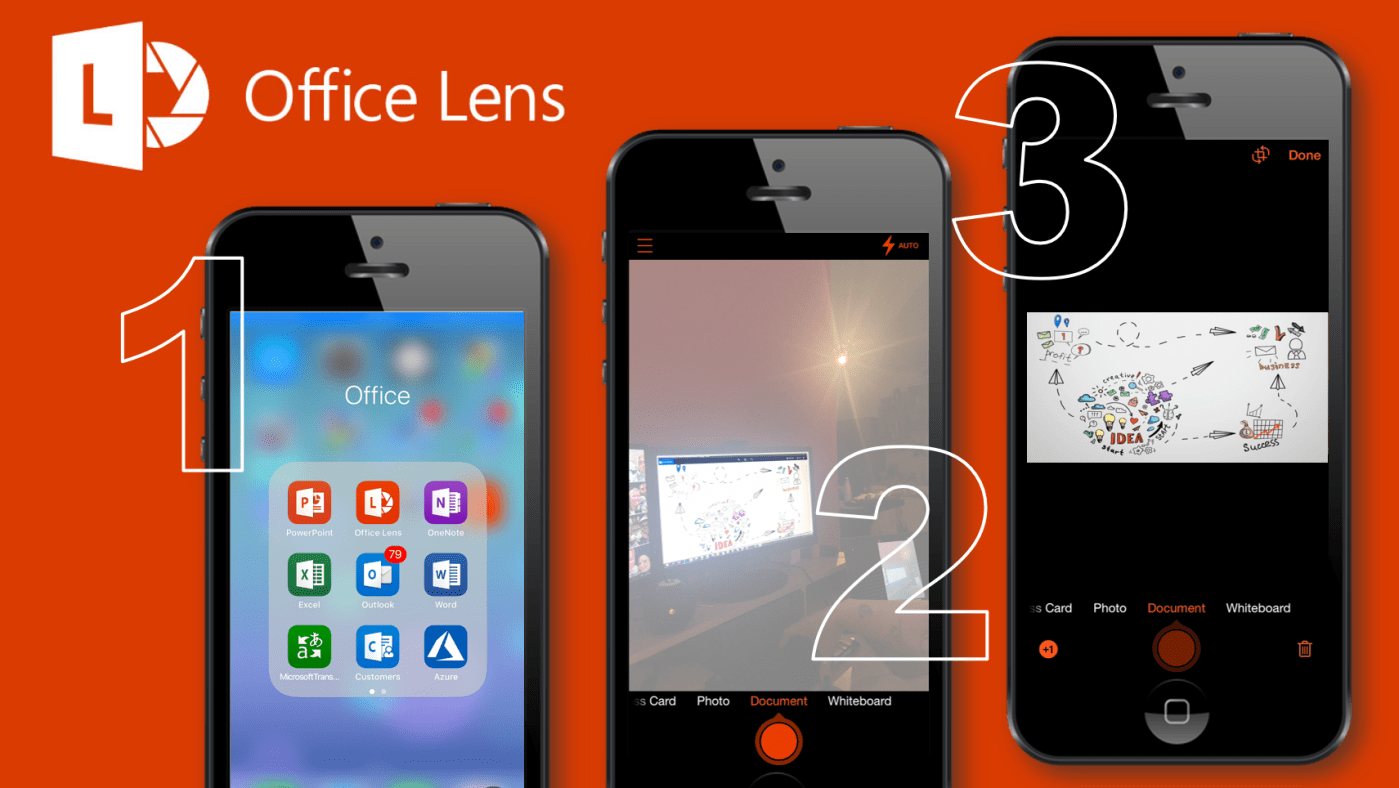
#Microsoft365 - I attend a lot of meetings and conferences (sure we all do) and I don't always get the best seat right in the middle up front. So when I take photos of presentation slides they always end up... Continue Reading →
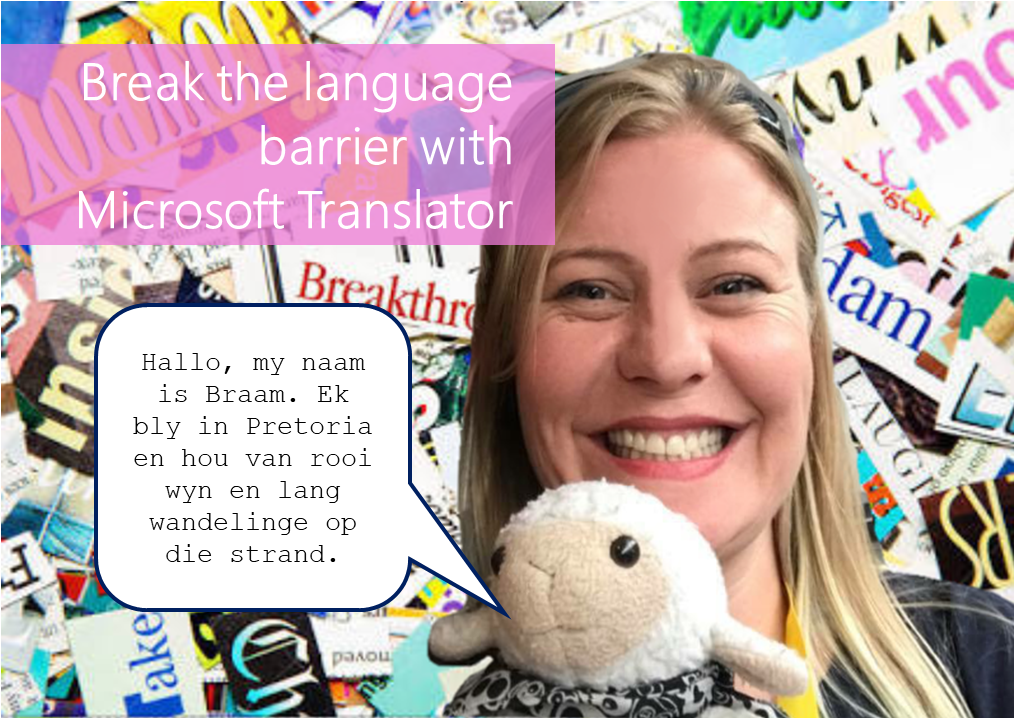
#Microsoft365 - I just had so much fun testing the Microsoft Translator with Braam. Microsoft Translator is a tool that helps us overcome the language barrier. It allows for speech and text translations. For previous posts in my #Microsoft365Challenge go to... Continue Reading →
 Tracy van der Schyff