
#Microsoft365 - Here's a quick one, sure to save you lots of time NOT navigating to stuff. Let's take a look at setting Quick Access Favourites in #Windows File Explorer. For previous posts in my #Microsoft365Challenge go to the index page.... Continue Reading →
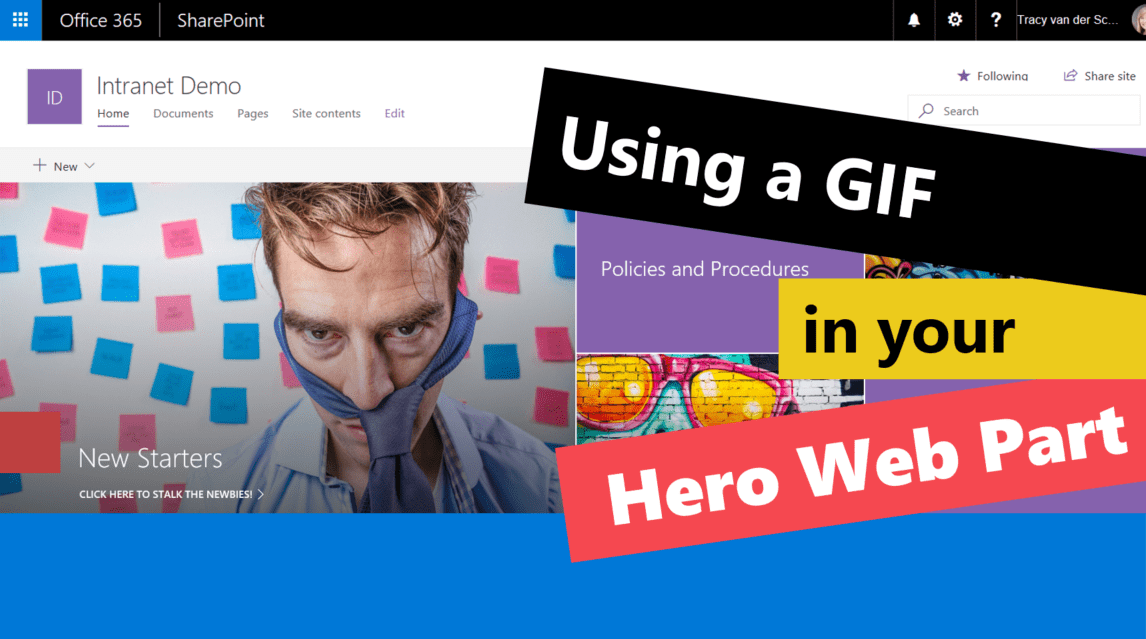
#Microsoft365 - I'm absolutely loving the new Communication Site templates in #Office365 SharePoint Online. Thank you #Microsoft for creating these beautiful, responsive mobile friendly templates. Today I'll show you how to use a GIF as one of the images in... Continue Reading →

#Microsoft365 - We all know that the amount of information we deal with can be overwhelming. It's therefor great to know that #Office365 is helping us save time, by giving us the tools to be more efficient - faster. See... Continue Reading →
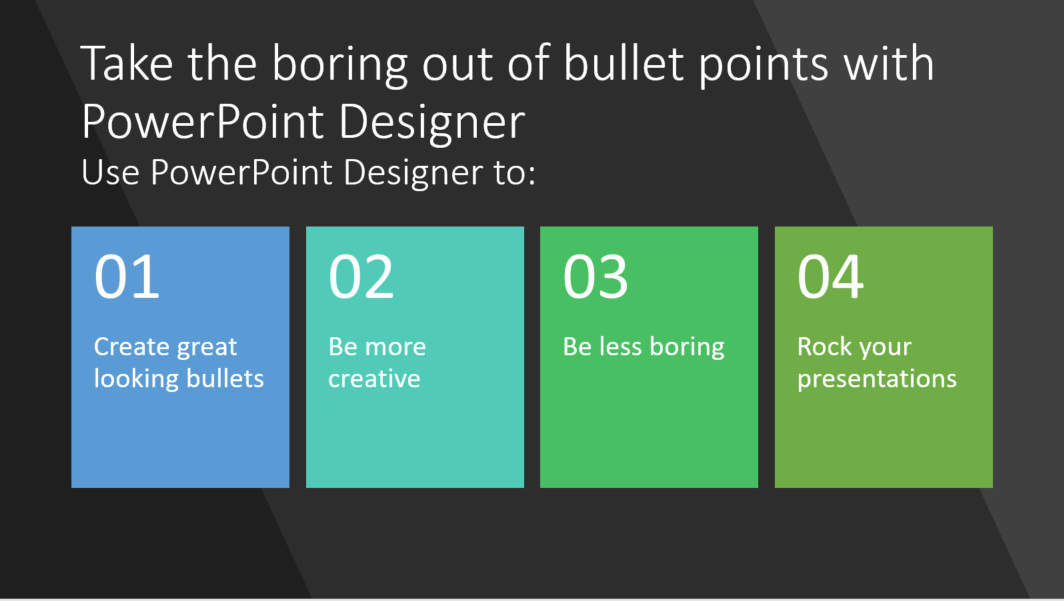
#Microsoft365 - The content you have for your presentations is real important - but if it's boring - it will have a negative impact on your outcome. Let's take a look at using #PowerPoint Designer to change the way your... Continue Reading →

#Microsoft365 - So you think you're not creative? Think again. Microsoft has added many features to the Office stack which helps us be more creative.Today we'll take a look at the #PowerPoint Designer feature. For previous posts in my #Microsoft365Challenge go... Continue Reading →
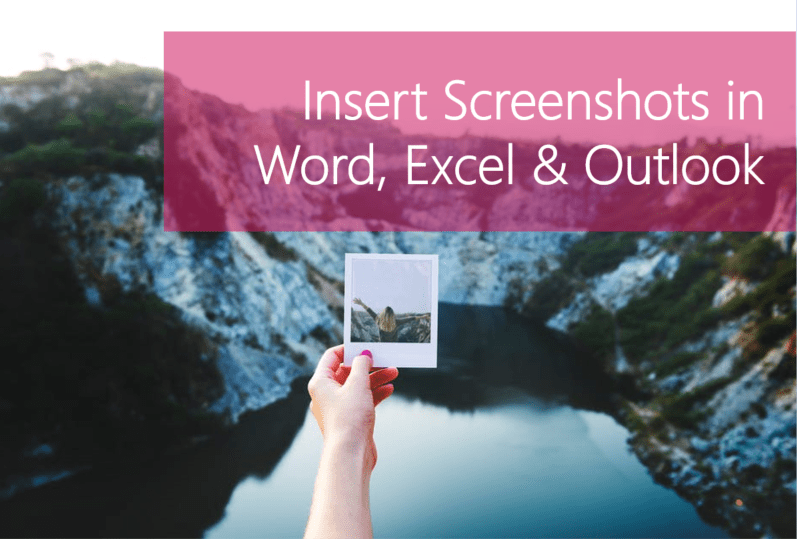
#Microsoft365 - Recently I wrote about making screen recordings with PowerPoint, but did you know you can take screenshots in the other Office programs? For previous posts in my #Microsoft365Challenge go to the index page. Creating a screenshot: In the past,... Continue Reading →

