
Project management has never been short on tools, but it has often been short on time. With Microsoft 365 and Copilot, project managers are finally seeing meaningful relief from admin‑heavy work: usable meeting summaries, status updates that don’t start from scratch, and insights surfaced faster than ever before. Copilot doesn’t replace the project manager. It removes the friction.

Project management isn’t what it used to be, and that’s a good thing. For years, PMs have juggled scattered tools, manual updates, duplicated reports, and meeting notes that never quite captured what really happened. Today, with Microsoft 365, Copilot, and AI Agents, we finally have a connected ecosystem that works with us, not against us.
Project managers don’t need “more tools”, we need less admin. If you’re using Microsoft 365 Copilot, the biggest win is getting the busywork done (summaries, action lists, status updates, risk signals) so you can focus on decisions, people, and delivery. Here are 10 high impact prompts you can copy/paste today, each one is designed to produce something usable in seconds, not “AI fluff”.
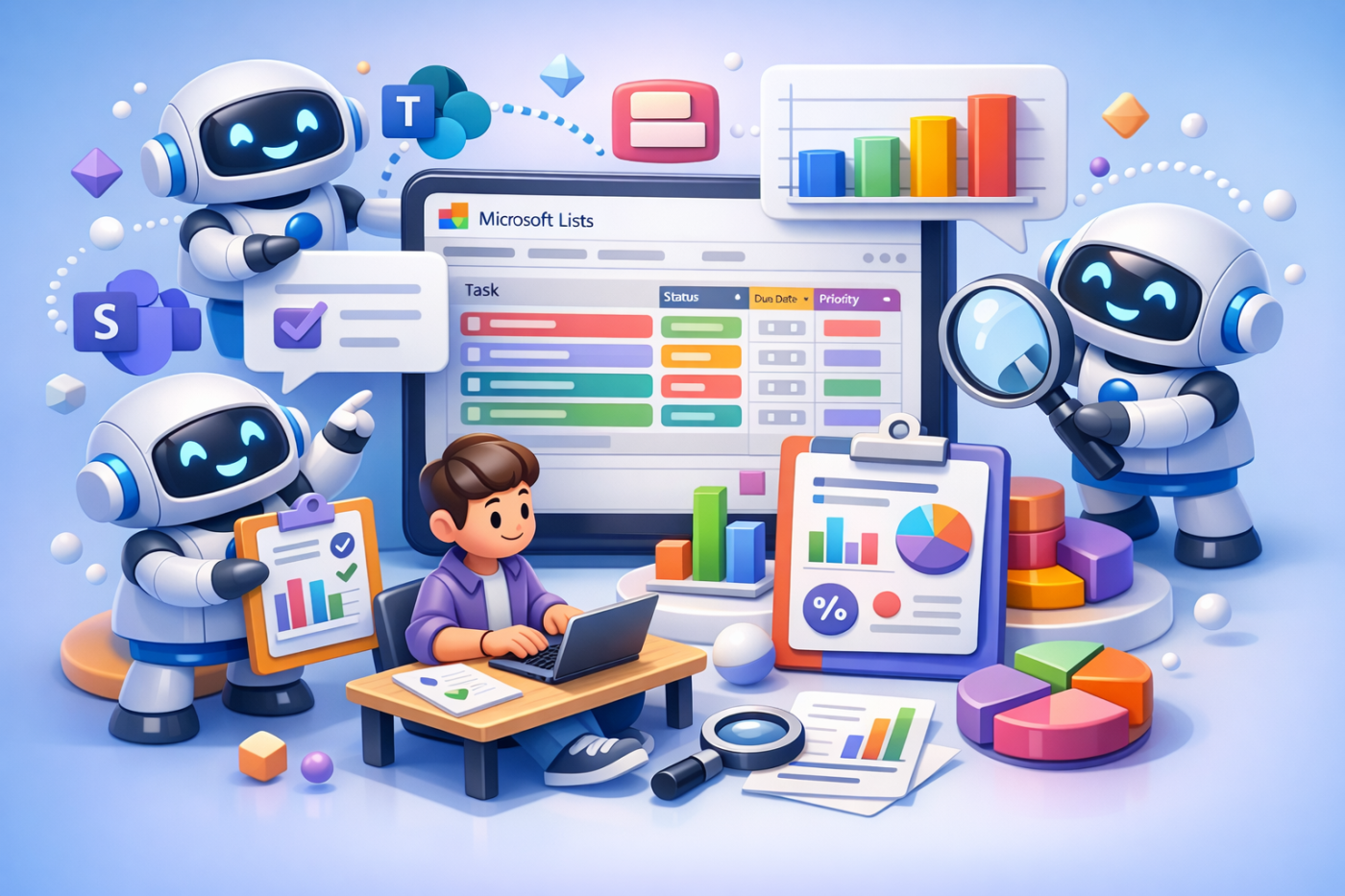
response: “This sounds great, but it doesn’t quite work like that where I am.” And that reaction is completely valid. Microsoft Copilot can help you analyse risks and issues (my example - but relevant to Microsoft Lists in general) — but how it does that depends very much on: Where Copilot is being used; What data it’s allowed to access; And how it’s licensed and configured This blog is about closing the expectation gap, so teams understand what Copilot can realistically do with Microsoft Lists (Risk and Issue Registers), why it sometimes falls short, and how to choose the right approach without frustration.

Most project teams already have a Risk & Issue Register. It exists. It’s maintained (mostly). It gets updated just before steering meetings. And yet, when things go wrong on a project, the risks were often already there — we just didn’t see them clearly enough, early enough. The challenge isn’t capturing risks and issues. The challenge is making sense of them. That’s where Microsoft Copilot can help. This is where Teams, Microsoft Lists, and Copilot work beautifully together.
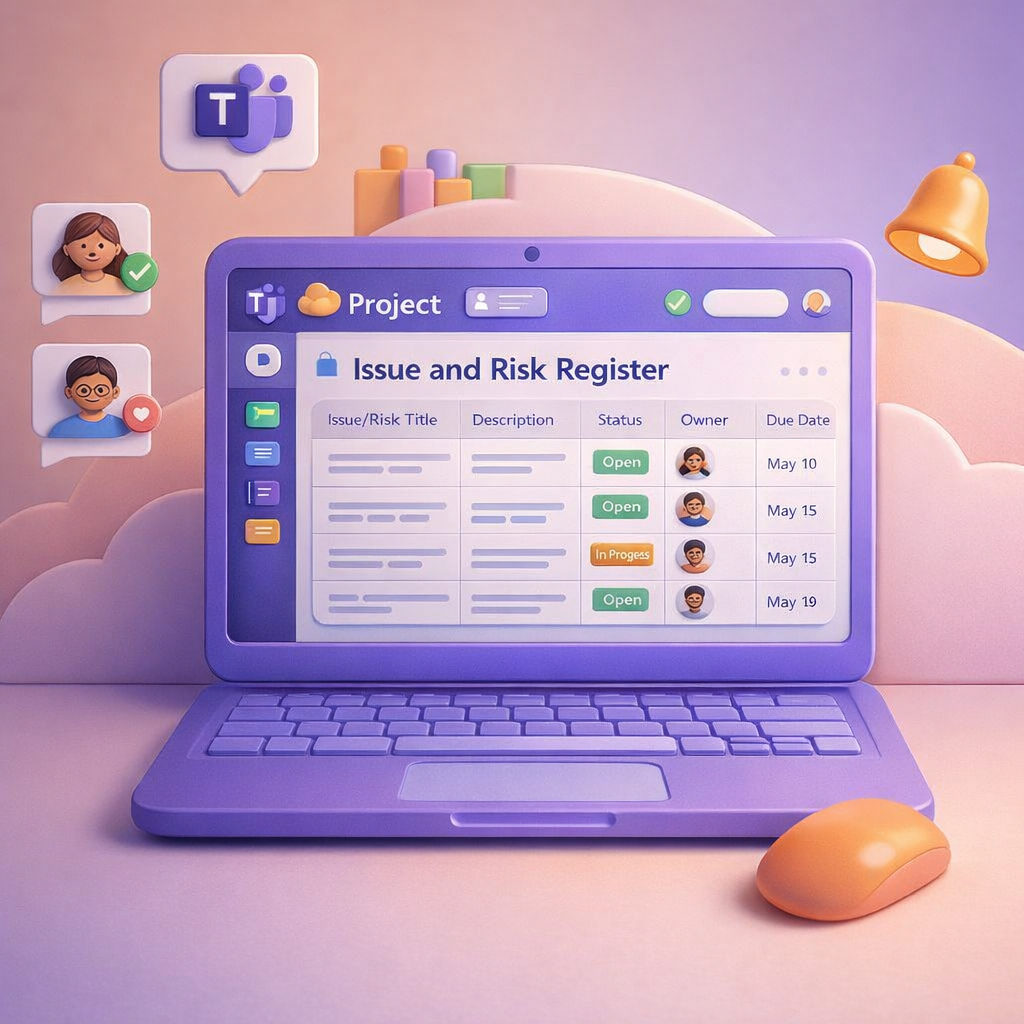
In yesterday’s blog, I looked at how Microsoft Teams can become the central hub for managing your project, conversations, meetings, tasks, and decisions all in one place. Today, I want to zoom in on something every project has (but few handle well): risks and issues. Most projects don’t fail because risks weren’t raised. They fail because risks were buried in chat, lost in meeting notes, or never tracked properly once identified. This is where Teams, Microsoft Lists, and Copilot work beautifully together.

