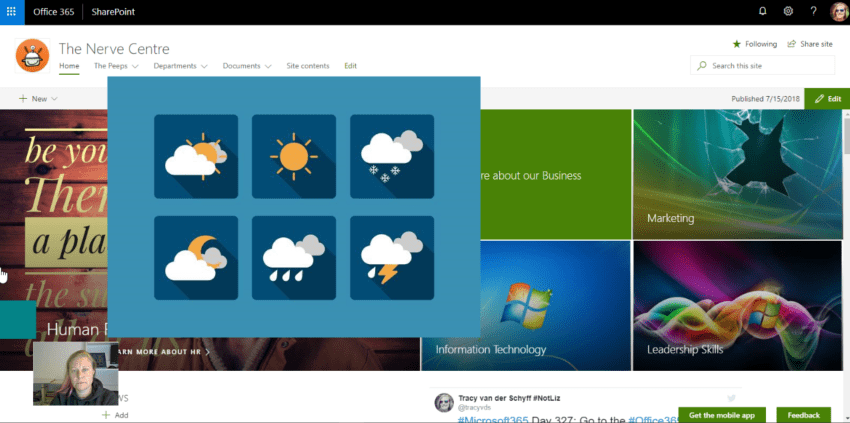
The new #SharePoint Weather Web Part was added for the modern SharePoint sites in the last two months. I've tested it and really like the clean / simple look of it. Because the web part is small, I could easily... Continue Reading →

I love lookup lists. Firstly because I can use them as drop-downs on multiple apps on my site and secondly, because an end user can update these. You don't need access to the library / list settings or the Site... Continue Reading →

The List Settings is where you'll find the version settings, approvals, quick edit etc. This is also where you'll find the Item Level Permissions. This is a great feature that allows you to specify whether users can only see and... Continue Reading →
Depending on whether you have access to the library settings, it's always good to know what you may find there. Versioning, default open behavior, check in / check out, folder creation, content types, column creation etc. If you are new... Continue Reading →

The Site Assets is the library where your #SharePoint / #Communication Site stores all the images you've used on pages. It will create a new folder in the Site Assets, Site Pages Folder for each page where you add images. Let... Continue Reading →
 Tracy van der Schyff