
Most project teams already have a Risk & Issue Register. It exists. It’s maintained (mostly). It gets updated just before steering meetings. And yet, when things go wrong on a project, the risks were often already there — we just didn’t see them clearly enough, early enough. The challenge isn’t capturing risks and issues. The challenge is making sense of them. That’s where Microsoft Copilot can help. This is where Teams, Microsoft Lists, and Copilot work beautifully together.
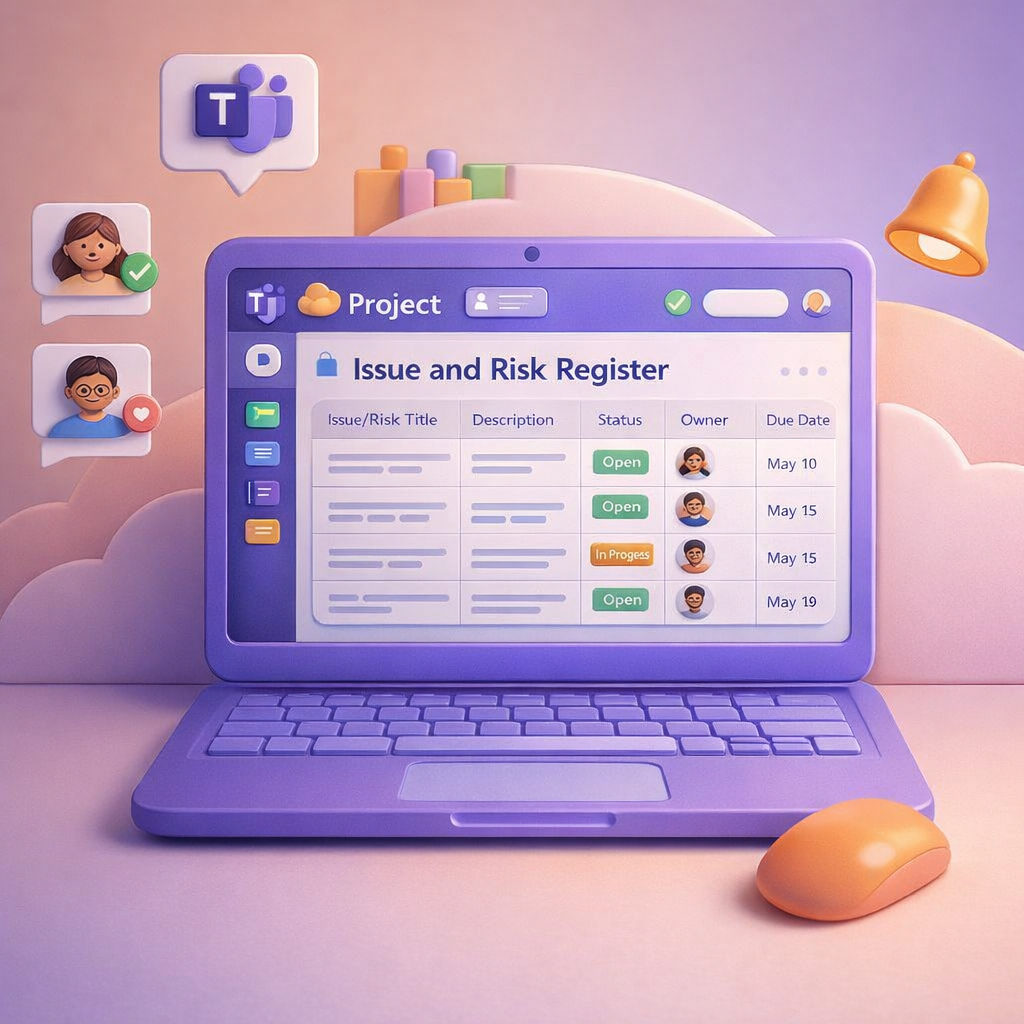
In yesterday’s blog, I looked at how Microsoft Teams can become the central hub for managing your project, conversations, meetings, tasks, and decisions all in one place. Today, I want to zoom in on something every project has (but few handle well): risks and issues. Most projects don’t fail because risks weren’t raised. They fail because risks were buried in chat, lost in meeting notes, or never tracked properly once identified. This is where Teams, Microsoft Lists, and Copilot work beautifully together.
When people think about project management, they often picture complex tools, rigid templates, and admin overhead that few people enjoy. In reality, most projects succeed or fail based on communication, shared understanding, and follow‑through — and that’s exactly where Microsoft Teams excels. When used intentionally, Teams becomes a single, structured space for conversations, documents, meetings, tasks, and decisions, instead of information being scattered across inboxes and personal drives.

Some days you don’t need new idea: you just need one small thing that works better. If you’ve ever thought, “That Copilot response was perfect… how do I get that again?” Then this tip is for you. One of the simplest Copilot productivity wins isn’t about better prompts. It’s about reusing the good results you already have.

“Flipping the switch” rarely moves the needle. Copilot changes how people plan, write, analyse, and follow up—which means the rollout must balance tech readiness with human change and leadership alignment. A simple model to keep you honest is to run three workstreams in parallel: Leadership, Technical Readiness, and Human Change. That’s how you get adoption that lasts, not a spike that fades. Copilot adoption works when you treat it as behaviour change, not a software launch. Run leadership, technical readiness, and human change in parallel; start with a small pilot, scenario‑based training, and champions; measure quality as well as usage; and modernise support to coach safe, confident use.

AI is changing the way we work, but here’s the big truth: Copilot becomes far more valuable when people share what works, not when everyone figures things out alone. That’s why creating a Copilot Community inside Viva Engage is one of the simplest, most high‑impact steps any organisation can take to speed up adoption, improve skills, and boost confidence for all employees.
 Tracy van der Schyff