How could I not end this #Microsoft365Challenge off with my favorite things about #PowerPoint? Yay!!! I've made it (again). Please stop me if I try to do this again. To this day, #PowerPoint / #Creative blogs are still my most popular blogs... Continue Reading →

For the second last post in my #Microsoft365Challenge I decided to talk about #JSON again. "He's" a pretty cool guy, and it's really amazing what we can achieve by using JSON to format columns in #SharePoint. In this video I'll... Continue Reading →

The Column Formatting was launched September last year (2017), and I actually haven't tried it out. So let's do that. I'm going to be using #JSON to apply formatting in a list in #SharePoint, on a status column. And believe... Continue Reading →

This impressed my socks off!! I've known about it for quite some time, but this is my first test of it, and, WOW! It works great. Using #OfficeLens on my phone to take photos of receipts, which then stores it... Continue Reading →
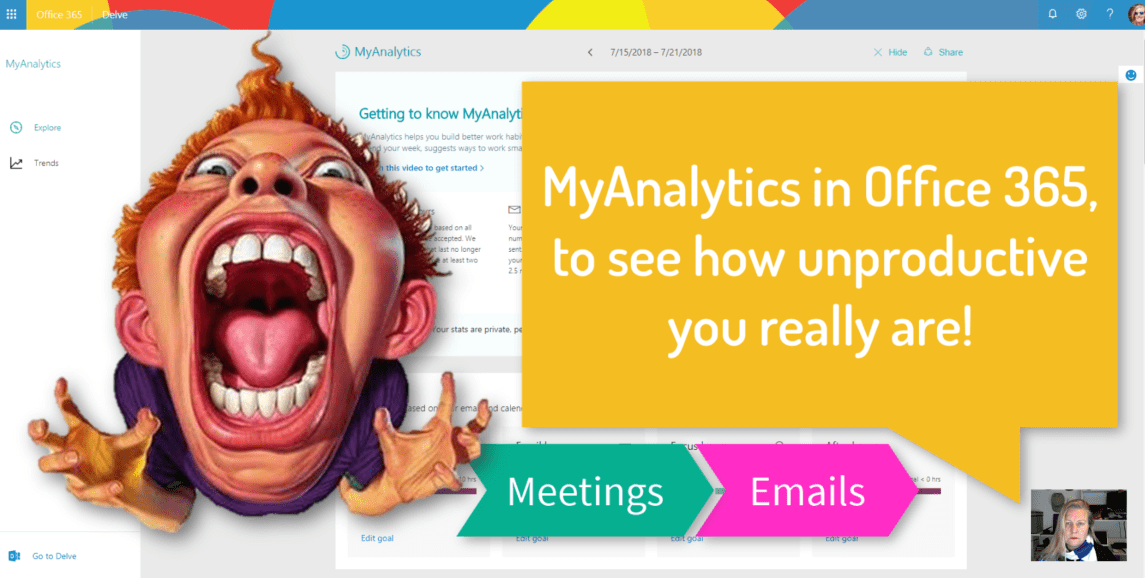
So #MyAnalytics in #Office 365 monitors your emails (sent and received) as well as meeting time and then gives you analytics around your productivity. Of course it doesn't track the other time spent working, but it's still a good indication. Especially... Continue Reading →

I've always hyperlinked words rather than just paste URL's in emails. Now with #MicrosoftSway you can get a visual link which is a pretty looking preview with a link to the Sway. Simply copy the link and paste in an... Continue Reading →
 Tracy van der Schyff