And we've made it!!! In 21 Steps we've built a #SharePoint #Intranet together. In the final video I'll show you how to use #PowerPoint to record an Intro video, then we'll publish this to #Stream and surface it on a... Continue Reading →
The Top (Global) navigation helps users navigate, this also shows up great in the mobile app. On the new modern sites, this is actually the old Quick Launch and there are two ways to update this. Let me show you... Continue Reading →
Today we'll cover a 'scary' topic. Most people are afraid of applying permissions. Perhaps because they're not quite sure of the impact. Let's take a look at applying permissions for your contributors as well as readers. I'll also show you... Continue Reading →
The most important part of your Intranet is the team of contributors who will be adding content to it. Today we'll build a Microsoft Team for these Intranet Contributors to share ideas with each other, support and help each other.... Continue Reading →
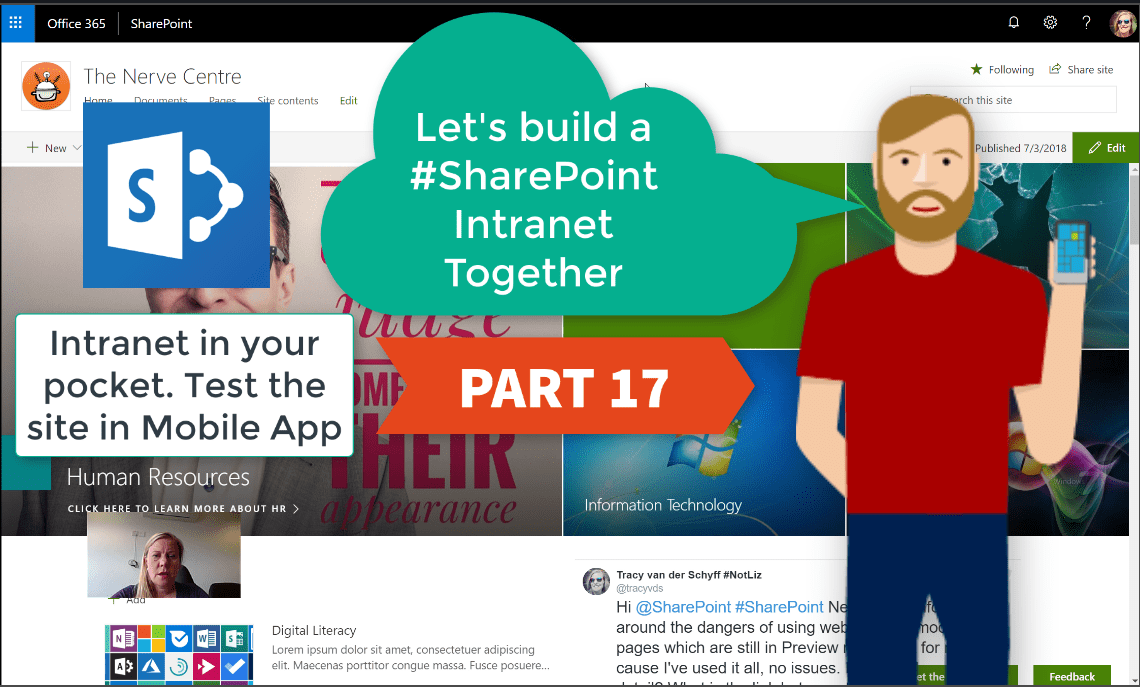
Your #Intranet is taking great form!! Let's take a look at what this looks like in the mobile app. This is very important as you'll see how the web parts wrap on the page, and might influence you into making... Continue Reading →
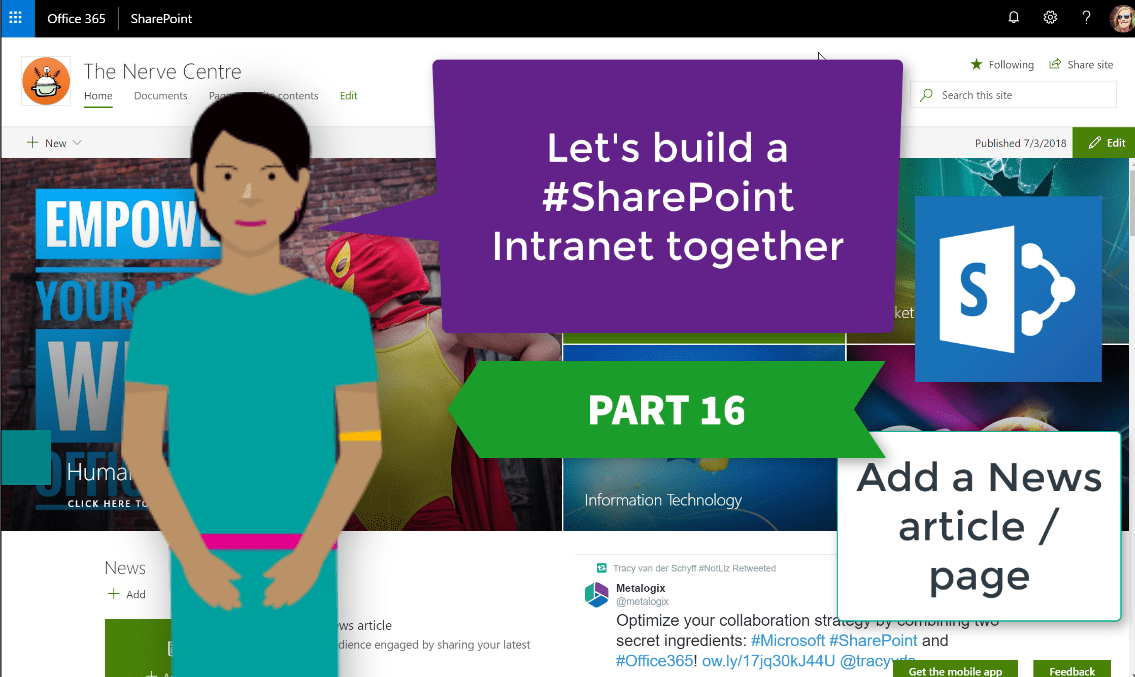
The News on the #Modern Sites on #SharePoint is a pretty nifty way to gradually replace those announcement emails with attachments. These also publish nicely to the Mobile SharePoint app. Not only can you add text and images, but any... Continue Reading →
 Tracy van der Schyff