
Here's some tips on preparing for #MSIgnite and also how to handle all the information you'll consume and try to remember. Of course I'm saying use #Microsoft #OneNote. Let me show you an easy way to categorize and prepare your pages... Continue Reading →
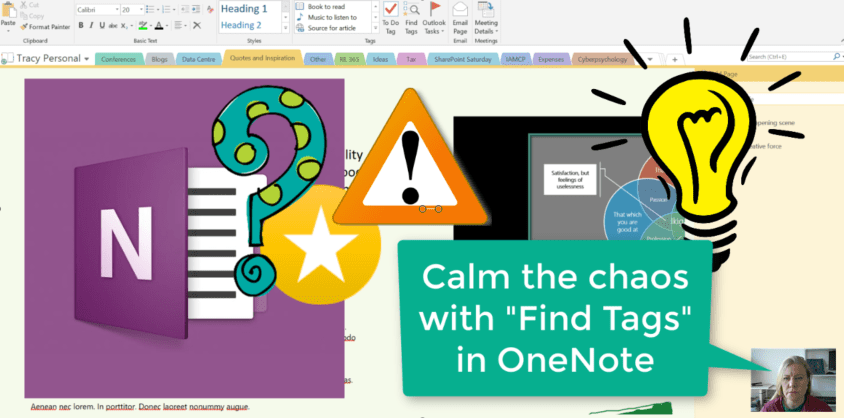
I have way too many Notebooks with even more sections and pages in. To try and remember where I tagged something for follow up, or something that I should come back to at a later stage, is near impossible. With... Continue Reading →
This is a winner for sure!!! At the moment it only seems to send to your personal OneNote, but I'm going to try and figure that out. I immediately thought of saving time and being much more productive by sending... Continue Reading →

It seems I still have a lot of amazing things to share when it comes to using #OneNote. Today I'll help you save LOTS of time by going to Recent Edits under the History Tab. Here you can quickly find... Continue Reading →
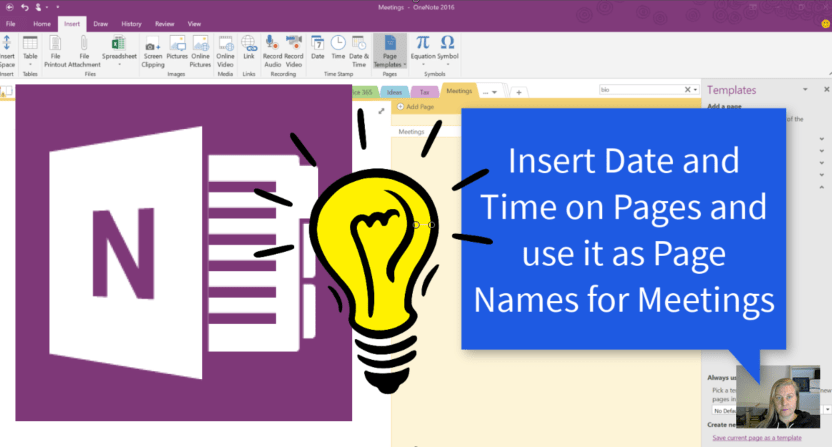
I'm not very structured in my life, but when it comes to meetings with clients I try my best. By using a Meetings main page and indenting the pages I can collapse all the meeting notes. Now I save even... Continue Reading →

I'm definitely winning at life through saving time with Microsoft. #OneNote is one of those time savers and it truly helps me be more productive as well. Let's take a look at using page templates for meetings and projects etc.... Continue Reading →
 Tracy van der Schyff