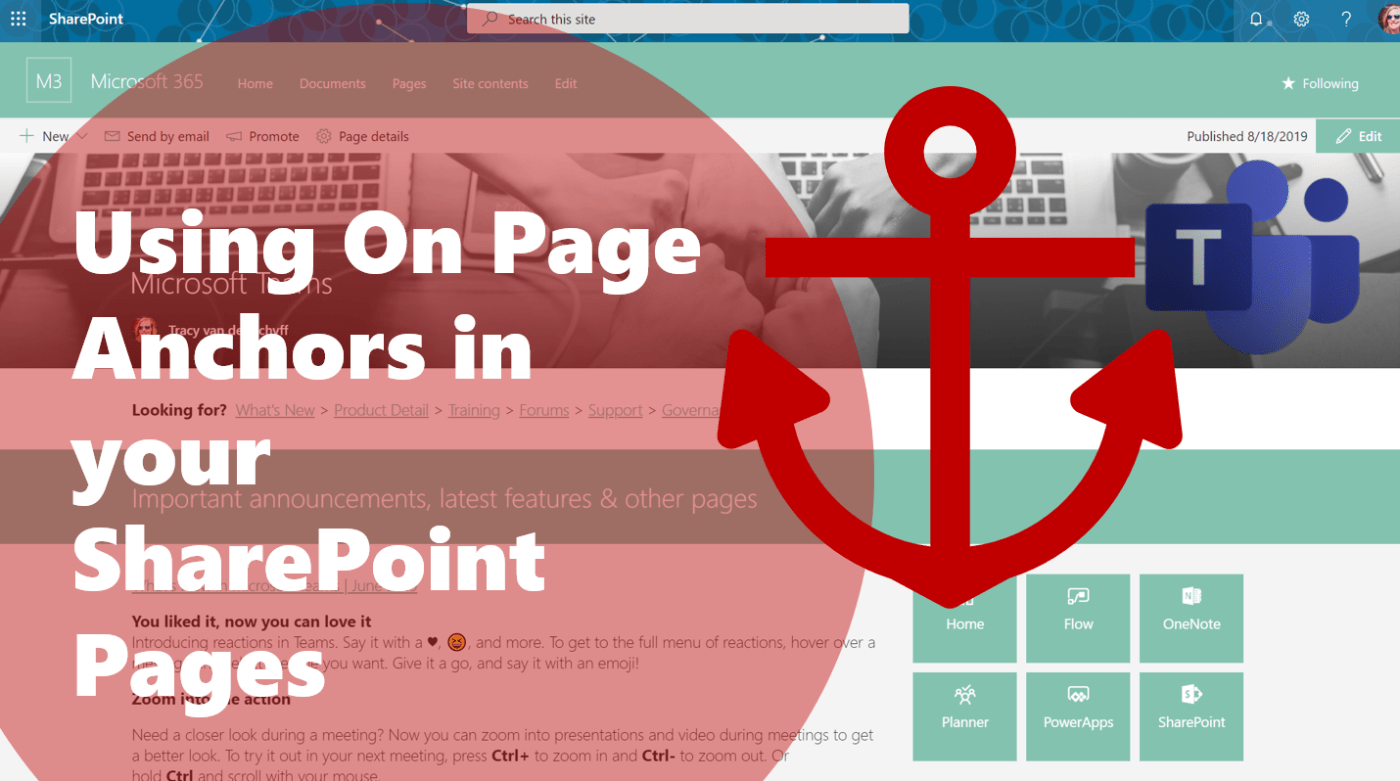
On Page Anchors for #SharePoint Pages has arrived! This is a welcome new addition to new Modern SharePoint features for sure. Anchors are used to navigate the user to a specific place on the current page (headers). This really helps... Continue Reading →

With all the choices available, it's understandable that companies are struggling to make decisions regarding where their documents should live in #Office365. New options are #OneDrive, #SharePoint and #MicrosoftTeams. In this blog we'll take a look at sharing internal content... Continue Reading →
In this video I'll show you how to create your own custom color theme for #Office365 #SharePoint Online using the Theme Generator and the SharePoint Online Management Shell with #PowerShell. And if I can do it, so can you. #PowerPoint... Continue Reading →

Here's a couple of ideas to get you inspired using the Quick Links web part in #Office365 #SharePoint online. Note that not all features are available in #SharePoint2019, see this blog for more information and remember to use the SharePoint... Continue Reading →

Inspired by a recent post on @MSTCommunity about the business case for #Yammer, I created this video to show you how to integrate your company communications into the #DigitalWorkplace aka #MicrosoftTeams using #SharePoint Online. It's about adding the value, where... Continue Reading →
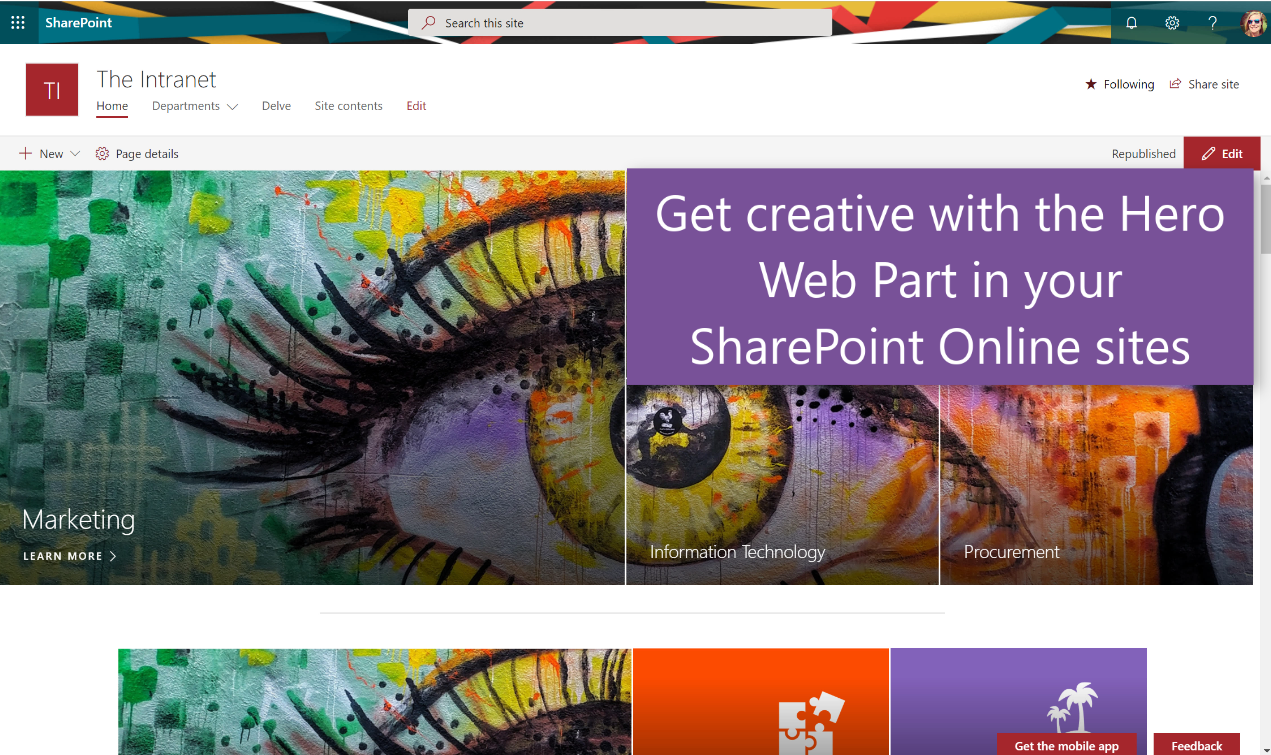
I recently delivered a digital creativity session at #SPC19 in Las Vegas and had such an overwhelming response, that I decided to do some follow up posts on creativity. Today we'll take a look at the Hero Web Part and... Continue Reading →
 Tracy van der Schyff