
I love lookup lists. Firstly because I can use them as drop-downs on multiple apps on my site and secondly, because an end user can update these. You don't need access to the library / list settings or the Site... Continue Reading →

The List Settings is where you'll find the version settings, approvals, quick edit etc. This is also where you'll find the Item Level Permissions. This is a great feature that allows you to specify whether users can only see and... Continue Reading →
Depending on whether you have access to the library settings, it's always good to know what you may find there. Versioning, default open behavior, check in / check out, folder creation, content types, column creation etc. If you are new... Continue Reading →
In this part I'll take you through the Site Contents, where you'll see all the Apps built on your site. This is also where you'll find the Site Usage Reports, Site Settings and the Recycle Bin. I'll also cover deleting... Continue Reading →
As a follow up to our "Let's build an #Intranet Together" series, I'd like to supply you with some videos and resources to empower your Super Users in #SharePoint. These people will be uploading content to the Intranet, make changes... Continue Reading →
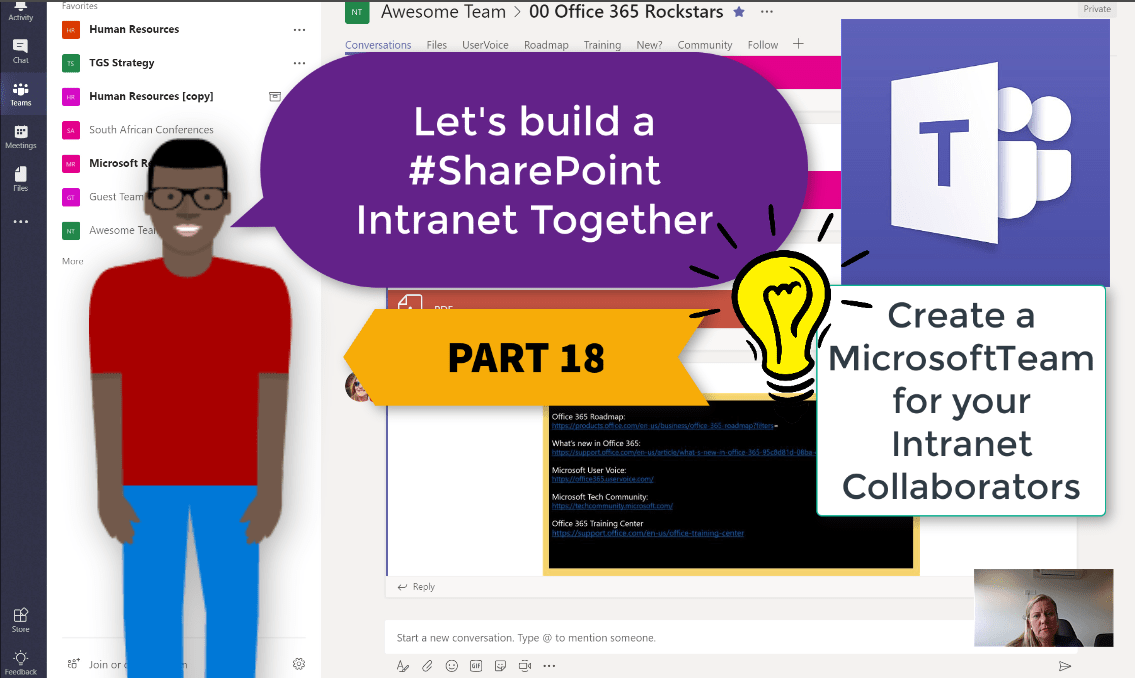
The most important part of your Intranet is the team of contributors who will be adding content to it. Today we'll build a Microsoft Team for these Intranet Contributors to share ideas with each other, support and help each other.... Continue Reading →

