
The first question that gets asked when I introduce people to #MicrosoftTeams, is: 'Will the other members be able to delete my stuff'. That's a YES. People don't trust people. This causes many complicated environments to be built - unnecessarily.... Continue Reading →

No one goes to some library to read a 40 page IT or Business Governance Document. Let's make it easier for our users by adding the #Governance and Tools they need to a Tab when we create the #MicrosoftTeam. I'll... Continue Reading →
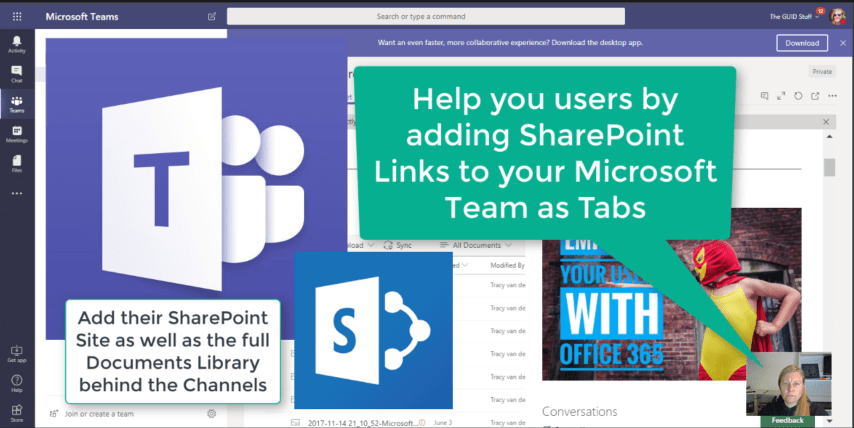
We've figured out by clicking on "Open in SharePoint" under Files in your Teams, opens the #SharePoint site (library) behind the #MicrosoftTeam. But this could be confusing for your users as each channel only shows the documents in that folder.... Continue Reading →
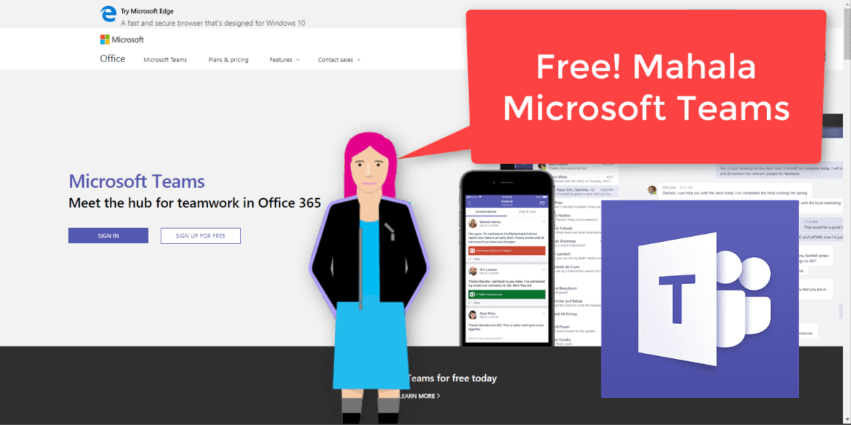
"That’s right, free. As in $0. Work together with features like chat, file sharing, and video calling." It surely is a great day to be alive when #MicrosoftTeams is made available to everyone. That means people without an Office 365... Continue Reading →

At the moment I'm taking a stroll through the Admin Centers in #Office365. We forget that not all our users have access here, and not understanding what the possibilities and configurations are can be frustrating for them. Please take the... Continue Reading →
There's more sharing options available in #SharePoint than you'll ever imagine. Too often these settings are just left to the default setting, which causes frustration and confusion in the company. It's important to familiarize yourself with these settings, even if you're not... Continue Reading →
 Tracy van der Schyff