If you’ve ever wished you had a digital assistant who just gets you, works across your apps, and helps you get things done faster, good news. Microsoft 365 Copilot is already doing exactly that.

Think of this as your guide to “talking” to Copilot so it can understand you, support you, and help you work smarter, not harder. Let’s make prompting simple, approachable, and surprisingly fun.
Microsoft describes agents as: “Specialized AI tools built to handle specific processes or solve business challenges. They can respond to and resolve inquiries in real time or operate independently based on predefined goals.” Think of an Agent as a fancy Excel Macro. Pre-created for reuse. Copilot is your personal assistant. Agents are the specialists you call in to do the actual jobs.
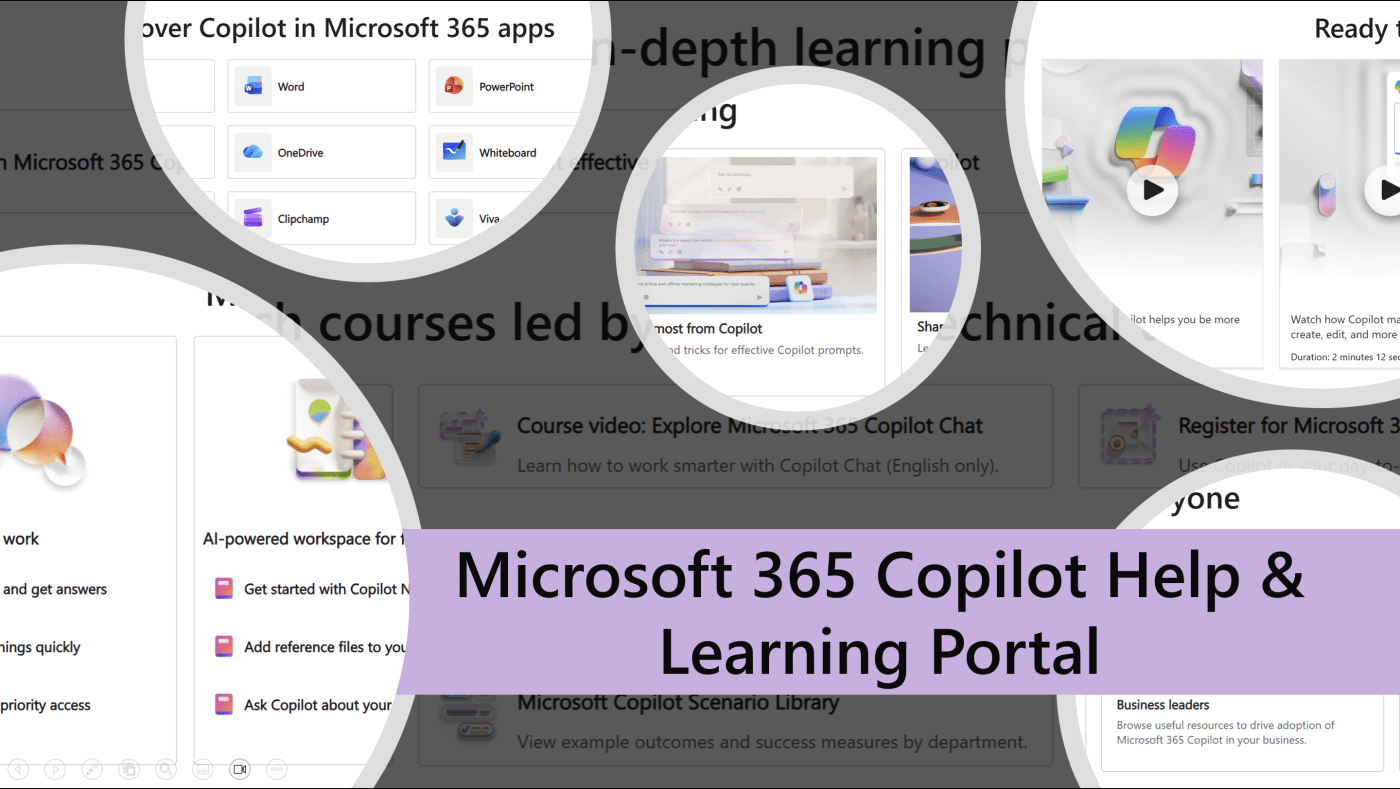
The Copilot Prompt Gallery + Help & Learning Portal provides central hubs where you can discover, customize, save, and reuse high‑quality prompts for Microsoft 365 Copilot. They help you work faster by giving you ready‑made jump‑start prompts for Word, Excel, Teams, Outlook, PowerApps, and more.
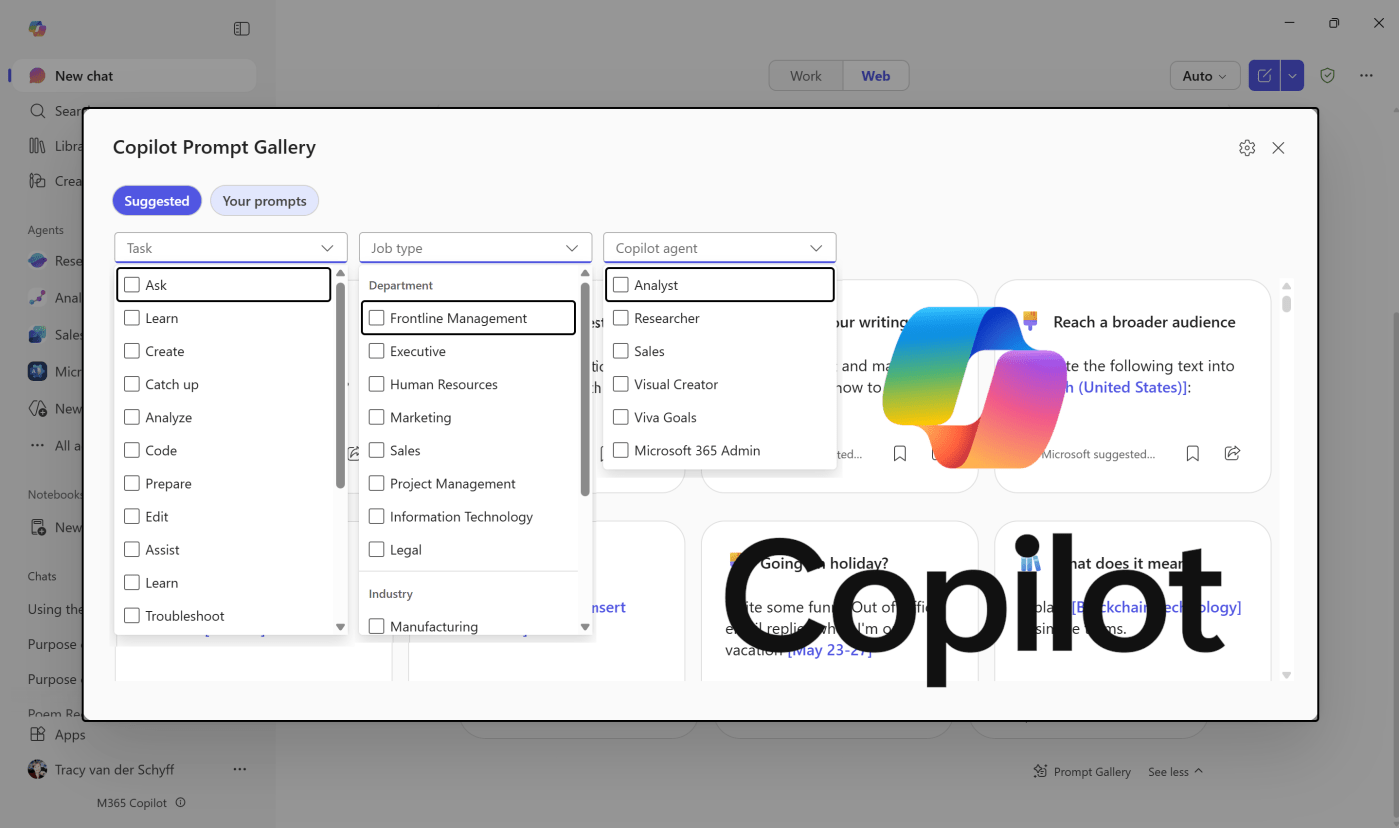
The Copilot Prompt Gallery + Help & Learning Portal provides central hubs where you can discover, customize, save, and reuse high‑quality prompts for Microsoft 365 Copilot. They help you work faster by giving you ready‑made jump‑start prompts for Word, Excel, Teams, Outlook, PowerApps, and more.
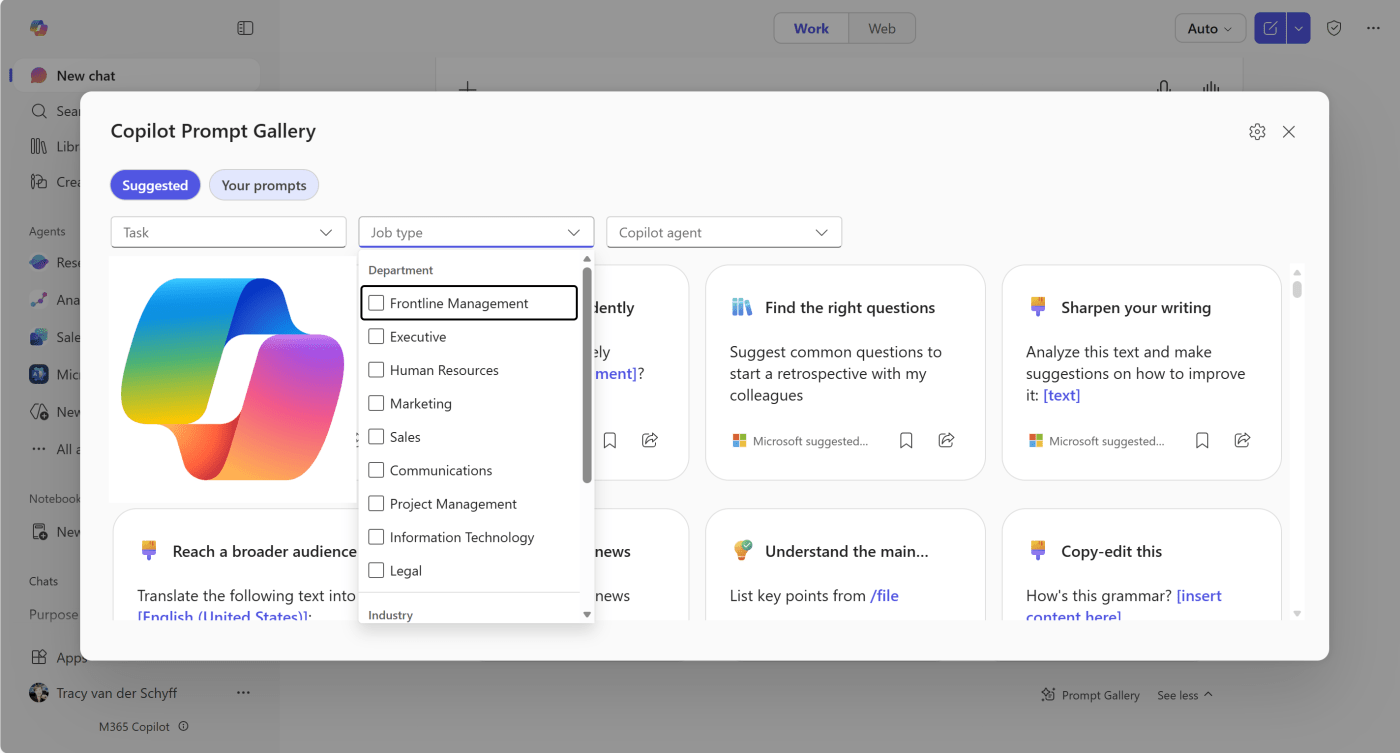
The purpose of the Copilot Prompt Gallery is to give users a single, curated place to discover, learn, personalize, and share effective prompts for Microsoft 365 Copilot.
 Tracy van der Schyff