
In this webinar recording (2020/07/03) we’ll look at building out the portal for training using Microsoft Teams, Sway, Stream, Forms and SharePoint (Microsoft 365 Learning Pathways). We’ll also cover the Productivity Score that can be used to update your training... Continue Reading →

In this video I'll show how to use the brand new "Useful Links" web part in #SharePoint online. It has groupings and uses Fluent UI Icons which are super easy to grab and use. #Office365 #Microsoft365. Important Note: It seems... Continue Reading →
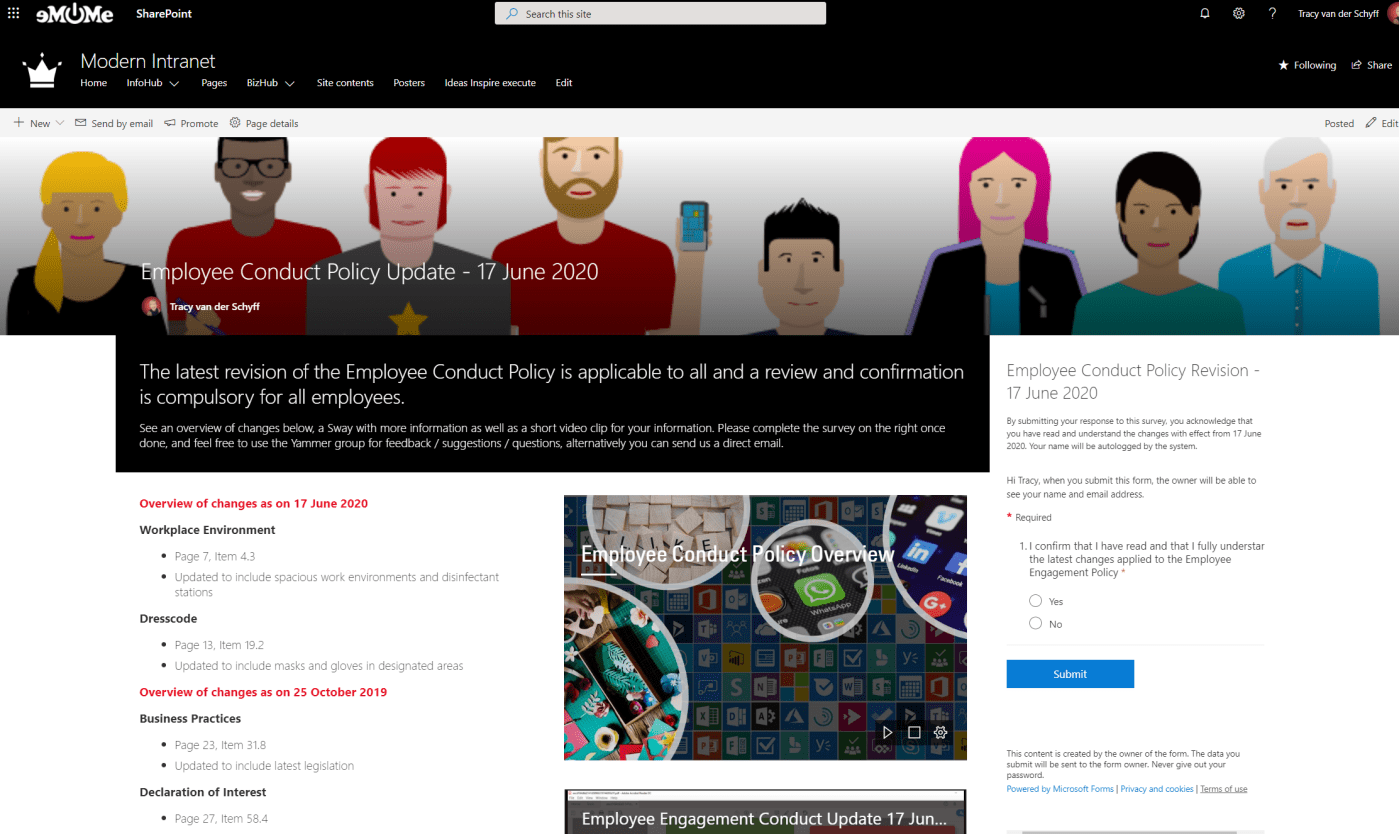
In this video I'll show you how to communicate changes to policies or company objectives using #SharePoint online, the File Viewer Web Part, #Yammer, #MicrosoftStream, #MicrosoftSway and #MicrosoftForms. The Forms allows us to get 'sign off' as acceptance from employees... Continue Reading →

By now you should know how amazing #MicrosoftTeams is. But have you figured out how to change your custom background into your own chosen image? Let me show you how easy that can be! First use the functionality You have... Continue Reading →
#MicrosoftTeams Live Events are AMAZING!! I've delivered my second webinar and honestly, it couldn't be easier. Even when running it on your own as Organizer/Producer and Presenter. Let me show you what I've figured out. #Office365 #Microsoft365 #Webinars For a... Continue Reading →
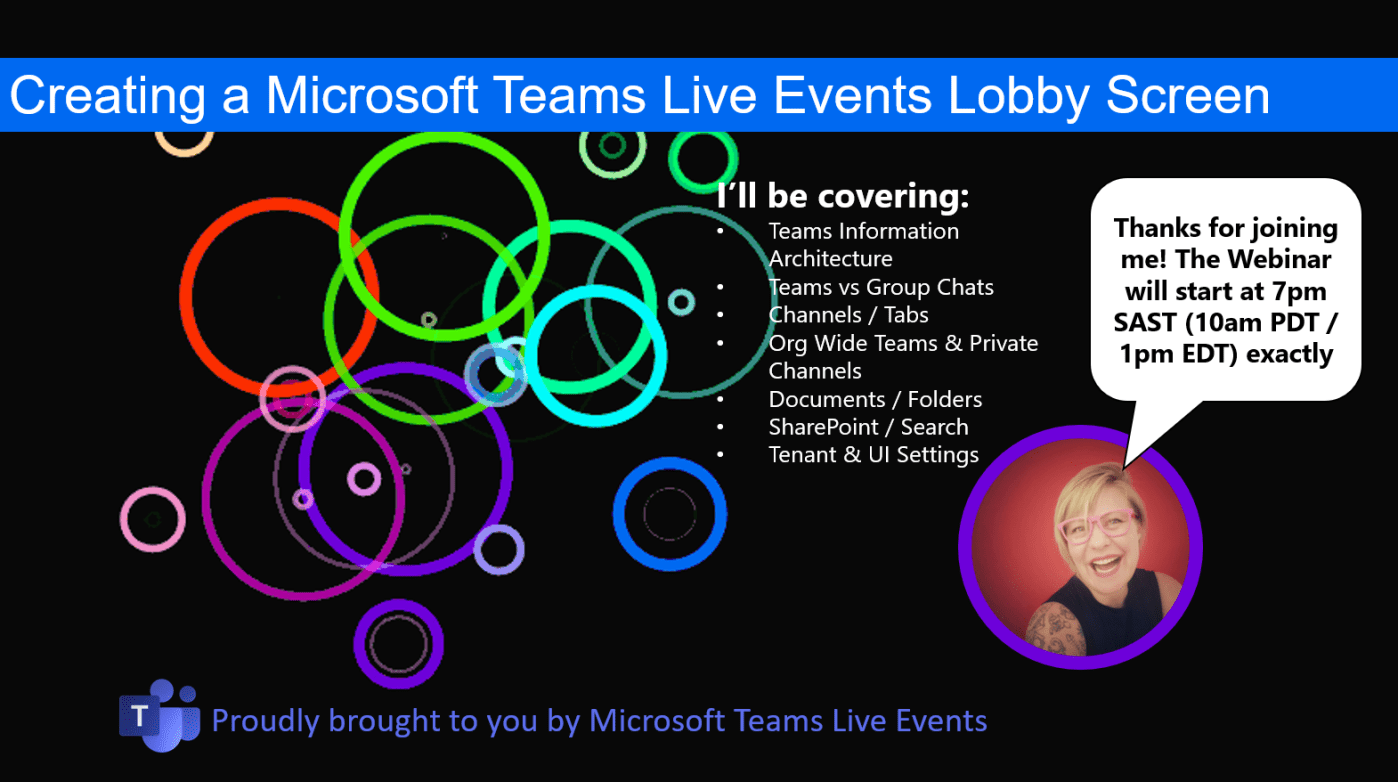
Here's a quick tip on creating a "lobby waiting screen" for your #MicrosoftTeams Live Event (webinar). https://youtu.be/yVEzXqiW7_k Voila! Hope you're enjoying using Teams Live Events as much as I do 🙂 Moving to the Cloud or stuck somewhere without... Continue Reading →

