
#Microsoft365 #Office365 As part of a mini series for #CitizenDevelopers I'll be sharing tips and tricks around Business Analysis, Project and Change Management etc. This is the last blog in the series and I want to talk about #ChangeManagement. This... Continue Reading →
#Microsoft365 Day 344: Communication and Training Tips for #Microsoft365 Citizen Developers (part 6)

#Microsoft365 #Office365 As part of a mini series for #CitizenDevelopers I'll be sharing tips and tricks around Business Analysis, Project and Change Management etc. Today we'll take a look at Communication and Training. These form a crucial part of Change... Continue Reading →

Yes, I'm that person saying not everyone should be creating #MicrosoftTeams. And I have good reasoning behind it. If you don't understand what happens in the background when a Team is built, you shouldn't just be building them. This blog... Continue Reading →

The first question that gets asked when I introduce people to #MicrosoftTeams, is: 'Will the other members be able to delete my stuff'. That's a YES. People don't trust people. This causes many complicated environments to be built - unnecessarily.... Continue Reading →

No one goes to some library to read a 40 page IT or Business Governance Document. Let's make it easier for our users by adding the #Governance and Tools they need to a Tab when we create the #MicrosoftTeam. I'll... Continue Reading →
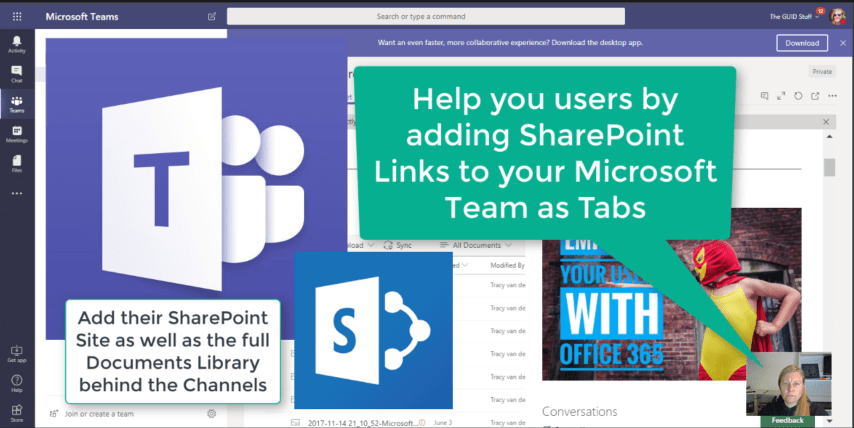
We've figured out by clicking on "Open in SharePoint" under Files in your Teams, opens the #SharePoint site (library) behind the #MicrosoftTeam. But this could be confusing for your users as each channel only shows the documents in that folder.... Continue Reading →

