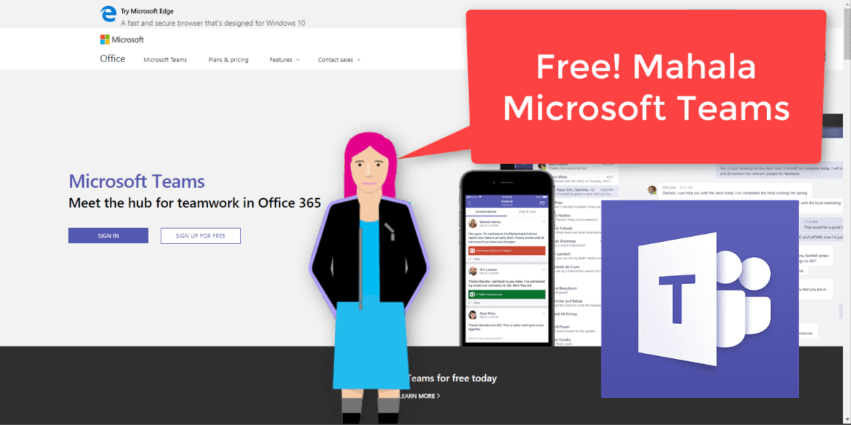
"That’s right, free. As in $0. Work together with features like chat, file sharing, and video calling." It surely is a great day to be alive when #MicrosoftTeams is made available to everyone. That means people without an Office 365... Continue Reading →

At the moment I'm taking a stroll through the Admin Centers in #Office365. We forget that not all our users have access here, and not understanding what the possibilities and configurations are can be frustrating for them. Please take the... Continue Reading →
There's more sharing options available in #SharePoint than you'll ever imagine. Too often these settings are just left to the default setting, which causes frustration and confusion in the company. It's important to familiarize yourself with these settings, even if you're not... Continue Reading →

I love the fact that I can create #MicrosoftTeams to collaborate with people outside of my organization. This is however a setting that needs to be setup on your tenant (by an administrator), if your company allows it of course.... Continue Reading →

To finalize our Build and Maintain a #SharePoint #Intranet Series I'll share a checklist of items to monitor on a regular basis. Build this into your responsibility matrix and add it to the KPI's of your Super Users. I definitely can't think... Continue Reading →

Yay!! Brand new to #PowerPoint you can now change the hyperlink color - everywhere. That means different hyperlink colors on different slides. Yes I am aware that you could change all the hyperlink colors before by editing the Design Variants,... Continue Reading →

