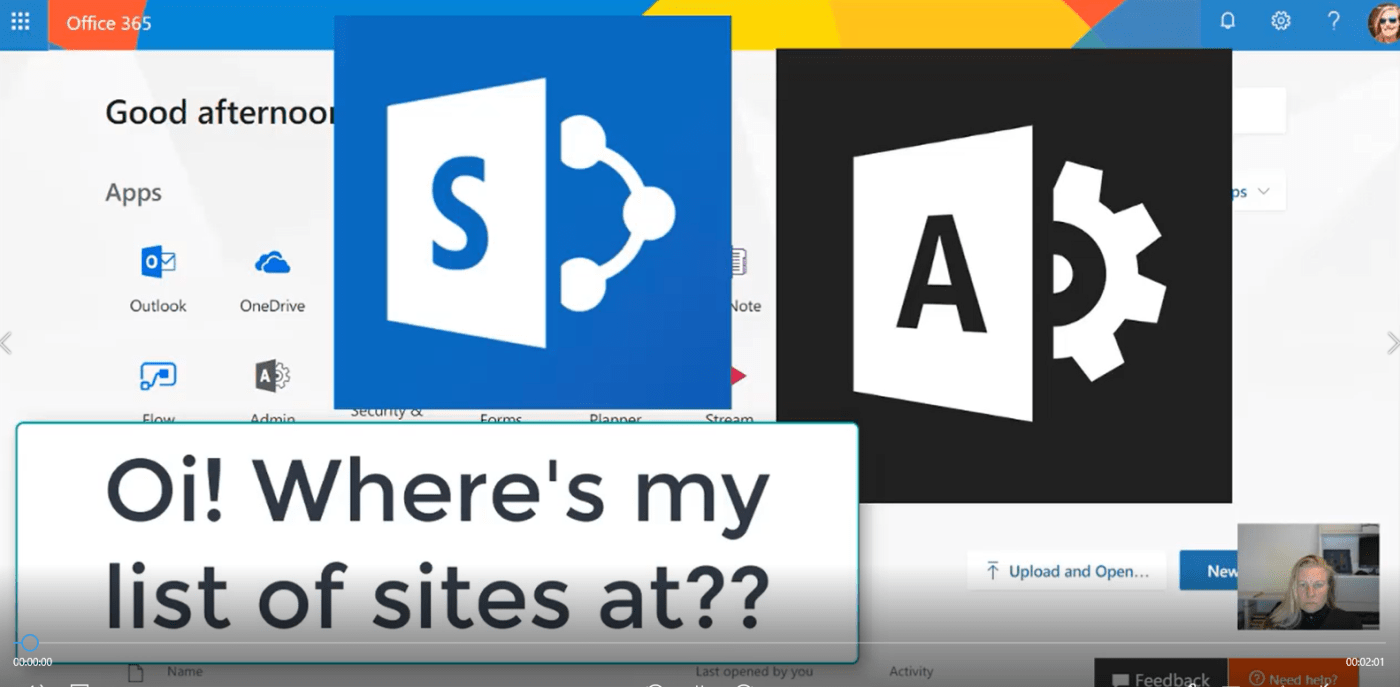
If you're in charge of managing the chaos, you might be concerned about the growing list of Site Collections in SharePoint. Remember these are created for every Microsoft Team as well. Well, now in the new SharePoint Admin Center -... Continue Reading →
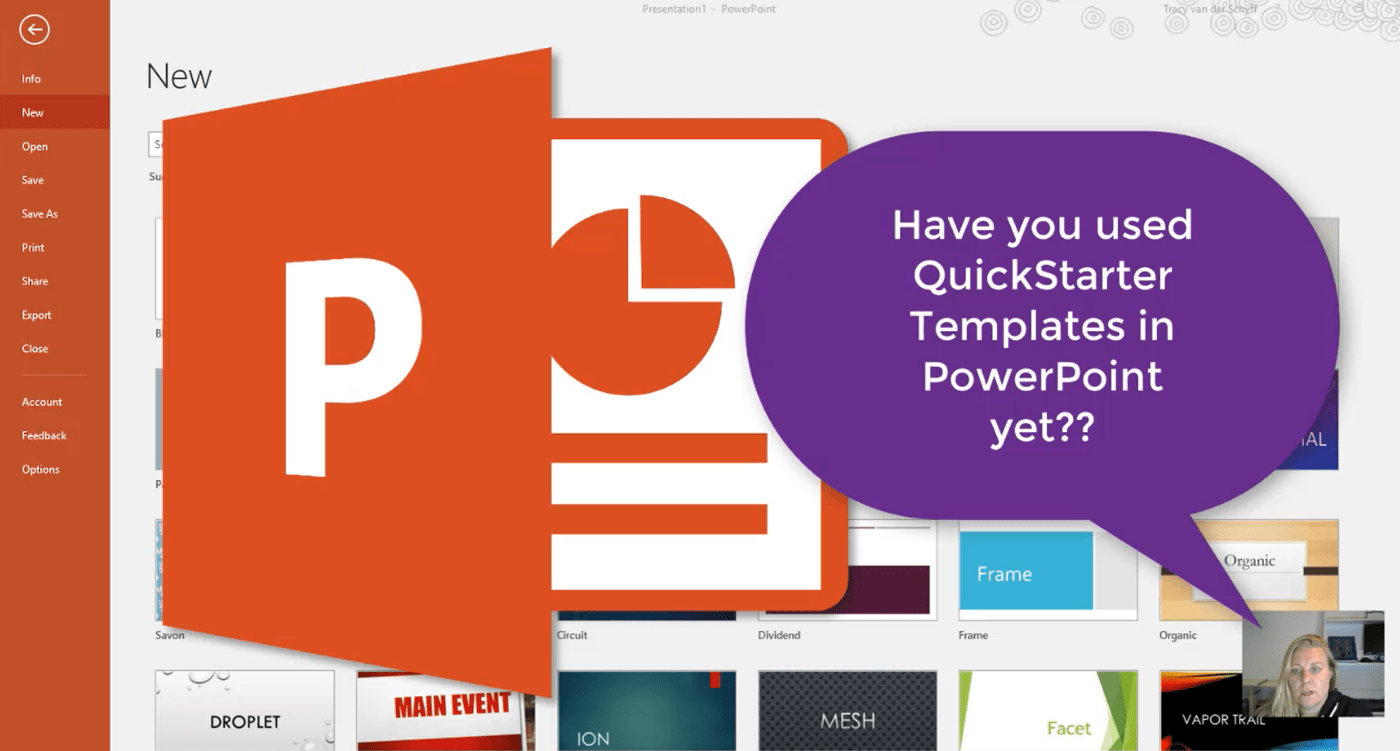
With the QuickStarter Template in #PowerPoint you can very quickly get your outline started by adding a subject. A presentation will be built based on this topic together with some research and notes to talk about. Simply right-click on a... Continue Reading →

Data Validation in Excel: As much as I love #SharePoint or #MicrosoftForms, some things still need to happen in Excel. Should you require users to complete certain fields – then Data Validation is for you. This allows you to validate... Continue Reading →

When you start using Teams, you actually want to avoid communicating with the same Team through Outlook as well. Occasionally you have to send an email though and a great way to keep track of that and notify your Team... Continue Reading →
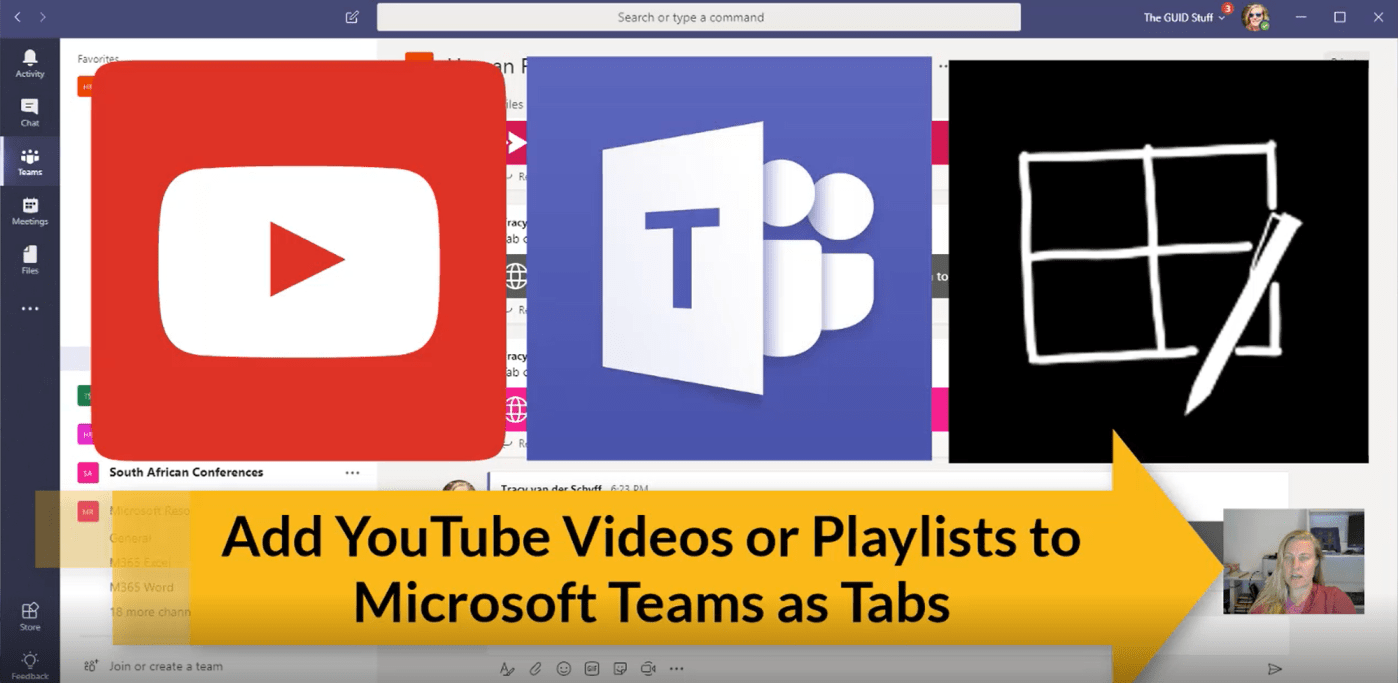
There's really great content on YouTube. With the YouTube Tab you can only add a video on a Tab, but by using the Website Tab you can add links to Playlists and Channels. Of course this is only possible if... Continue Reading →

I love anything that saves me time, and if I don't have to navigate away from where I'm at to open a browser etc., then I'm winning. Here's a great way to add training videos as a Tab in your... Continue Reading →
 Tracy van der Schyff