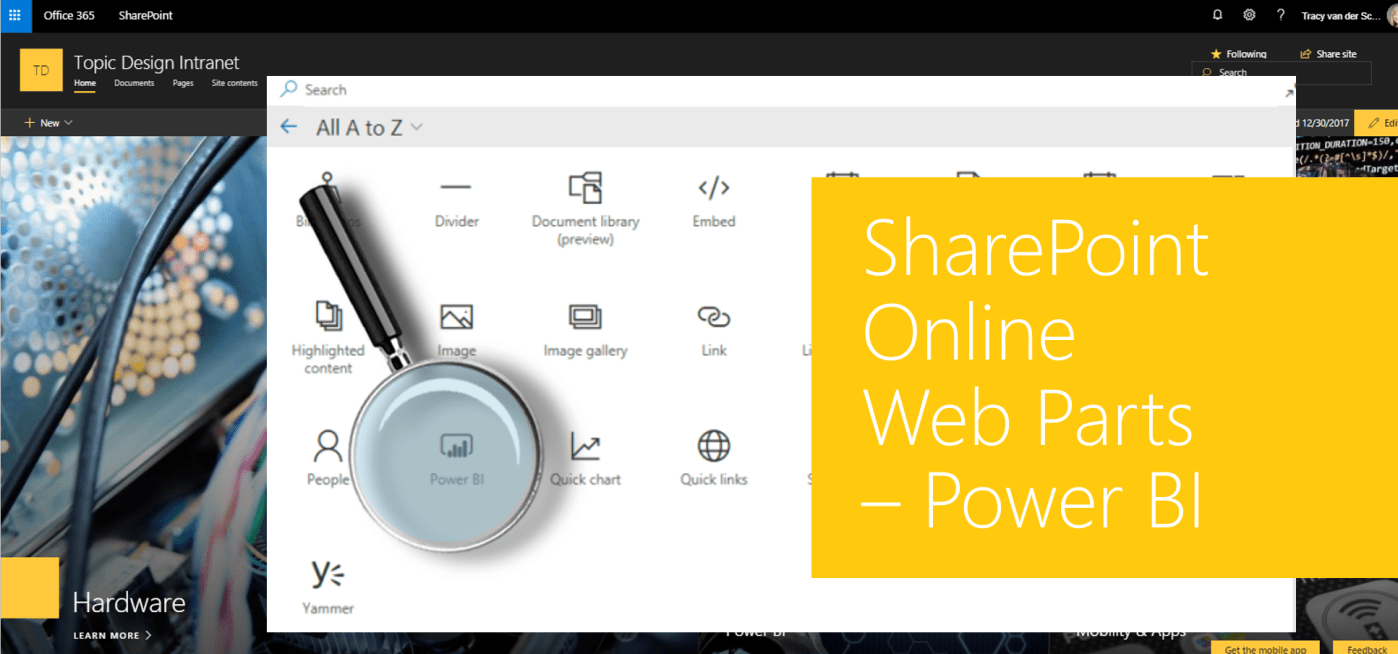
#Microsoft365 #Office365 #SharePoint The Power BI Reports Web Part allows us to share our Power BI reports in SharePoint Online on a page. Embedding a report in SharePoint Online does not automatically give users permission to view the report. The permissions to... Continue Reading →

#Microsoft365 #Office365 #SharePoint I like to think of the employees in a company as the most important assets. Let's take a look at the People Web Part, used to highlight your employees. "Employees don't leave companies, they leave managers. Every day around the globe, valuable assets walk out... Continue Reading →
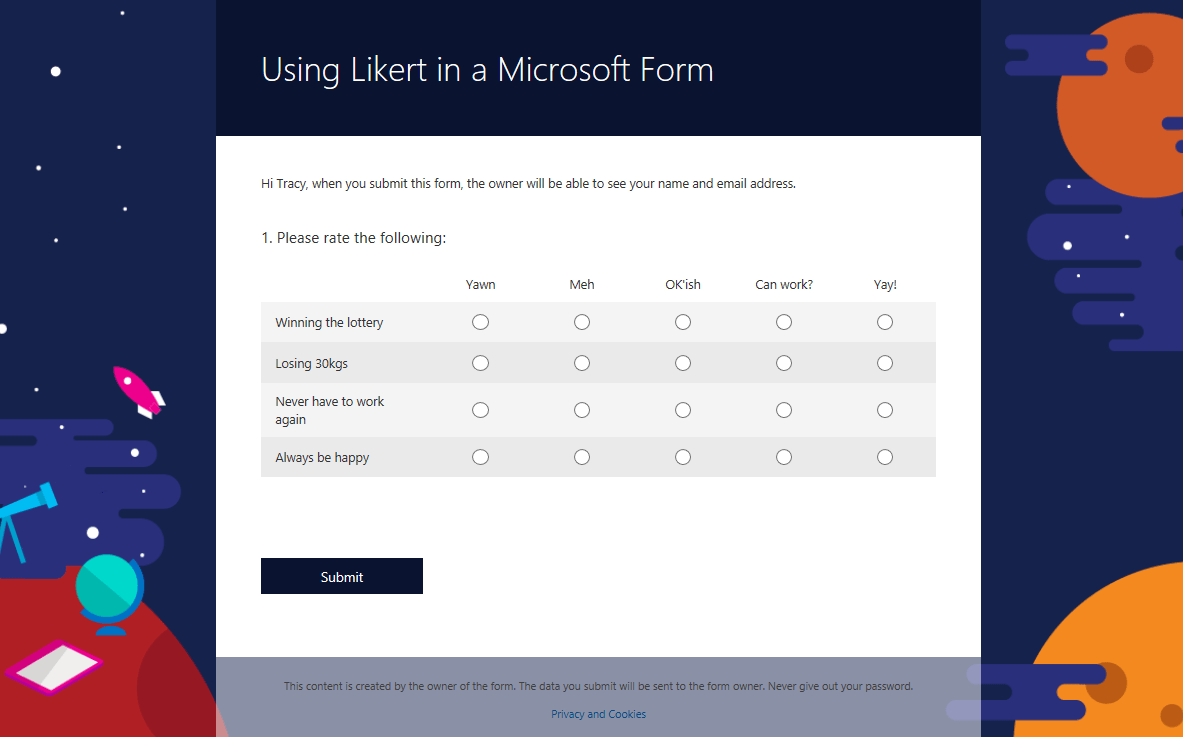
#Microsoft365 #Office365 #MSForms Likerts are used for scaling responses in surveys. This was added to Microsoft Forms in September of 2017 and will take your surveys to the next level. For previous posts in my #Microsoft365Challenge go to the index page. DISCLAIMER: ... Continue Reading →
#Microsoft365 #Office365 #MSFlow You might have noticed the "My Flows" and "Team Flows" options on your My Flows page. This has nothing to do with Microsoft Teams and everything to do with 'sharing' your Flows with other people, by making... Continue Reading →

#Microsoft365 #Office365 #MSTeams The addition of "Who" in Microsoft Teams had me whistling the theme song to CSI for hours today. Which then made me want the ability to add hotspots to areas in Teams that plays a different theme... Continue Reading →
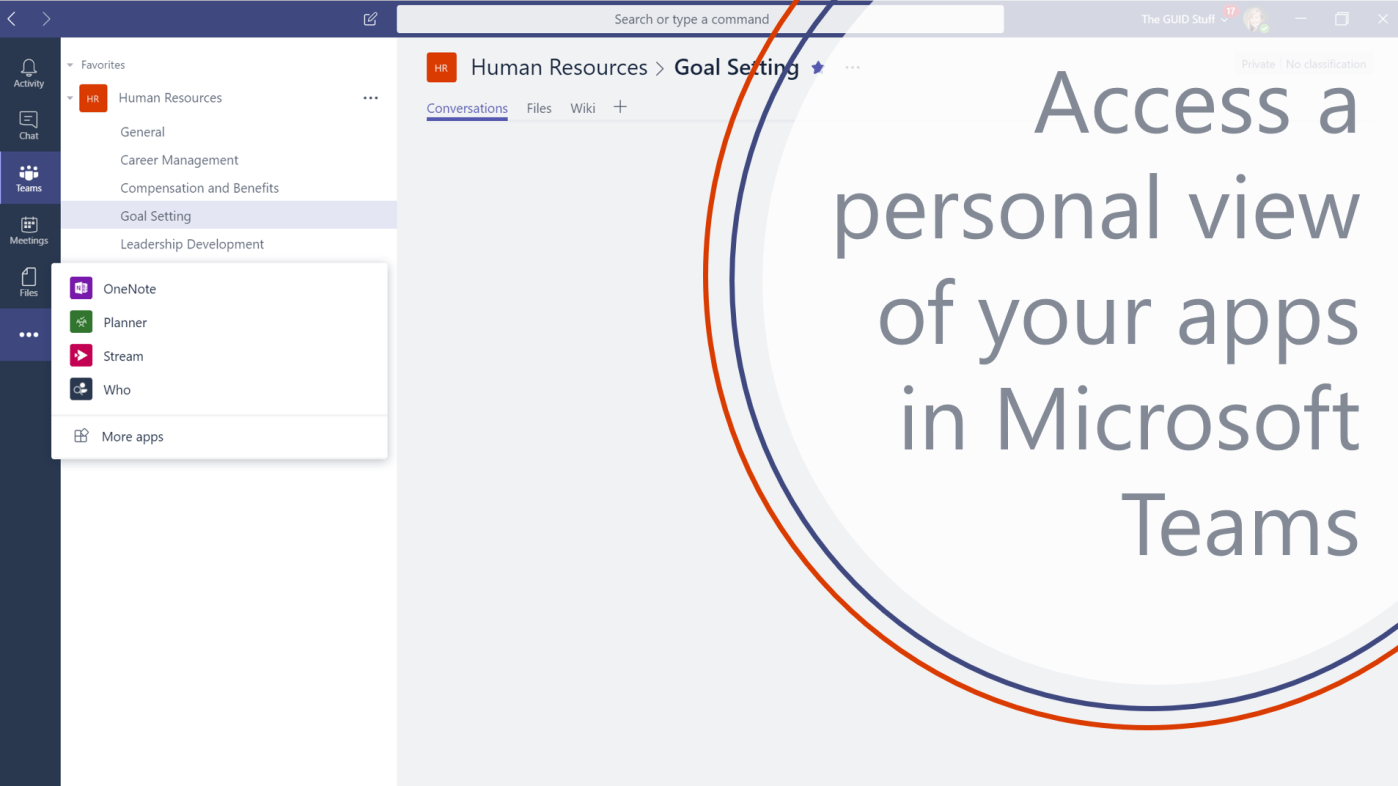
#Microsoft365 #Office365 #MSTeams On the 29th of January, the Personal view of your apps was launched for Microsoft Teams. I was super excited to see it appear in my MS Teams App a day later. Woooohooooo!! Lets take a look... Continue Reading →

