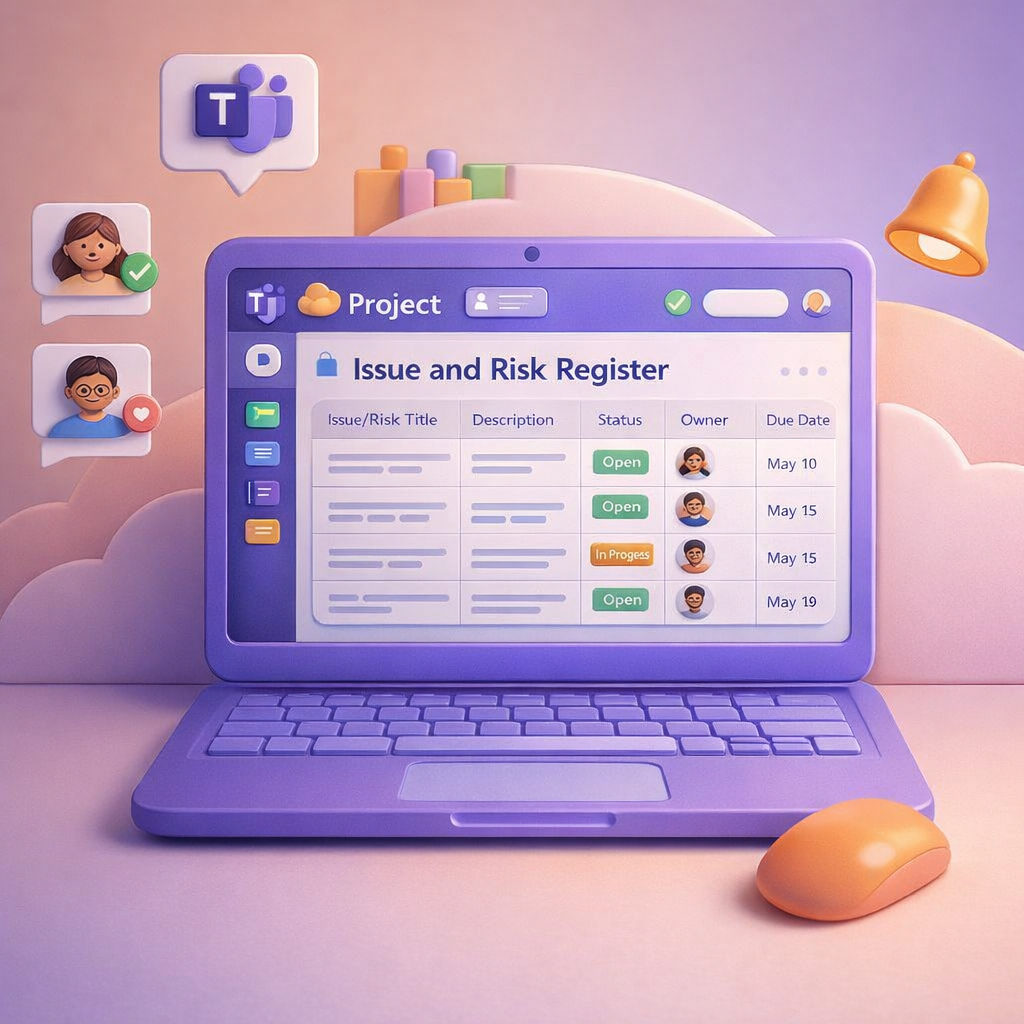
In yesterday’s blog, I looked at how Microsoft Teams can become the central hub for managing your project, conversations, meetings, tasks, and decisions all in one place. Today, I want to zoom in on something every project has (but few handle well): risks and issues. Most projects don’t fail because risks weren’t raised. They fail because risks were buried in chat, lost in meeting notes, or never tracked properly once identified. This is where Teams, Microsoft Lists, and Copilot work beautifully together.

When people think about project management, they often picture complex tools, rigid templates, and admin overhead that few people enjoy. In reality, most projects succeed or fail based on communication, shared understanding, and follow‑through — and that’s exactly where Microsoft Teams excels. When used intentionally, Teams becomes a single, structured space for conversations, documents, meetings, tasks, and decisions, instead of information being scattered across inboxes and personal drives.

When a Microsoft Team is created, it automatically creates a #OneNote linked to it (added to the #SharePoint site), so when you add a new #OneNote as a Tab - it creates a new OneNote. Also when adding #Planner (Tasks... Continue Reading →

We've seen so many blogs on running online conferences, but what about the hundreds of thousands of people attending conferences? How are you dealing with the information overload, when "taking a sip from the fire hydrant" so to speak? In... Continue Reading →
So now that I've got your attention: It's not 'new' cloud technologies, or #Microsoft, #Office365 or the #Cloud 's fault, because the software is not 'intuitive' enough, or because your users are just difficult... it's YOU and by that I... Continue Reading →
I've been an #Office365 user for so long and I'm spoilt to the point, where I don't even remember what "I didn't have before". Here I was thinking that Office 2019 is the same as ProPlus. Nope - look at... Continue Reading →
 Tracy van der Schyff