
#Office365Challenge What a great idea! Help-me-draw (straight). Because let's face it, we're not all Pablo Picassos, or wait, maybe we are. We're not all architects - and what I'm referring to is drawing straight lines and shapes. This post will... Continue Reading →

#Office365Challenge It feels like I've been waiting for this FOR EVER!! That update just wouldn't come through. Anyway, now I have it and I can tell you about the new Zoom Feature in PowerPoint. This allows you to Zoom in... Continue Reading →

#Office365Challenge Do you have a PowerPoint with some great images, text, animations and transitions. Why not save it as a video file that plays by itself? Day: 313 of 365, 52 left Tools: Office 365, PowerPoint Description: Saving PowerPoint files as Videos Audience:... Continue Reading →
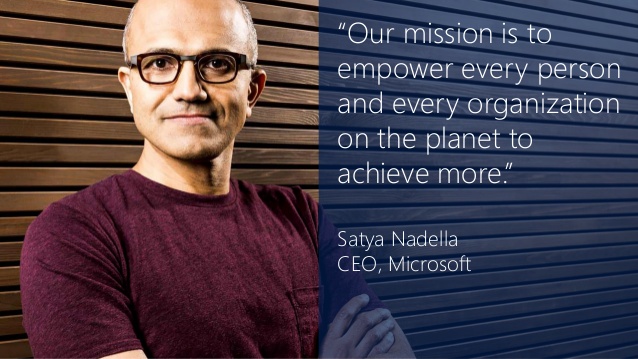
#Office365Challenge This blog is dedicated to everyone out there who wants to do better and do it faster - see what Microsoft has to offer you, to achieve more. Day: 306 of 365, 59 left Tools: Office 365 Description: Skype for business... Continue Reading →
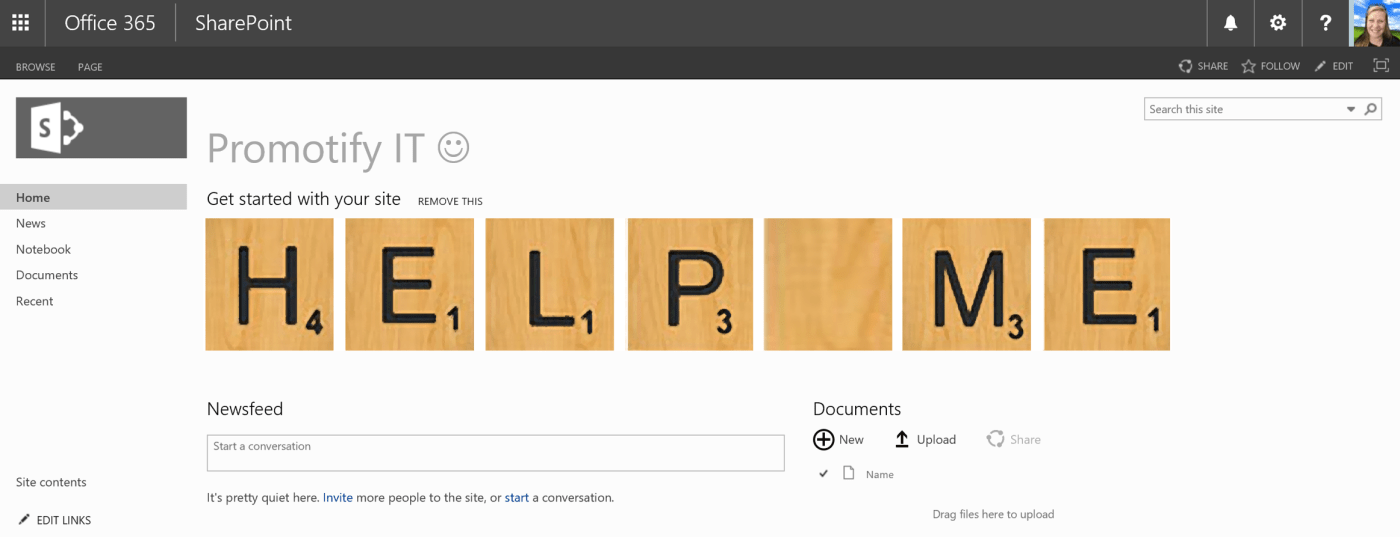
#Office365Challenge Just in time for the silly season, I thought I'd inspire you for a site refresh with some crazy Promoted link ideas. Day: 288 of 365, 77 left Tools: Office 365, SharePoint, PowerPoint Description: 15 Crazy GREAT ideas with Promoted... Continue Reading →
#Office365Challenge PowerPoint presentations should not have too much text on each slide. This means that the people will read the text instead of listening to you. Greater impact is achieved by adding keywords on the slides, then telling the story around... Continue Reading →
 Tracy van der Schyff