I've been an #Office365 user for so long and I'm spoilt to the point, where I don't even remember what "I didn't have before". Here I was thinking that Office 2019 is the same as ProPlus. Nope - look at... Continue Reading →
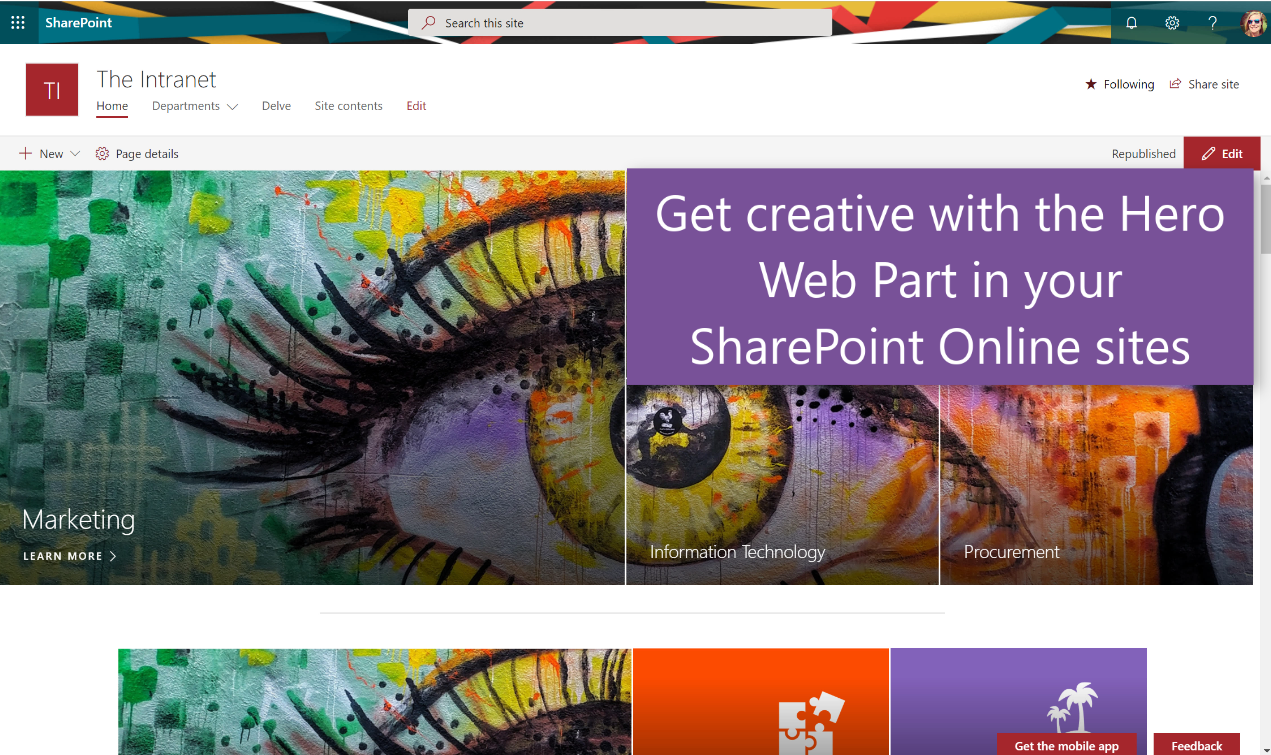
I recently delivered a digital creativity session at #SPC19 in Las Vegas and had such an overwhelming response, that I decided to do some follow up posts on creativity. Today we'll take a look at the Hero Web Part and... Continue Reading →

Yes, yes. Calm down. I know those pages used to load slower than tortoises running backwards, uphill, blindfolded through peanut butter, but.... there is a place for it, and it's easier than ever - WITHOUT #SharePoint Designer. Let me show... Continue Reading →

Are you tired of seeing that Start Screen in #MicrosoftOffice first, then you have to click on new document to open the application? Well I was as well, so here's another tip for you to save a couple of minutes... Continue Reading →
How could I not end this #Microsoft365Challenge off with my favorite things about #PowerPoint? Yay!!! I've made it (again). Please stop me if I try to do this again. To this day, #PowerPoint / #Creative blogs are still my most popular blogs... Continue Reading →
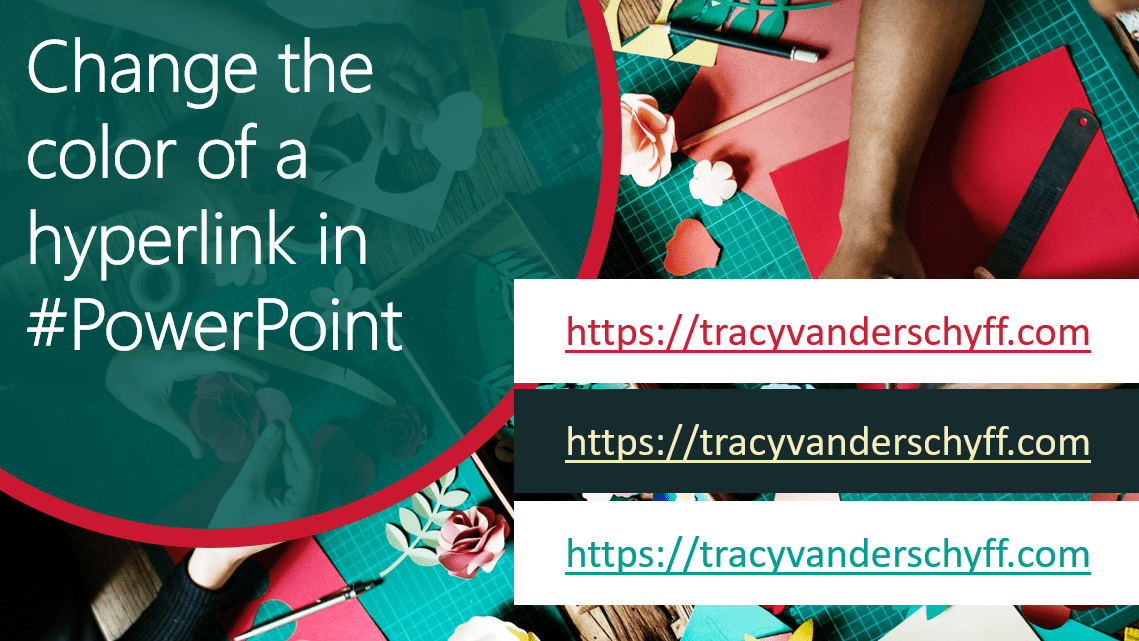
Yay!! Brand new to #PowerPoint you can now change the hyperlink color - everywhere. That means different hyperlink colors on different slides. Yes I am aware that you could change all the hyperlink colors before by editing the Design Variants,... Continue Reading →
 Tracy van der Schyff