
#Microsoft365 - If you have Office 365, you might have noticed a new Transition style = Morph. In this post I’ll show you how to use Morph to apply some really cool animations, without building all those actual animation steps.... Continue Reading →
#Office365Challenge - 7 Days to Go - You'd think that after 357 days I've said all I could about PowerPoint. Nope. Learnt something new today. PowerPoint now has preset styles you can use to apply formatting on shapes. Soon everyone will... Continue Reading →
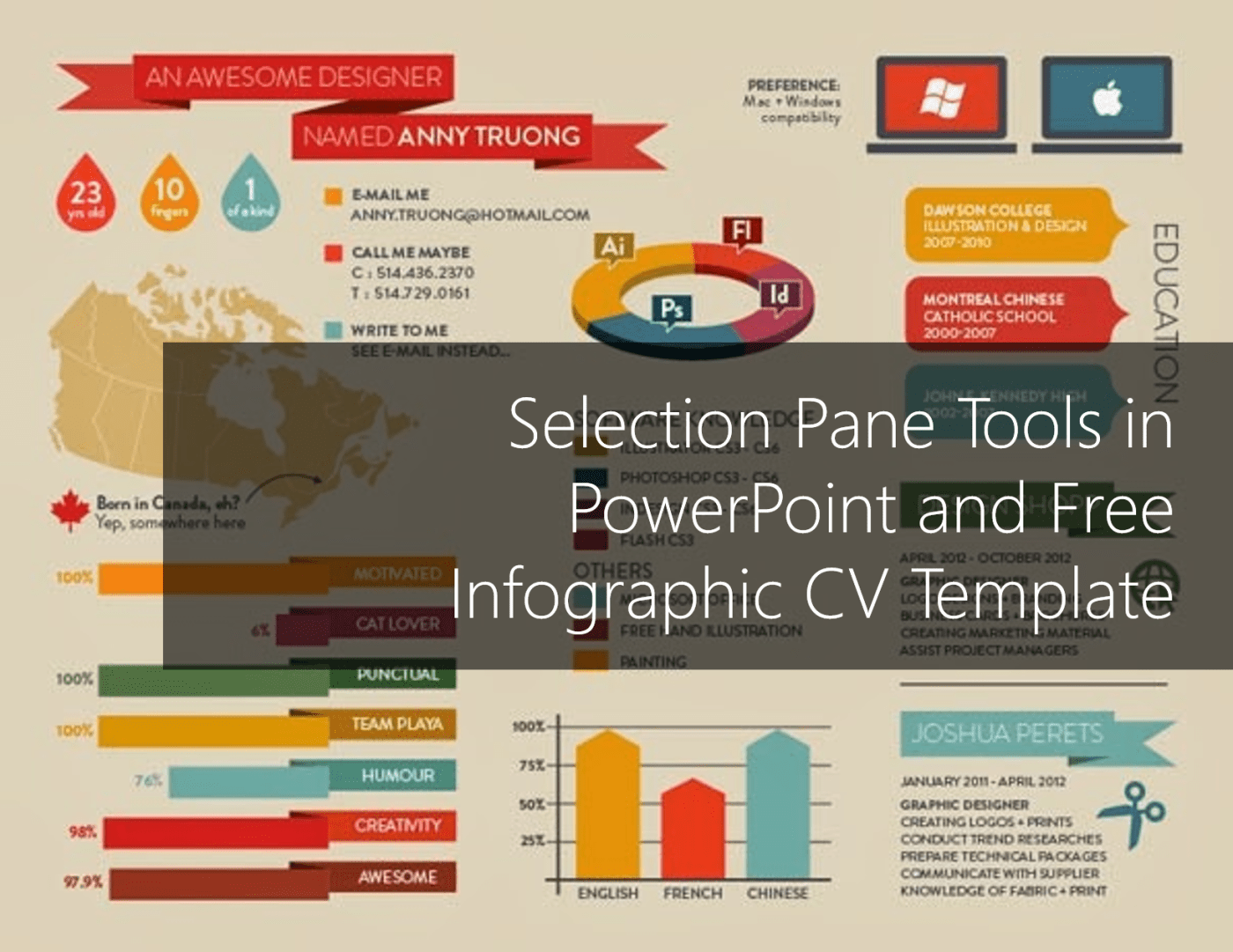
#Office365Challenge In this blog I'll share some tips on selecting and working with multiple objects (shapes, text, objects and placeholders) in PowerPoint as well as giving you my Infographic CV template for free use. I have a crazy amount of objects... Continue Reading →
#Office365Challenge If you're even a bit like me, you'll use PowerPoint for much more than just presentations. I've created posters, flyers and even my latest Infographic CV in PowerPoint. (Might share the template with you in a next blog). When your... Continue Reading →

#Office365Challenge Very few people have a perfect eye for aligning objects or text in PowerPoint. Rulers, Gridlines and Guides will 'enhance' your visual ability to spot objects which should be moved and help you design and deliver better PowerPoint presentations. Day:... Continue Reading →

 Tracy van der Schyff